Imgica AI
Opening ai avatar generator.0.0s
Imgica AI
Opening ai avatar generator.0.0s
The video studio · avatar generator
Upload one still and hand it a voice, recorded or typed. The engine animates the face so it delivers your lines with matched lip movement. No camera, no crew, no reshoots.
“Good evening. Tonight's story starts, as they all do, with a door left open.”
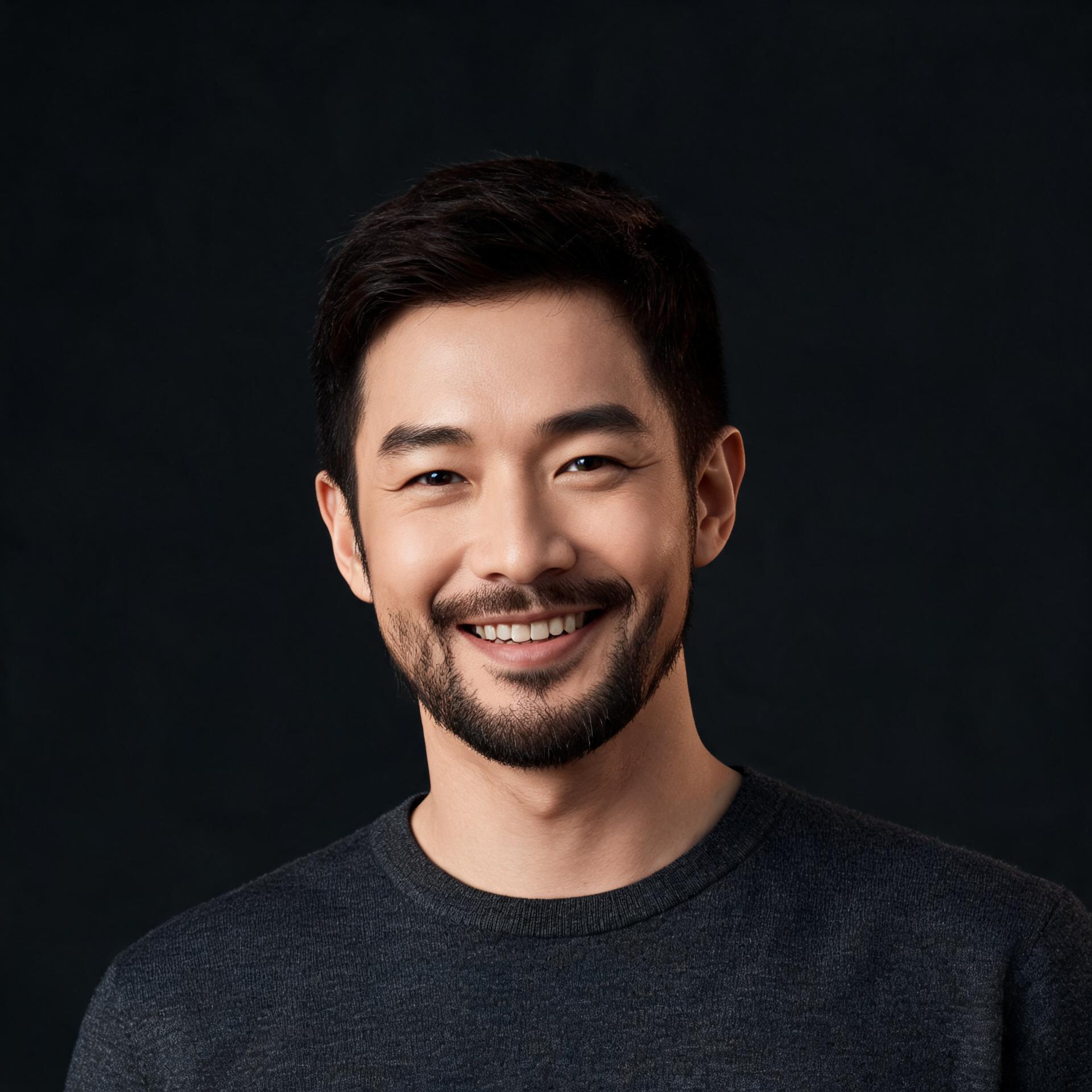
“Good evening. Tonight's story starts, as they all do, with a door left open.”
Read by an ElevenLabs Text to Speech voice
The presenter is a real render, not a mockup. OmniHuman animated this exact photo to one ElevenLabs narration, and the clip plays here with its own sound.
01 · The second take
One good presenter could be luck. A second one is a method. A different photo, a different narration, the same two inputs.
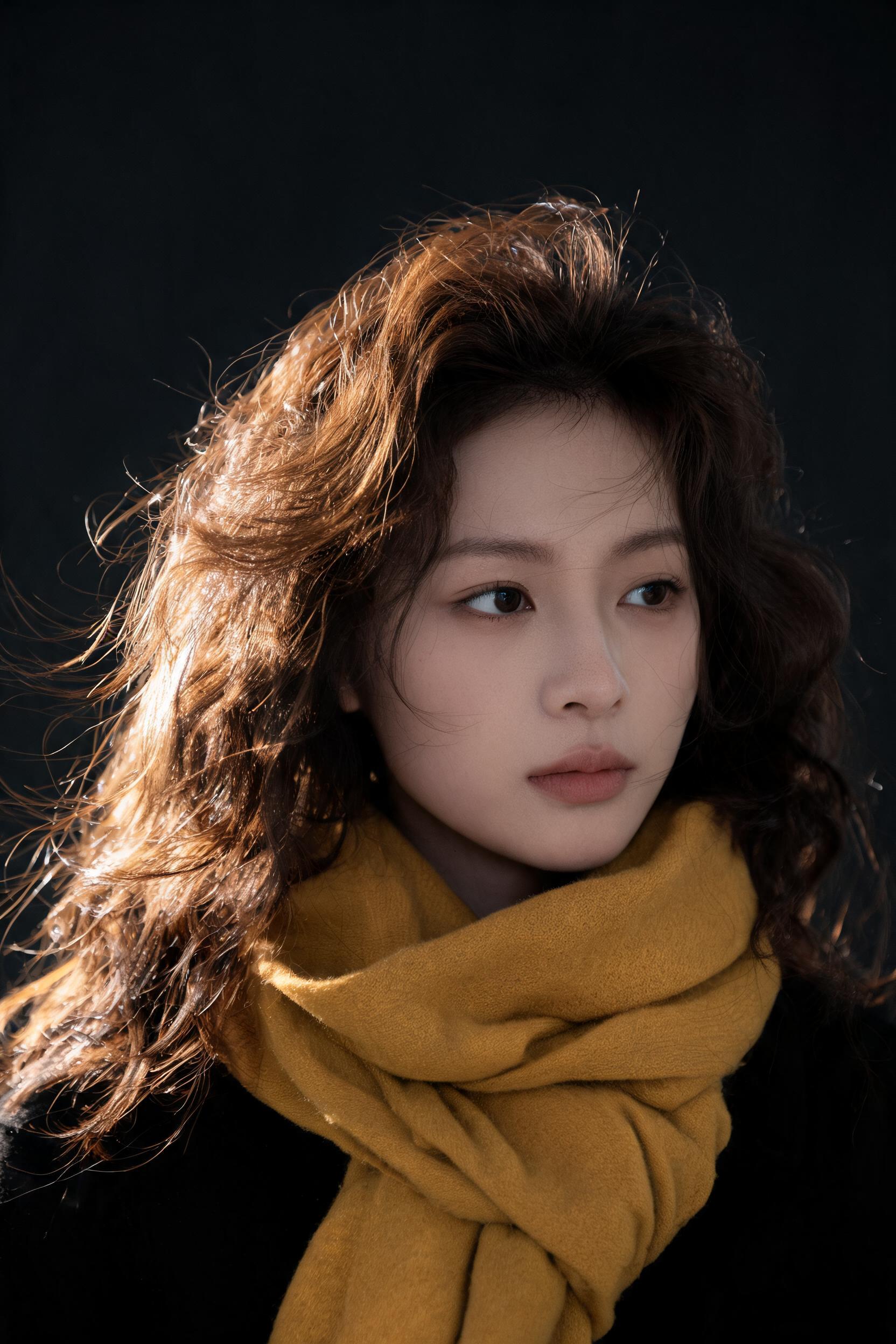
A generated portrait from this studio’s own image tools. No one posed for it.
What she says in the clip
“One photograph and one narration. That is everything it took to make me.”
The presenter above reads with a Brian narration; she reads with a Sarah. Pick the voice that fits the face, or upload a recording of your own.
02 · The engines
Ten engines, one contract: a still photo and a voice. Switching engines is not a restart. Keep the photo, keep the voice, and rerun the delivery until the presenter reads it the way you would.
Engine registerall work from one photo
03 · The pipeline
The whole presenter pipeline lives in one place. Script, voice, face and languages share one login and one pool of tokens.
01
Draft what the presenter says with the frontier chat models. Outline it, tighten it, read it out loud in your head, all in the same login.
02
Type the script and pick a Text to Speech voice with the accent you want, or upload audio you recorded yourself. Either way, the words are yours.
03
This tool. One photo plus that voice, and the engine you pick animates the face to deliver your lines with matched lip movement.
04
When the finished clip needs to speak another language, the dubbing tools re-voice it without reshooting anything.
Part of the Video Studio, with Lip Sync and Video Face Swap one door down.
04 · The consent clause
Two house rules keep the tool a tool. They are short because they are absolute.
01
The face you animate must be yours to use: your own, a character you generated, or a person who gave you permission. The tool turns a photo into a presenter; it is not for putting words in the mouth of someone who never agreed.
02
The voice comes from you: audio you upload, or a Text to Speech voice reading your typed script. The tool never copies a real person's voice on its own.
You give it two things: a still photo and a voice. The engine animates the face so it speaks your lines with matched lip movement, and you get back a talking avatar video. The voice can be a recording you upload or a script read by Text to Speech.
Yes. One still portrait is enough. Every engine on the bench, from Skyreels V3 to OmniHuman to Kling V2 Avatar, works from a single image, so there is no filming and no studio booking.
Skyreels V3 in Pro and Standard with single and multi speaker modes, OmniHuman and OmniHuman 1.5, InfiniteTalk and InfiniteTalk Fast, HeyGen Avatar V, Kling V2 Avatar in Standard and Pro, Hunyuan Avatar, and SoulX FlashHead. Same photo in, a different delivery from each.
From you. Either upload audio you recorded, or type the script and have one of the Text to Speech voices read it, with accents to choose from. The tool never copies a real person's voice on its own.
A photo you have the rights to: yourself, a character you generated, or a person who gave you permission. The tool animates a photo into a presenter; it is not for putting words in the mouth of someone who never agreed.
Signup comes with free tokens, no card required, so your first avatar videos cost nothing. After that, plans are one time purchases rather than subscriptions, and everything you make is yours.
06 · Begin
Free tokens at signup · no card required · everything you make is yours