Imgica AI
Opening image upscaler.0.0s
Imgica AI
Opening image upscaler.0.0s
The image upscaler
Two engines behind one button. Standard climbs to a 2K, 4K or 8K target at its sharpest. Fast multiplies the original up to 8x and comes straight back. Every result lands in a before and after you judge yourself.
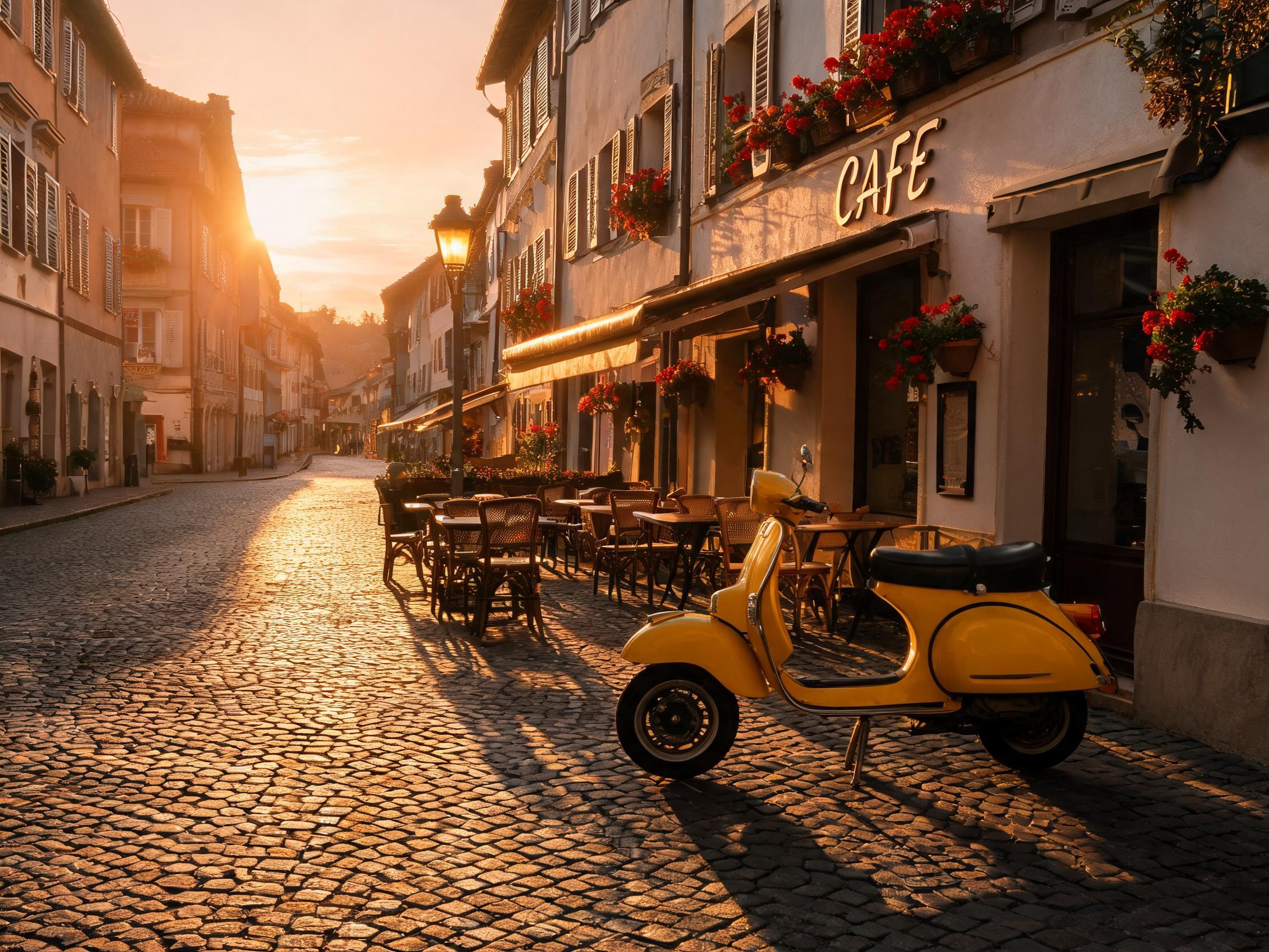
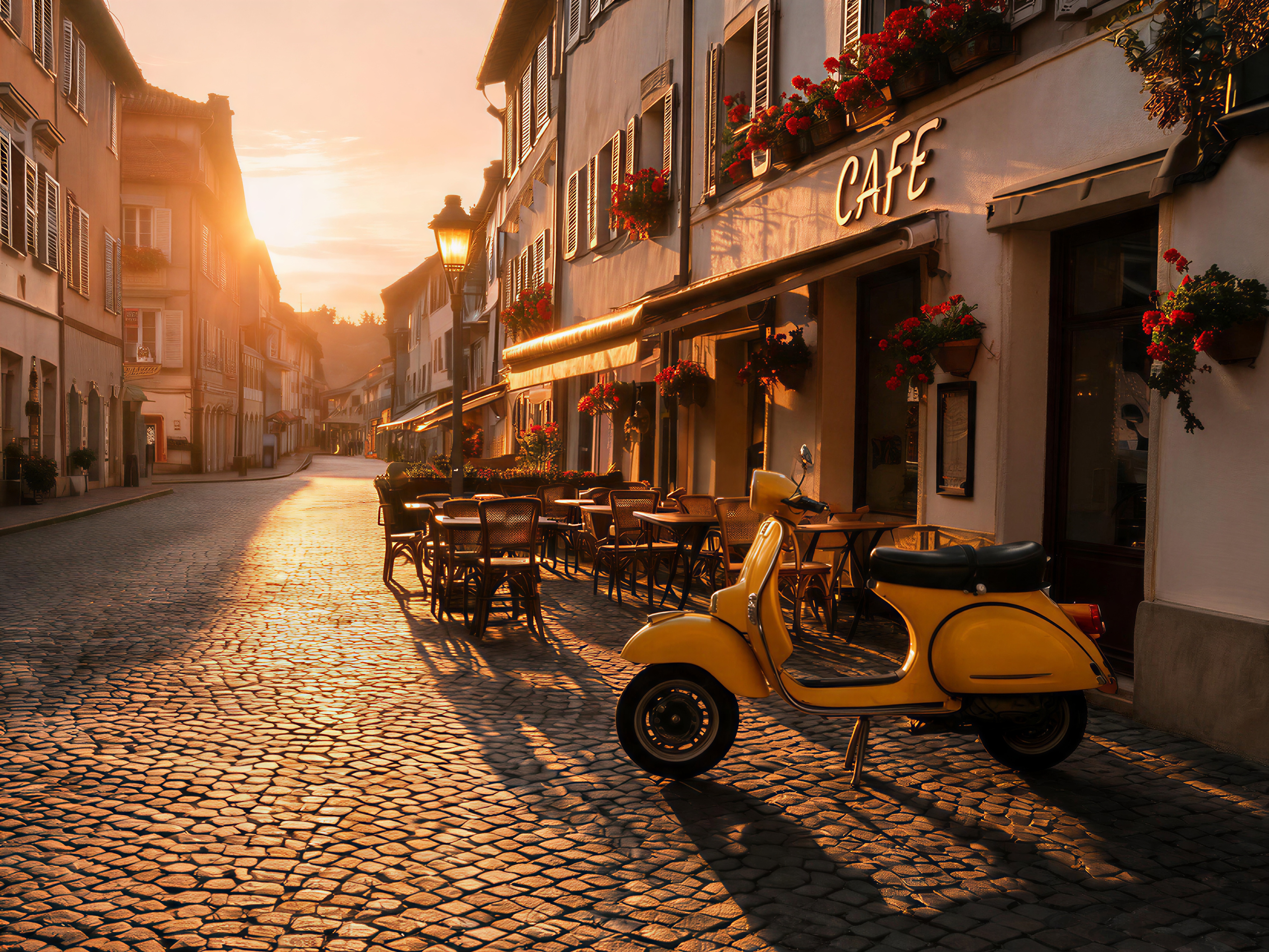
A genuine before and after, not a mockup. The 2K street photo went through wavespeed-ai/image-upscaler, the standard engine, 4K target. Both buttons show the same crop of the finished files.
01 · The engines
Standard is the finish engine, Fast is the deadline engine. Both live on the same studio page, so switching is one control, not another tool.
Neither engine asks you to trust it. The studio sets every result against the original in a before and after view, so you inspect the pixels you care about before you keep anything.
Name the destination, 2K, 4K or 8K, and it climbs there at its sharpest, rebuilding the edge and texture detail the small file never recorded. When the result has to survive a hard zoom, this is the one.
Name the factor, 2x, 4x, 6x or 8x, and it comes straight back. For the frame that ships today and the batch that cannot wait.
The climb, itemized
02 · The bench
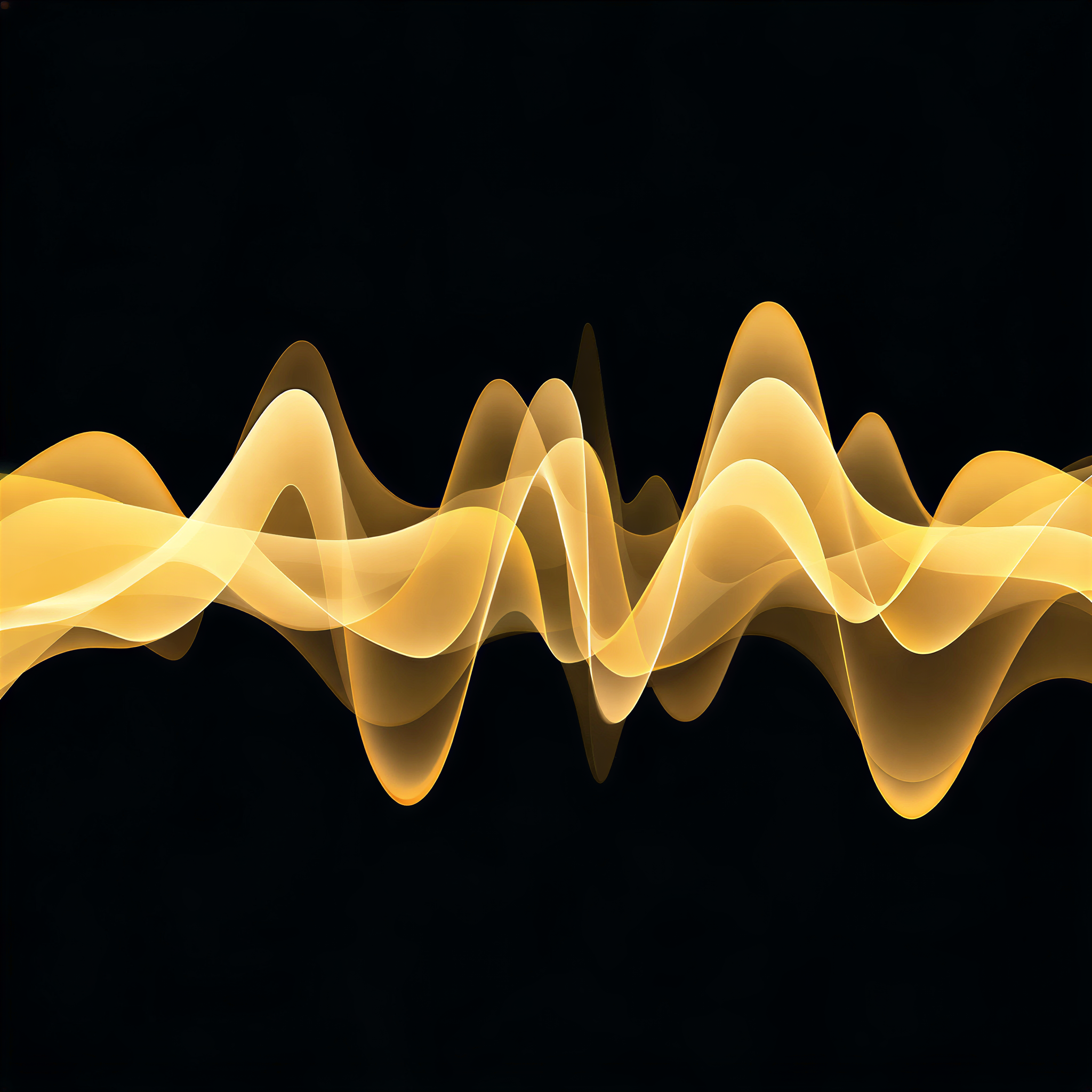
Two more jobs, replayed from the saved files, one per engine. The outputs on these tickets are the files the engines returned, not mockups.
 went in
 the real 4K
“the standard engine, 4K target”
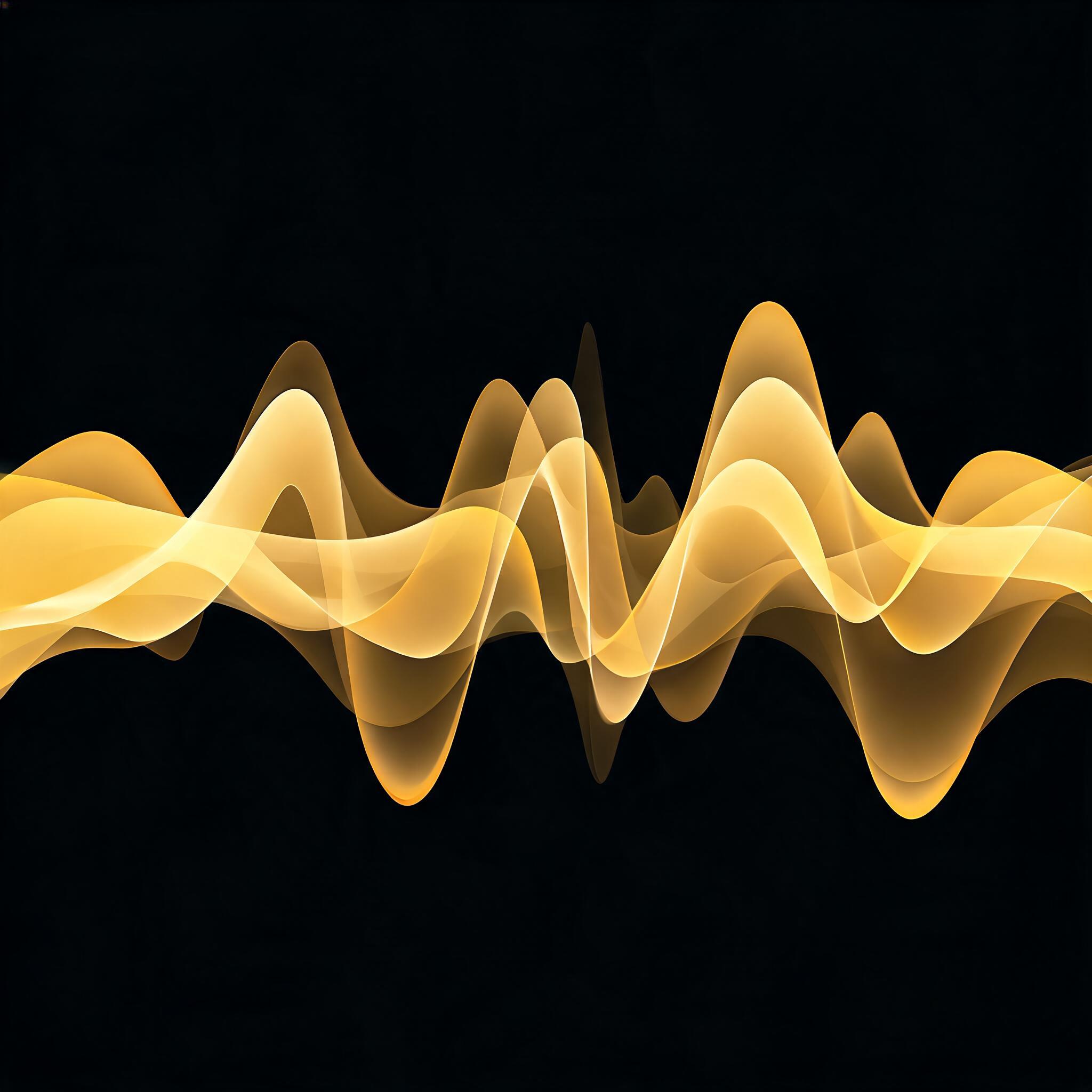
“the fast engine, 4x”
03 · The ceiling
No quarrel with the classic tools. Resampling is the right instrument for a nudge. This page exists for the jump it was never built to make.
Photoshop is a fine instrument, and for a small resize its resampling is exactly right. But resampling estimates each new pixel from the pixels beside it, so a big enlargement spreads the same information across more surface, and the picture reads soft. A generative upscaler works the other way around. It infers the edge and texture detail the small file never recorded, which is why the result still holds when you zoom all the way in.
Method A · Resample
Method B · Generative
04 · Motion
Video upscaling lives on the same studio page as stills, and the job is billed by clip length, so a short clip stays a small job.
Pick the target for the clip the same way you pick it for a still. Clips come back at 1080p, 2K or 4K, judged in the same before and after view.
Open the video upscalerUpload your image in the studio, pick the Standard engine and set the target to 4K. The result arrives with a before and after comparison so you can inspect the detail at full zoom, then download at full resolution. The same routine with the 8K target takes you higher.
You get free tokens at signup, no card required. When the free tokens run out, plans are one time payments rather than subscriptions, and everything you make is yours.
Standard produces the sharpest results and works from a target resolution: you choose 2K, 4K or 8K and it climbs there. Fast is instant and works from a factor: 2x, 4x, 6x or 8x the original size. Standard when the finish matters, Fast when the clock does.
Yes. The Standard engine takes an 8K target directly, and the Fast engine multiplies up to 8x. 8K gives you room to crop hard, print large and zoom in without the picture falling apart.
Resampling in a classic editor estimates each new pixel from its neighbors, so enlargement spreads the same information across more pixels and big jumps read soft. A generative upscaler infers new edge and texture detail instead, which is why the result holds up when you zoom in.
Yes, video upscaling lives on the same page in the studio. Clips come back at 1080p, 2K or 4K, and the job is billed by clip length.
06 · Begin
Free tokens at signup · no card required · everything you make is yours