Imgica AI
Opening background remover.0.0s
Imgica AI
Opening background remover.0.0s
Tools · The finishers
Upload a photo, take back a transparent PNG. Four engines cover everything from product shots to flyaway hair, and the same cut works on video, frame by frame.
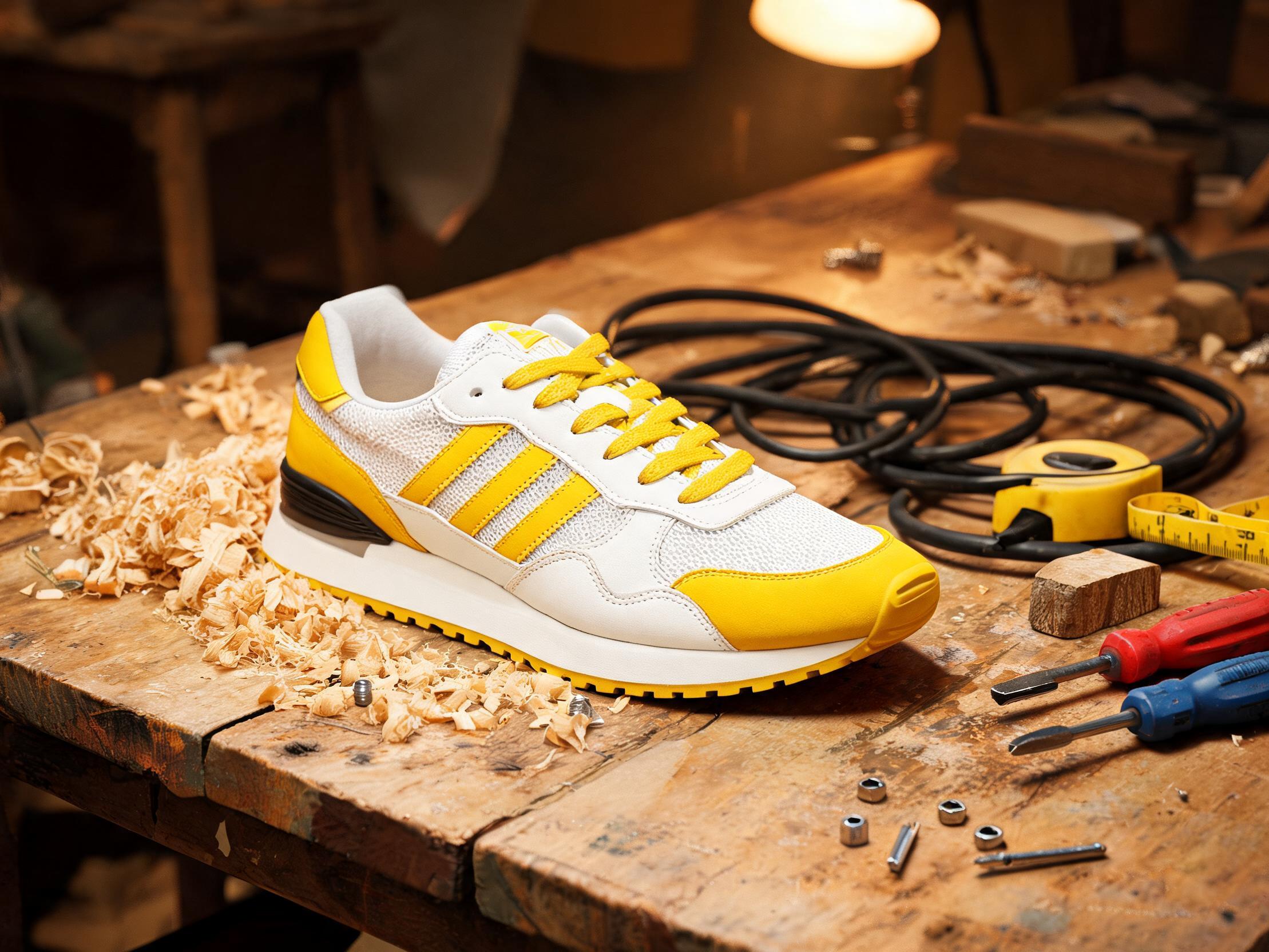 The upload
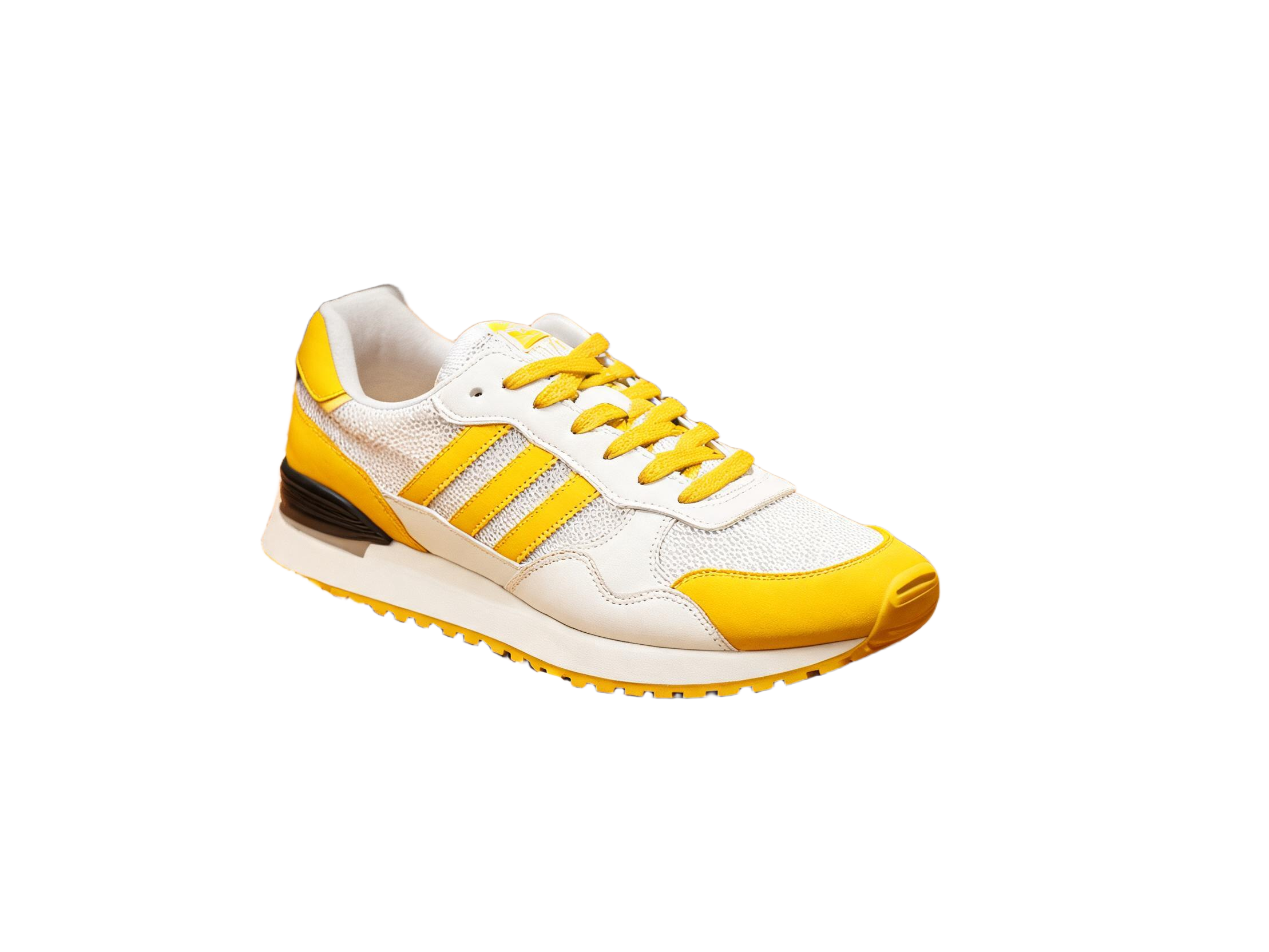 The cutout · PNG
“The clean side is the actual transparent PNG the Standard engine returned for this upload. Drag the seam and judge the edge yourself.”
01 · The proof prints
The seam above held a sneaker. These prints put the Standard engine on hair and on hard edges, the two places cutouts usually fail.
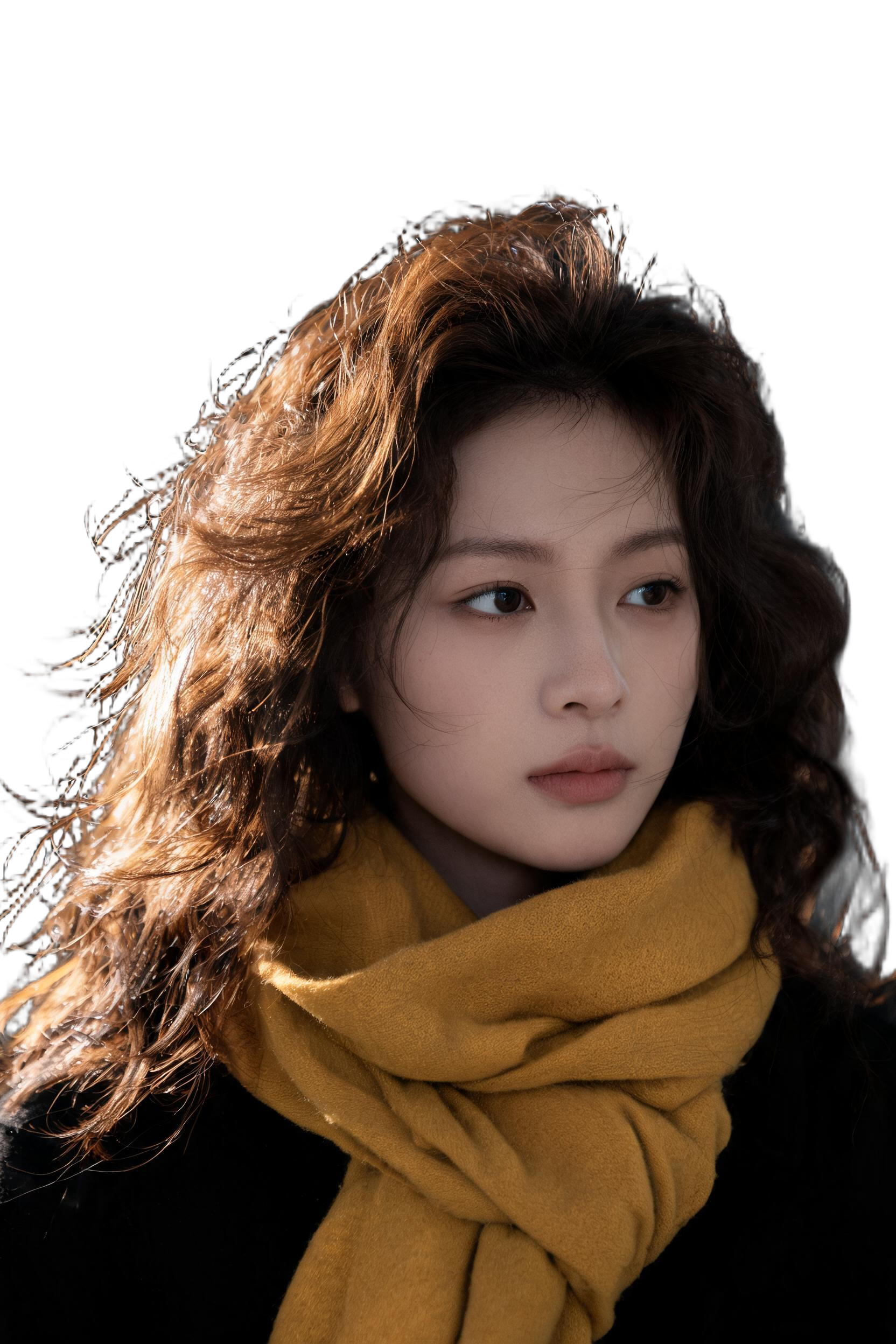 The cutout · PNG
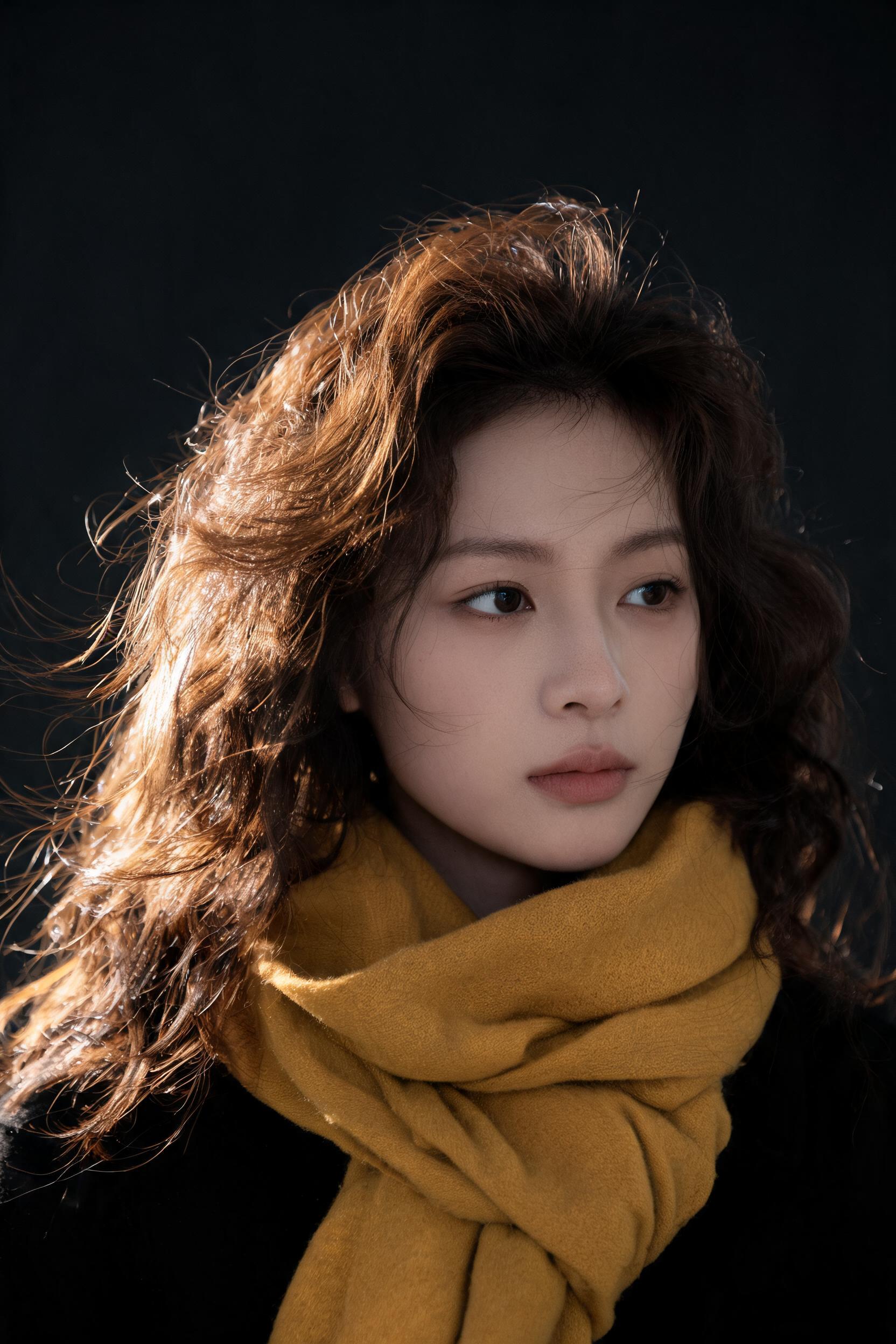 The upload
“Uploaded the portrait, pressed Remove background. The stray hairs came back intact on the transparency.”
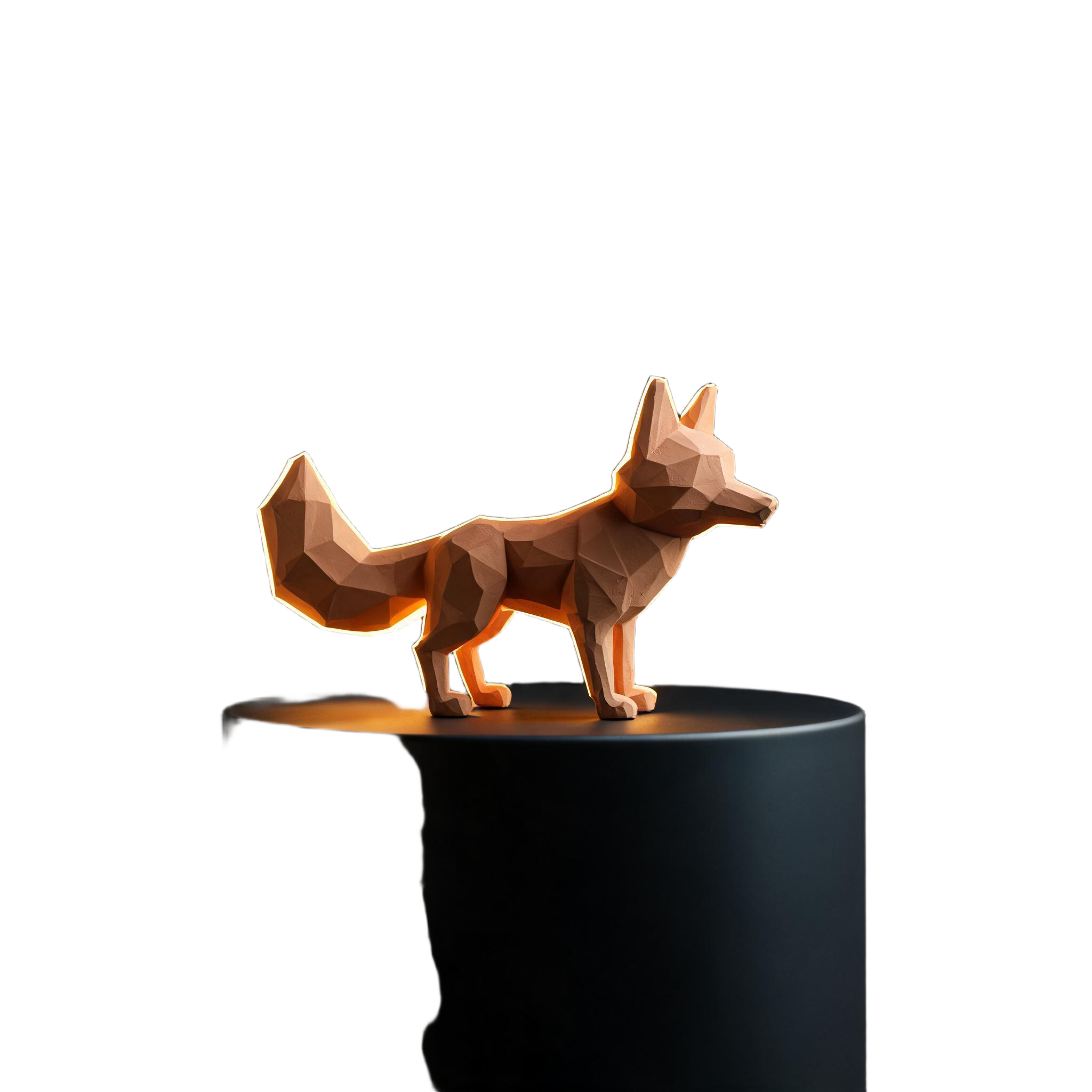 The cutout · PNG
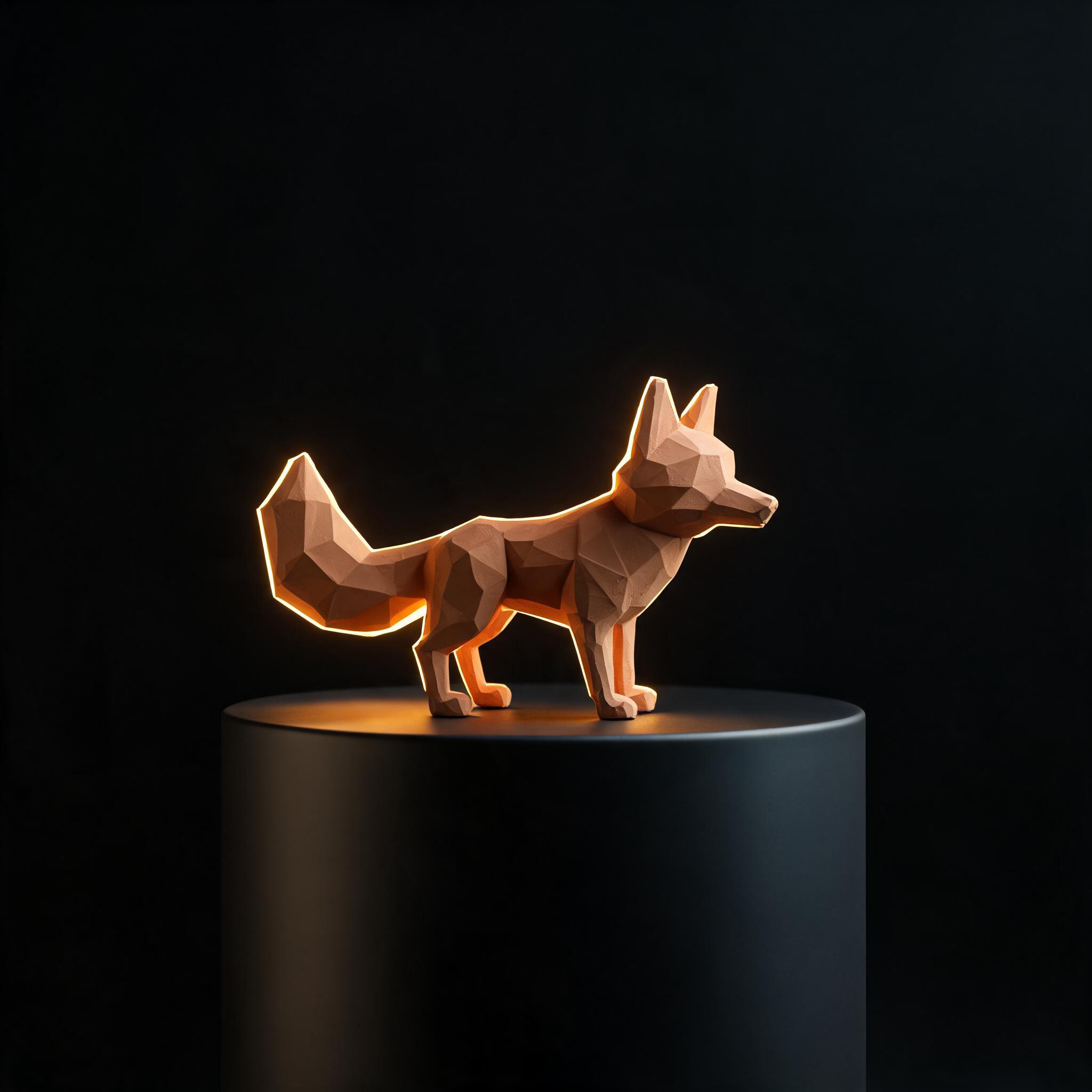 The upload
“One press again for the figurine. The hard edges landed clean, no halo, no shaved corners.”
Hair feathers into the room. Hard edges cut against it. The same default engine read both, so the portrait and the figurine went through exactly like the sneaker, one click, nothing tuned.
02 · The engines
Different photos fail differently. Pick the engine for the subject, then check the edge with the studio compare before you download.
The middle of a subject was never the hard part. The last few pixels are: hair against a busy room, a glass rim, the soft blur of motion. Each engine reads that edge its own way, so a stubborn photo gets a second opinion instead of a shrug.
Cutout works backwards from the others. Describe the object you want in a sentence and it extracts only that, autocropped and cleaned up, even when the photo is crowded.
Engine card
03 · The format wall
Five names people search for, one drop zone underneath. Whatever arrives, transparency leaves.
Full resolution in, full resolution out. Detail survives the cut, up to 20MB a file.
Lift a mark off a scan, a photo or a mockup. It lands clean on any surface.
Modern formats upload as they are and come back as transparent PNG.
Ink photographed on paper becomes ink on transparency, ready for documents.
HEIC and GIF stills upload straight from the camera roll. No conversion step first.
04 · Moving pictures
Send a clip instead of a photo. The remover treats it frame by frame and hands back an MP4 without the background.
You get free tokens at signup, no card required, and background removal is one of the cheapest jobs in the studio. When you outgrow the free tokens, plans are one time payments rather than subscriptions.
PNG, JPG, WebP, GIF and HEIC images up to 20MB. Video works too: MP4, MOV or WebM clips from 5 seconds to 2 minutes, up to 100MB.
Images come back as a transparent PNG, ready to drop on any new background. Videos come back as an MP4 with the background removed.
Four engines are available, and the stronger ones are built for exactly this: hair, fur and soft edges. A before and after slider in the studio lets you inspect the cutout before you download.
Yes. The Cutout engine takes a short description of the object you want and extracts only that, with optional autocrop and an extra cleanup pass.
06 · Begin
Free tokens at signup · no card required · everything you make is yours