Imgica AI
Opening image to video.0.0s
Imgica AI
Opening image to video.0.0s
The video studio · image to video
Upload a still, write one sentence about the motion, and pick from ten video models. The image keeps its light, its face and its framing. It just starts to move.
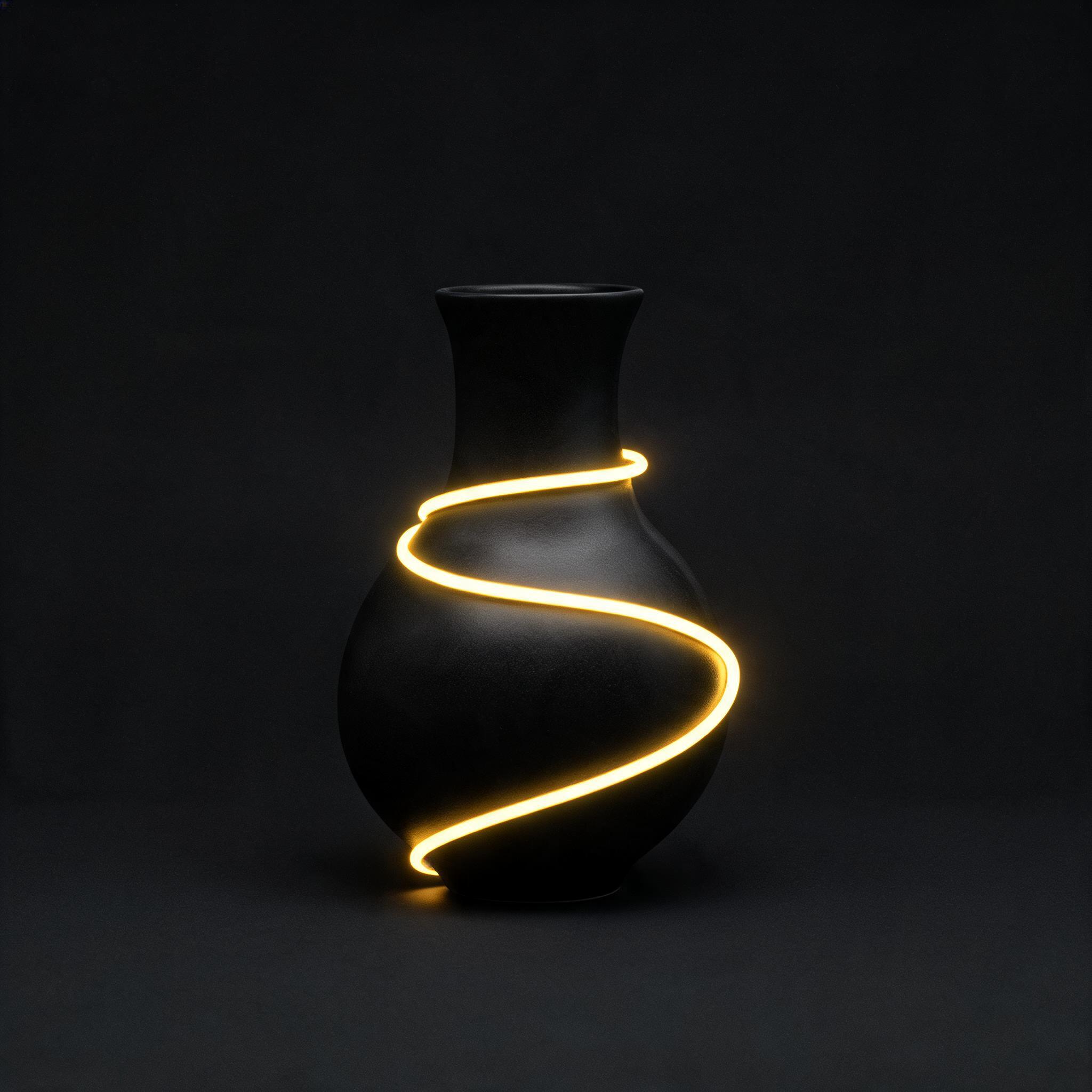
Both clips are real Seedance 2.0 Mini renders of the exact stills beside them, made on this pipeline. The caption is literal.
01 · What moves
The model reads your upload as the first frame. Composition, character and light are locked the moment it registers; you only direct what happens next.
Your AI art
Anything you render in the image studio is a start frame in waiting. Draw the still, love it, then set it moving.
“The lanterns flicker; ripples cross the pond.”
Product shots
A bottle turns, steam rises, light sweeps across the label. The photo you already have becomes the ad you needed.
“Slow push in; steam curls off the cup.”
Portraits
The face stays the face. Only the moment starts: a look up, a slow smile, hair caught by wind.
“She looks up from the page and starts to laugh.”
Landscapes
The scene keeps its light and learns weather. Clouds pull, water runs, rain arrives on schedule.
“Rain begins on the far side of the valley.”
02 · The proof
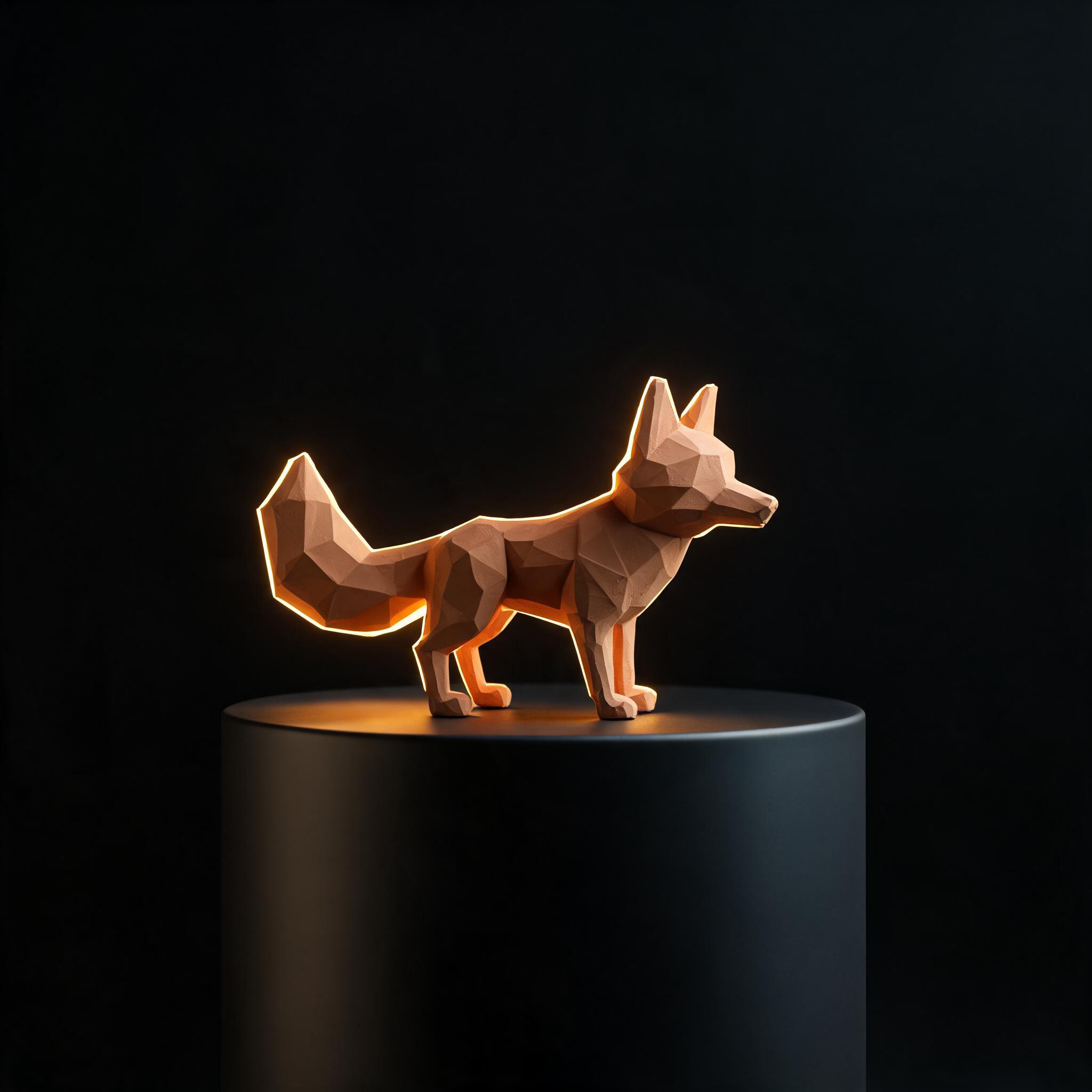
One more job, filed exactly as it ran: a figurine photo, one typed sentence, and the clip Seedance 2.0 Mini sent back.
Job cardas it ran
The sentence, exactly as typed
“the camera orbits slowly around the fox figurine, the warm rim light glinting as it turns, subtle and steady”
The sentence is the whole skill. Type one over a photo of yours
03 · The bench
Ten models, one contract: a start image plus a sentence. Switching engines is not a restart. Keep the still, keep the sentence, and rerun the shot until it moves the way you saw it.
Model registerall accept a start image
04 · After the clip
Extend, upscale and score all run on the finished clip in the same studio. No export, no re-import, no second tool.
The first render is not a wall. Ask for more seconds and the shot keeps rolling past its original runtime, in place.
Draft small to find the motion, then raise the resolution of the finished clip without redoing the idea.
Some models on the bench arrive with native sound. The silent ones get scored right here, no export, no second tool.
05 · No photo yet
Image to Video is one door of the Video Studio. The still it needs can be generated in the next room over, on the same tokens.
Part of the Video Studio, with lip sync, face swap and the timeline one door down.
Upload a start image, describe the motion you want in a sentence, and pick a model. The model reads your still as the first frame and animates it into a clip. The whole routine is upload, describe, download.
You get free tokens at signup, no card required, and they cover your first clips. When you outgrow them, plans are one time payments rather than subscriptions, and everything you make is yours.
The bench includes Kling V3 and O3, Google Veo 3.1, the Seedance 2.0 family, WAN 2.7, Hailuo 2.3, Pixverse V6, Pika 2.2, Luma Ray 3.2 and LTX Video 2. Every one of them accepts a start image plus a text description of the motion.
LTX Video 2 renders clips up to 20 seconds. Length is not a wall either: any finished clip can be extended right in the studio, so the shot keeps rolling past its original runtime.
Resolutions run from 480p to 1080p across the bench, with 4K available on the top tiers of Kling V3 and O3. A finished clip can also be upscaled in place if you started small.
Some models on the bench generate native audio along with the clip. For the ones that render silent, you can add audio to the finished clip without leaving the studio.
07 · Begin
Free tokens at signup · no card required · everything you make is yours