Flux AI Parameters Guide: Master Image Generation
Master Flux AI parameters with hands on experiments, proven prompts, and expert tips to create stunning visuals in any style.
Experimenting with Flux AI Image Parameters
Enhance AI is a powerful tool for creating professional-quality visuals with ease. Whether you’re an artist, designer, or storyteller, Enhance AI provides cutting edge AI tools to bring your creative ideas to life.
How to Use Enhance AI
Follow these simple steps to generate stunning visuals:
1. Visit the Website
Go to Enhance AI and log in or create a new account.
2. Select the Model
Navigate to the "Playground" section and choose a model. For cinematic and high-quality visuals, use Flux 1.
3. Write a Descriptive Prompt
Describe your vision in detail, including key elements like:
- Subject: Main focus of the image
- Lighting: Specify light source and intensity
- Colors: Mention the color palette or tones
- Mood: Indicate the emotional atmosphere (e.g., vibrant, mysterious)
4. Adjust Settings
Customize resolution, aspect ratio, and style preferences to suit your needs.
5. Generate & Download
Click "Generate" and review the results. Once satisfied, download your high-resolution image.
Pricing Plans
Enhance AI offers flexible pricing to accommodate your needs:
- Free Plan: 100 generations/month
- Mini Plan: $5/month for 500 generations
- Standard Plan: $12/month for 3000 generations
- Pro Plan: $29/month for 6000 generations
- Unlimited Plan: $45/month for unlimited generations
For full details, visit EnhanceAI Pricing.
Example Prompts
Here are some prompts to inspire your creations:
1. Mystical Forest
"A lush, green forest at dawn. Rays of sunlight pierce through the morning mist, creating an ethereal glow. Towering ancient trees with gnarled branches and intricate bark textures form a protective canopy overhead. The forest floor is blanketed with vibrant moss, ferns, and blooming wildflowers in hues of purple, yellow, and red. A small crystal-clear waterfall cascades into a serene pool, surrounded by smooth, moss-covered stones. Deer graze quietly near the water, while birds chirp melodiously from the branches above. Fireflies dance in the soft, filtered sunlight, adding to the magical ambiance."
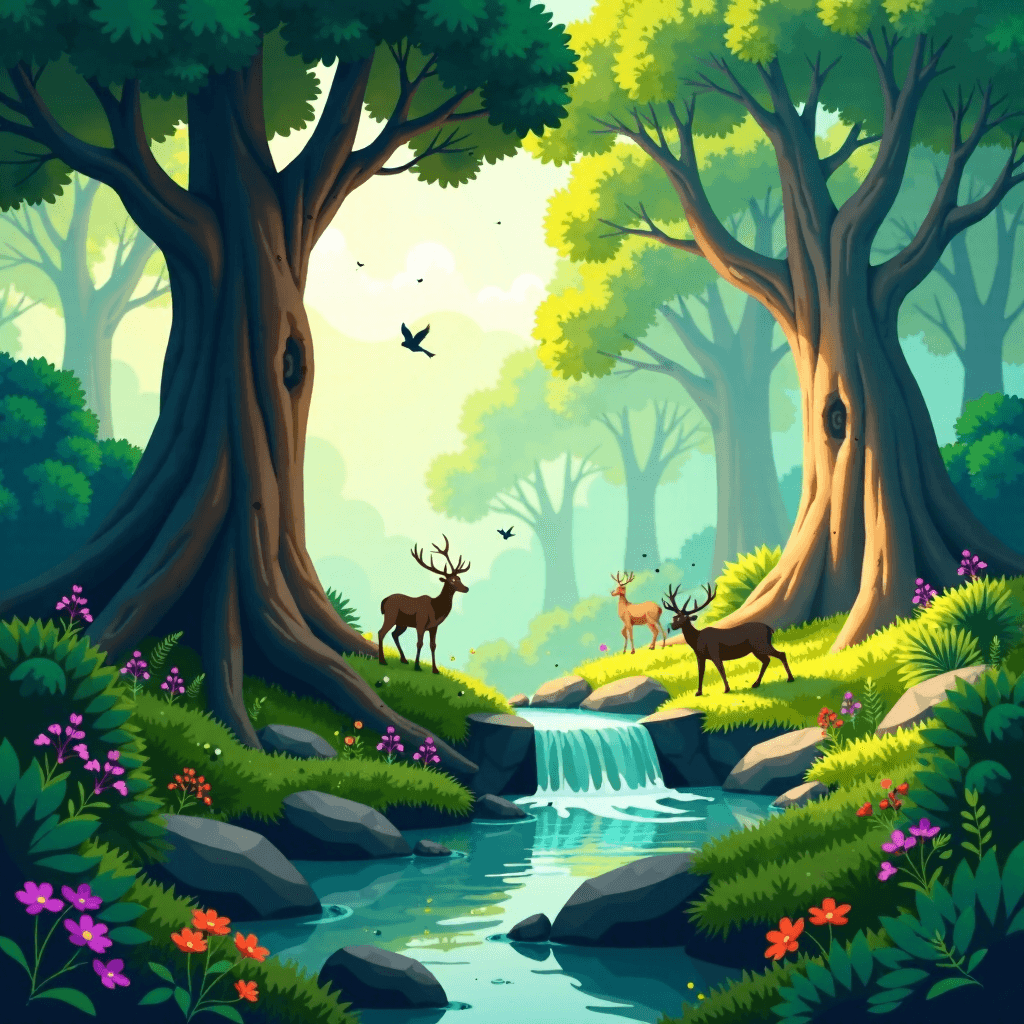
This image was created by Enhance AI
2. Cyberpunk Alley
"A bustling cyberpunk alleyway illuminated by vibrant neon lights in shades of blue, pink, and green. The walls are adorned with layers of futuristic graffiti, blending digital art and abstract designs. Rain-soaked streets reflect the kaleidoscope of colors, creating a shimmering glow. Steam rises from hidden vents and sewer grates, adding an air of mystery. A shadowy figure stands in the distance, clad in a sleek, high-tech jacket with pulsating LED accents, holding a glowing holographic device. The alley is alive with the hum of drones, distant chatter, and faint electronic beats. Towering skyscrapers with holographic advertisements loom in the background, depicting futuristic brands and messages."
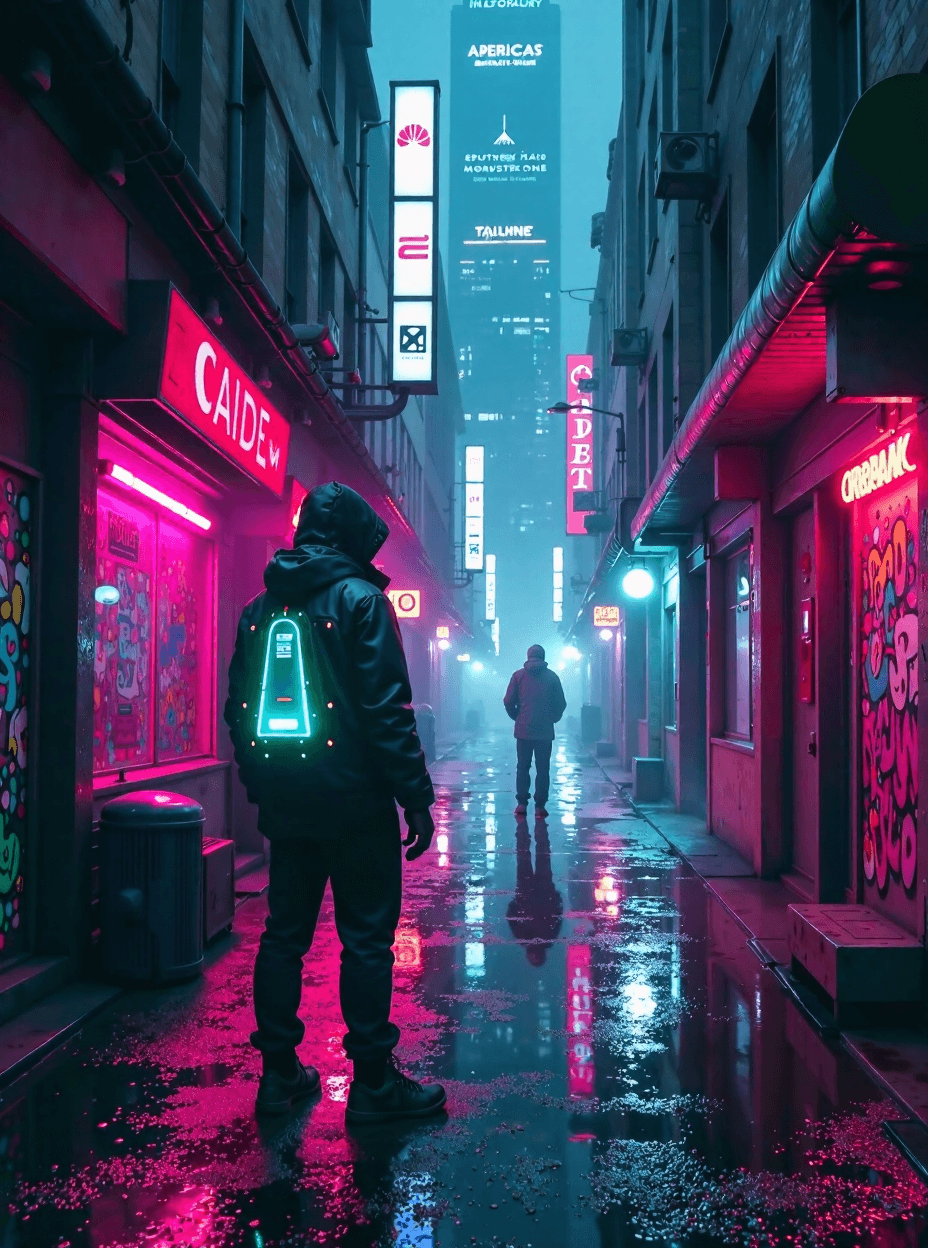
This image was created by Enhance AI
3. Ocean Sunset
"A tranquil ocean scene at sunset, where the horizon meets a sky ablaze with hues of orange, pink, purple, and gold. The calm waves gently lap against a rocky shoreline, creating a soothing rhythm. Tide pools in the foreground teem with marine life, including colorful starfish, sea anemones, and small fish darting among the rocks. A silhouette of a lone sailboat, its sails catching the last rays of sunlight, drifts peacefully on the horizon. Seagulls glide gracefully across the vivid sky, their calls blending with the soft sound of the waves. The water reflects the vibrant colors of the sky, creating a mesmerizing mirror-like effect."
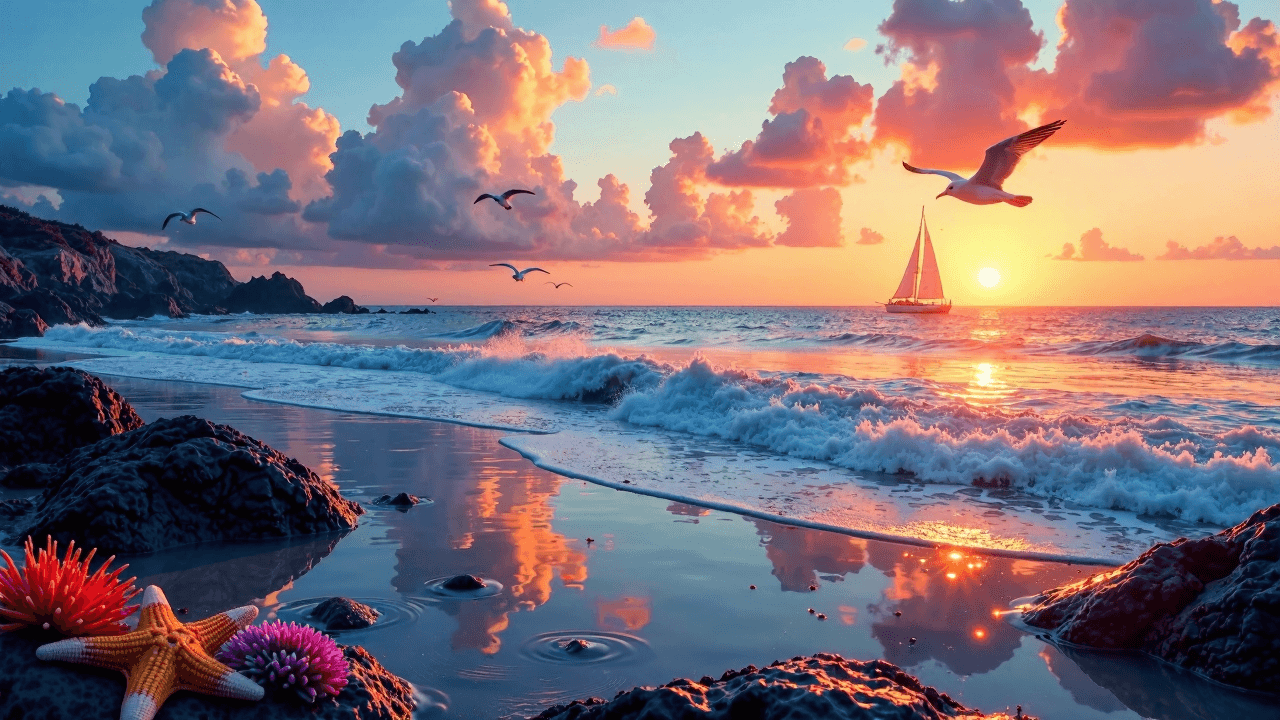
This image was created by Enhance AI
Tips and Tricks
-
Be Specific
Include as many details as possible in your prompt for better results. -
Experiment with Lighting
Adjust descriptions of light sources and shadows to enhance depth. -
Incorporate Action
Adding movement or dynamic elements, like flowing water or blowing wind, can make your image more engaging. -
Test Different Styles
Use keywords like "photorealistic," "surreal," or "cinematic" to explore unique looks. -
Iterate and Refine
Don’t hesitate to tweak your prompt and settings to improve the outcome.
Frequently Asked Questions (FAQ)
Q1: Is Enhance AI beginner-friendly?
Yes! The intuitive interface makes it easy for anyone to generate professional-quality visuals.
Q2: How can I improve the quality of my images?
Use detailed prompts, focus on lighting and textures, and experiment with different styles.
Q3: Can I use the images for commercial projects?
Yes, depending on your subscription plan. Check the terms on the Enhance AI website.
Q4: Are there free resources to try before subscribing?
Yes, the Free Plan allows 100 generations per month at no cost.