Merge references.
Infinite reality.
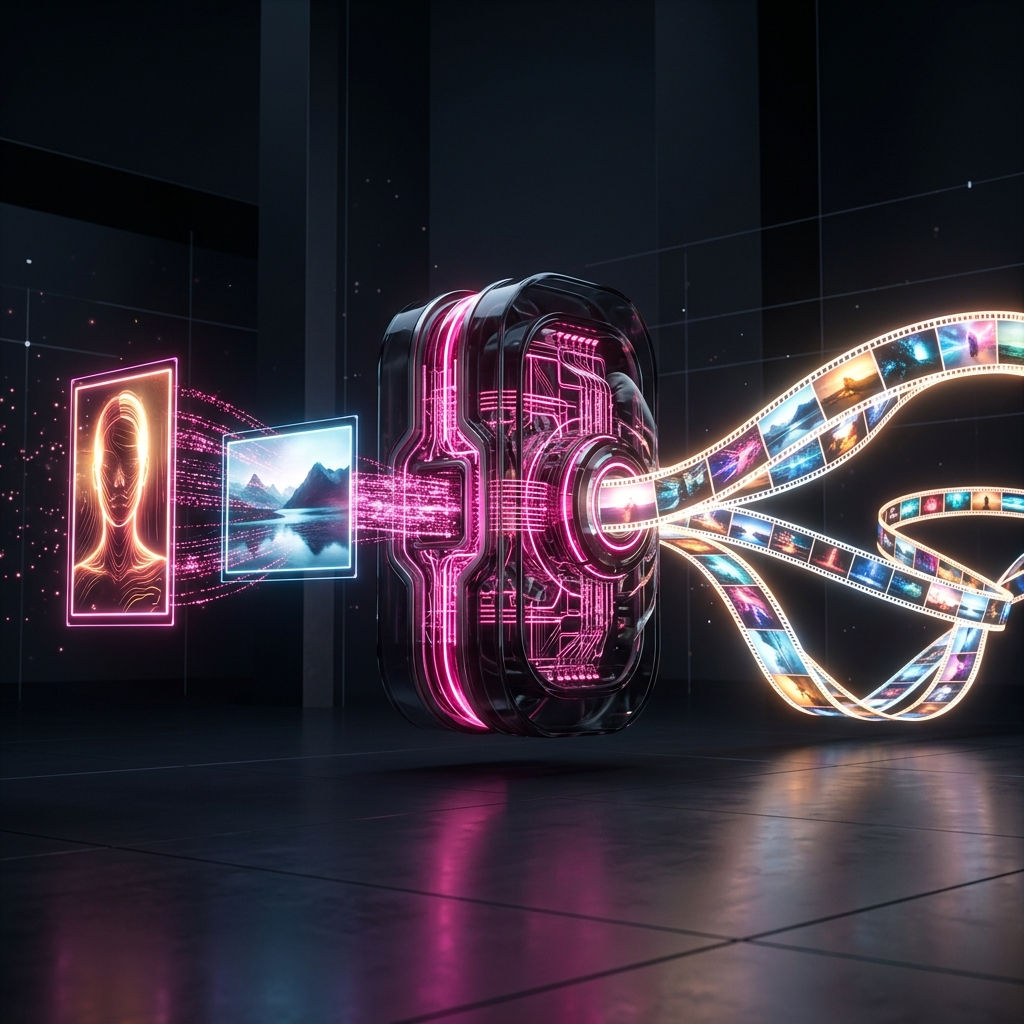
Lock in your visual style. Upload one or multiple images to merge aesthetics, generate consistent static variations, or synthesize dynamic video sequences.
Visual Prompting
Show, don't just tell.
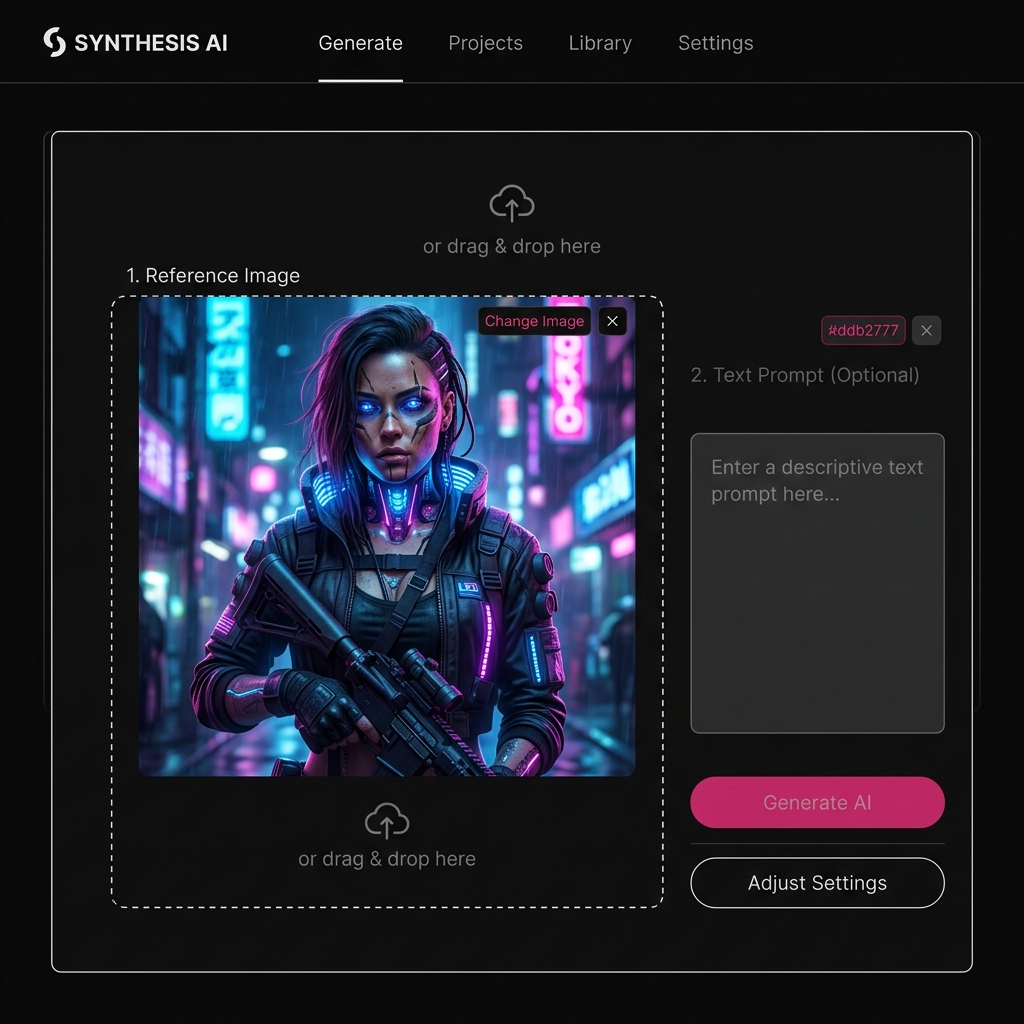
Struggling to describe a specific artistic style or complex lighting setup in a text prompt? Stop typing. Just upload a reference image, and the AI will instantly understand and replicate the exact aesthetic you're looking for.
Multi-Reference
Mix and match aesthetics.
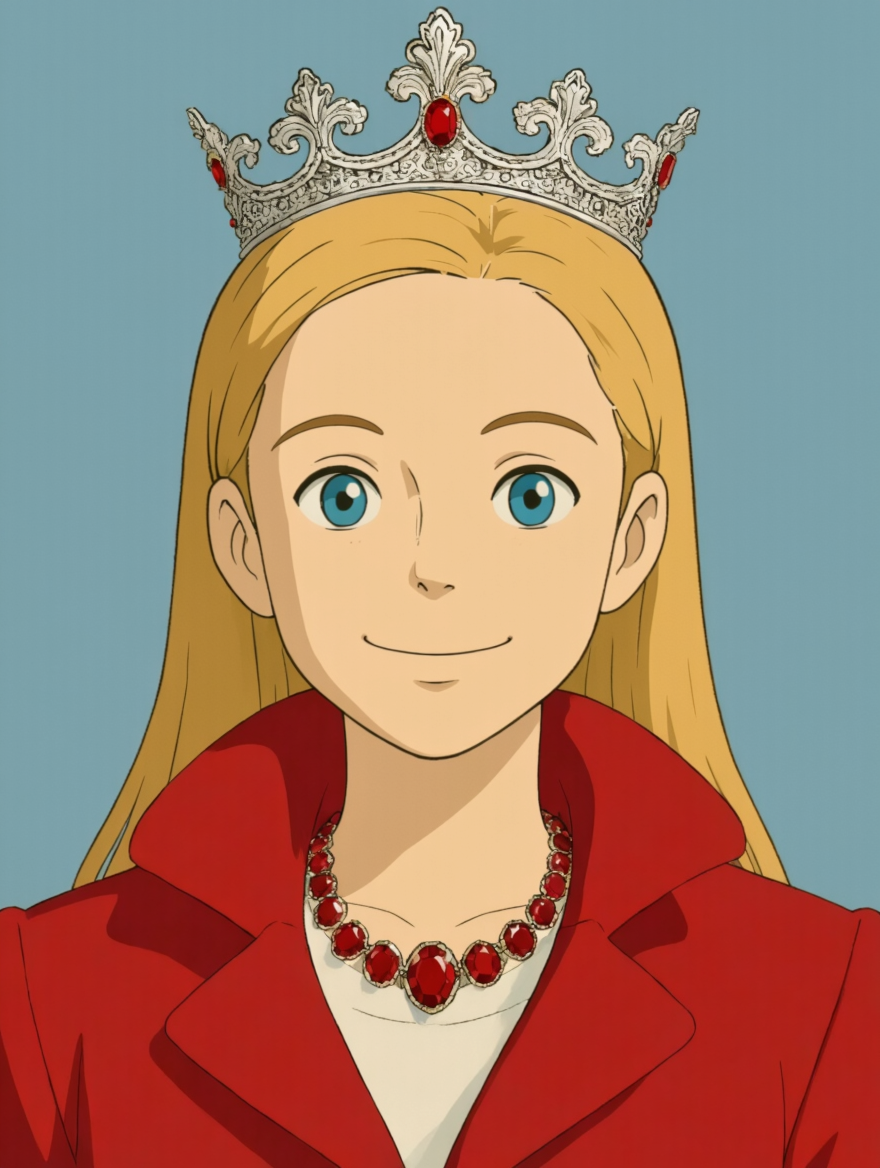
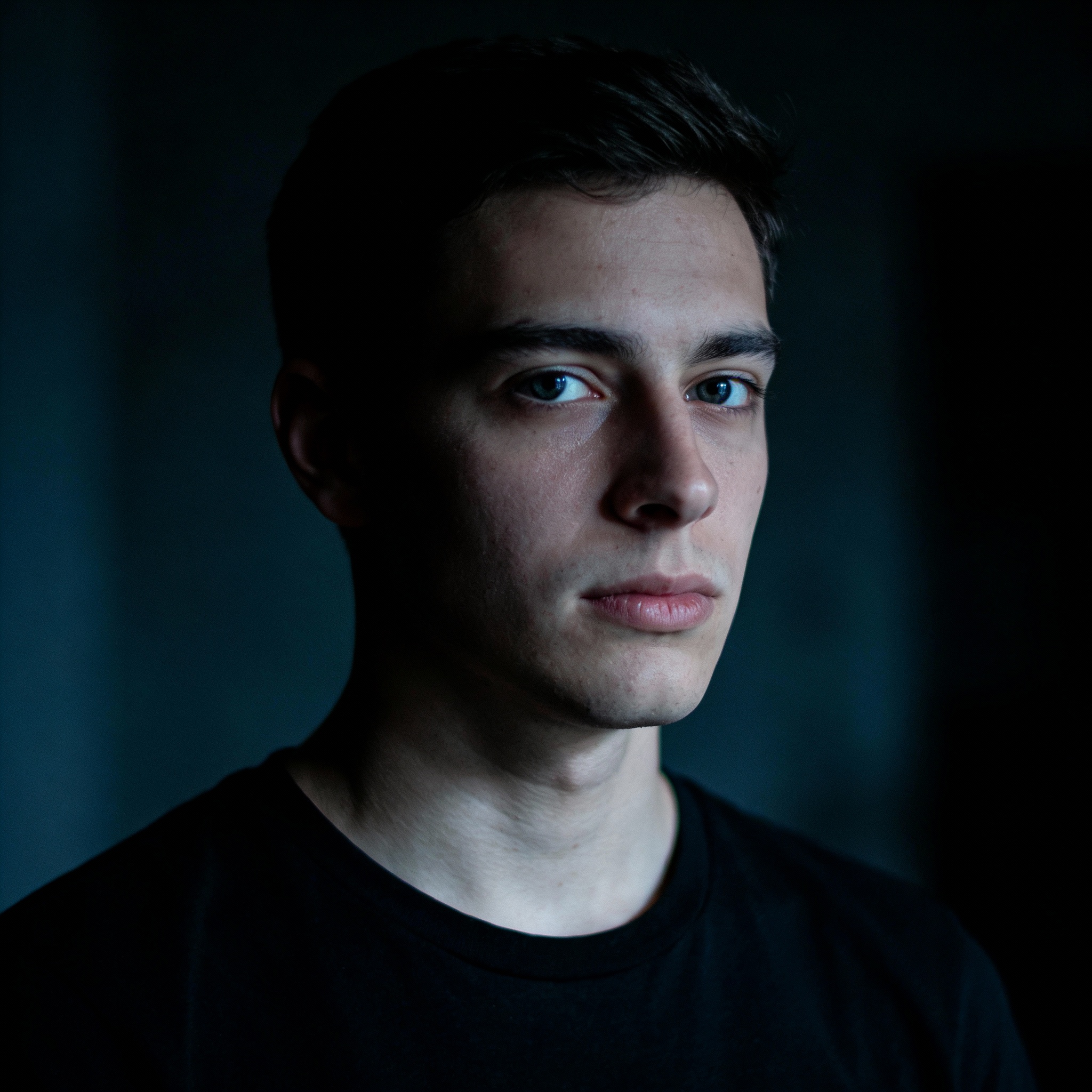
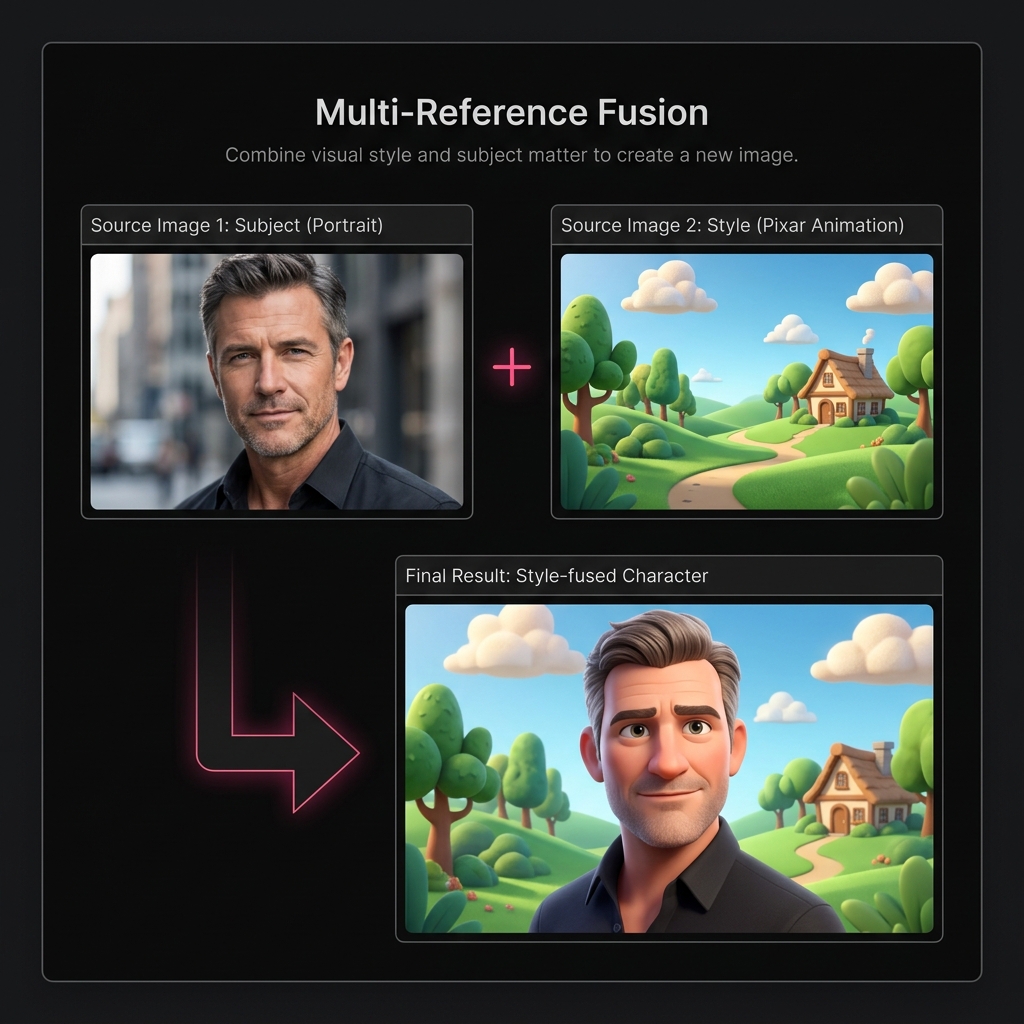
Upload multiple reference images to fuse their properties. Want to see a real-life portrait transformed into a 3D animated character? Upload your photo alongside an animation reference, and watch the AI seamlessly blend them together.
Consistency Lock
Lock in your character.
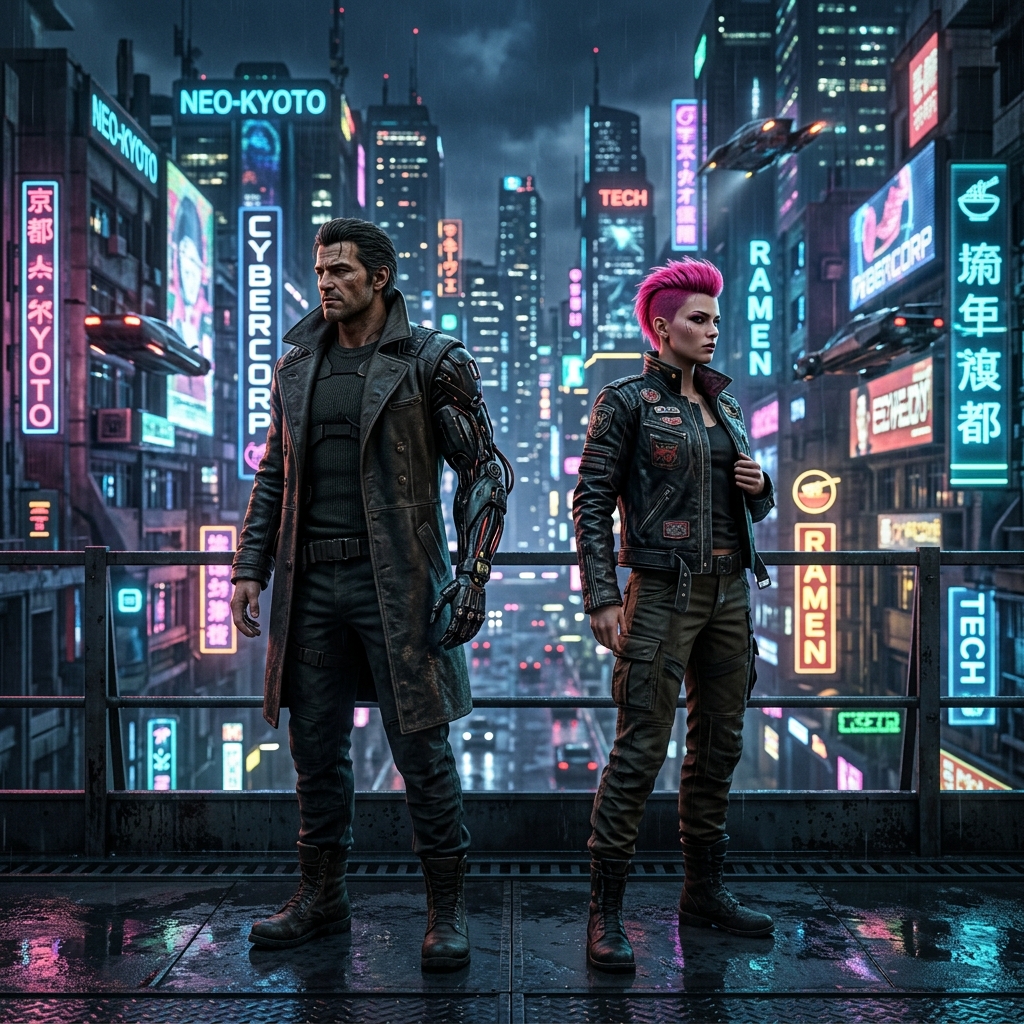
The biggest problem with AI generation is that faces change every time you generate a new image. By using a reference image, you lock in the exact facial structure, ensuring your character looks identical across different scenarios and videos.
Mastering visual consistency.
Starting from a blank text prompt can be unpredictable. By uploading a reference, you anchor the AI to your exact visual requirements, guaranteeing style and character consistency.
Image to Image
Provide a sketch or a low-res photo and have the AI reimagine it as a high-end masterpiece while keeping the core composition.
Multi-Reference
Upload multiple images—one for the subject, one for the art style. The AI perfectly fuses them to create something entirely new.
Image to Video
Once you've nailed the perfect image generation, seamlessly send it to the Video AI to synthesize fluid, cinematic motion.
The Reference Advantage
Stop guessing.
Start directing.
Text-to-video often results in morphing faces and unpredictable styles. By injecting multiple image references into the pipeline, you force the neural network to merge and adhere strictly to your established aesthetics.
Under The Hood
Face Preservation
Micro-features and exact facial structures are mapped and locked.
Temporal Coherence
Prevents clothing, backgrounds, and lighting from flickering between frames.
Result: Studio-grade cinematic footage from your fused reference images.
Text-only vs Image Reference
Image Reference (often called Image-to-Image) allows you to upload a photo to define the visual style, composition, or character. The AI uses this as a baseline to generate entirely new images or videos that perfectly match your reference's aesthetic.
Yes! Our unified platform lets you upload a reference and choose whether you want to generate static image variations (maintaining character/style consistency) or synthesize dynamic motion to create a full video sequence.
Yes! You can upload multiple reference images. The AI will analyze all of them to understand your desired style, fusing their aesthetics to construct a coherent scene or consistent character across your generations.
Our advanced neural engine doesn't just copy surface colors. It deeply understands lighting patterns, textures, character features, and composition rules to apply your reference style authentically to entirely new prompts and subjects.
By using an image of a character as your reference, you lock in their facial features, body type, and clothing. When you prompt the AI to place them in new environments or scenarios, it uses the reference to ensure they remain recognizable.
Yes, you receive free credits when you sign up—no credit card required. You can test out the reference engine and upgrade only when you are ready to create more.
Start Creating Now
Lock in your style.
Generate instantly.
Sign up, get free credits, and create perfectly consistent images and videos without flickering. No credit card required.