AI Image Upscaler
Blurry image?
Fixed in seconds.
Upload any photo and our AI increases the resolution up to 16x while preserving every detail, texture, and color. No editing skills needed.
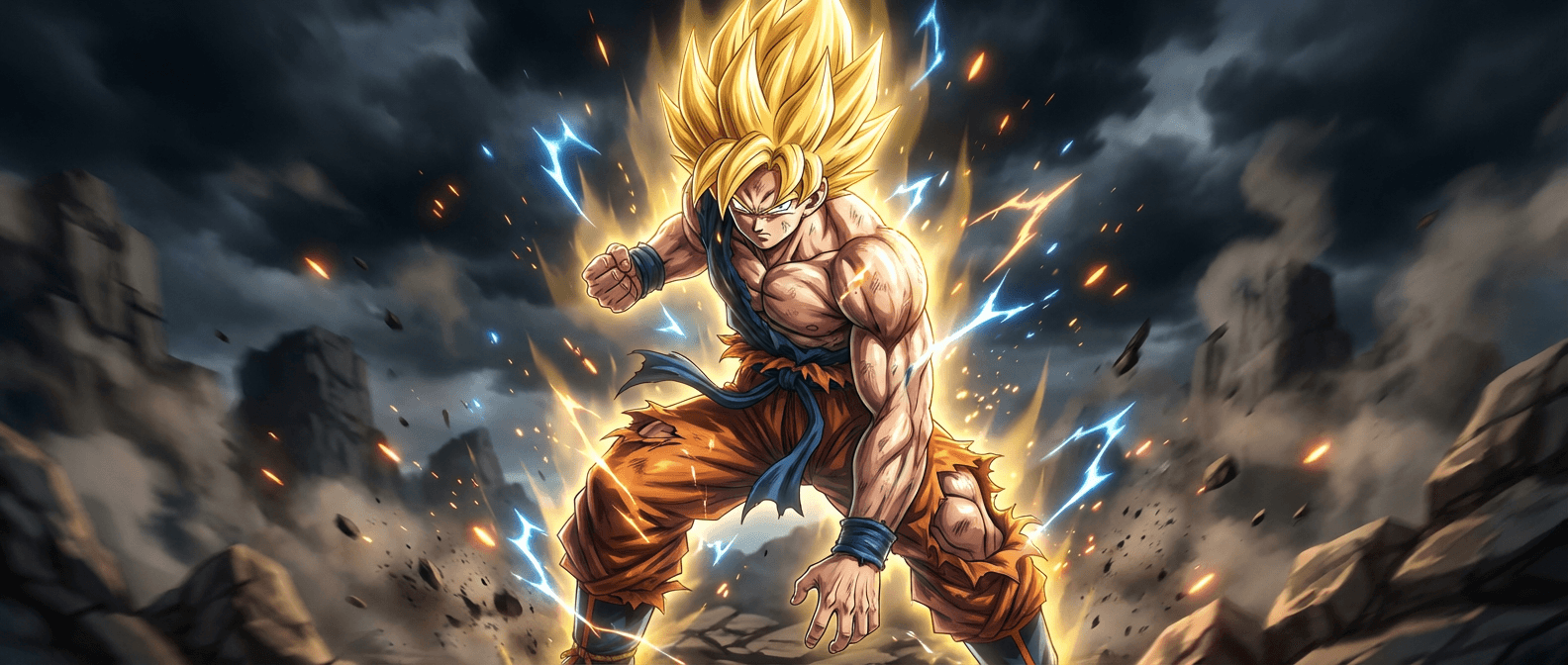
Scale options
Choose your scale.
We do the rest.
From quick social media fixes to billboard-ready prints.
Double the resolution
Social media, web
Quadruple the resolution
Printing, professional
High definition output
Large format, display
Maximum enhancement
Billboards, print ads
What it does
Every pixel.
Intelligently enhanced.

Sharper results, same image
Enhance Detail, Preserve Intent
Upscale images up to 16x while preserving the original structure, composition, and lighting. Our AI enhances clarity without altering the natural look of your image.
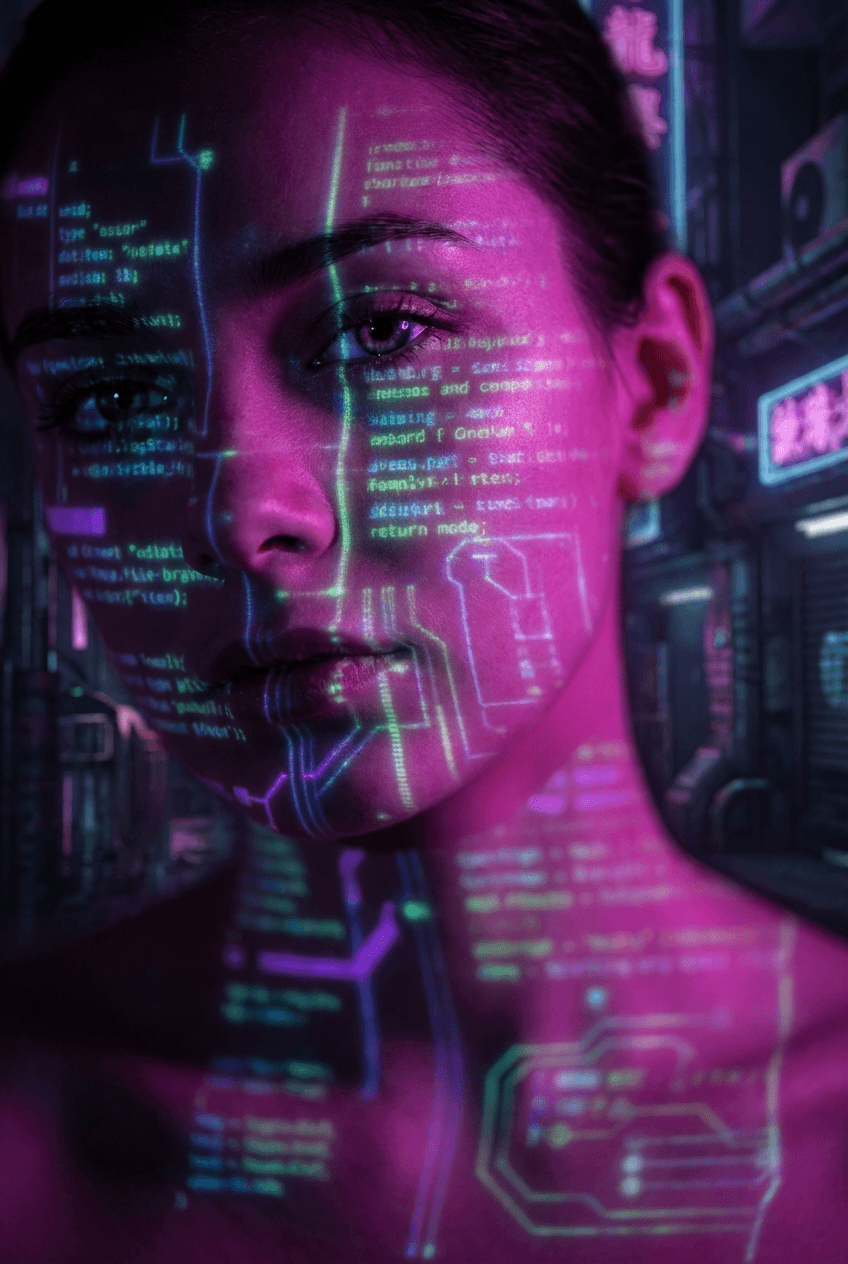
Smart texture reconstruction
Context Aware Textures
Advanced AI analyzes surrounding pixels to rebuild textures, sharpen edges, and enhance fine details. Natural depth, improved grain, and realistic image quality.
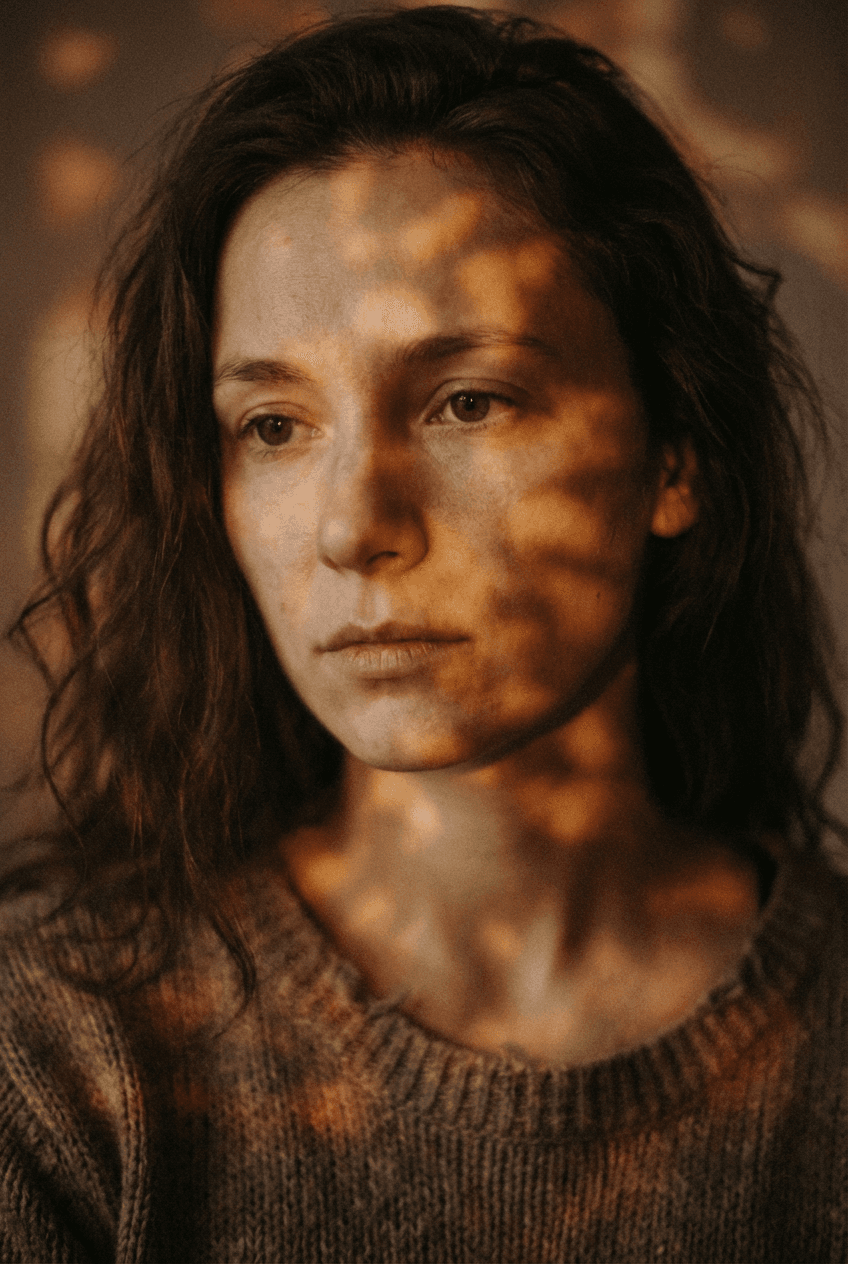
Process multiple images at once
Fast and Efficient
Save time by upscaling multiple images in a single workflow. Batch processing lets you enhance entire folders with consistent quality and minimal effort.
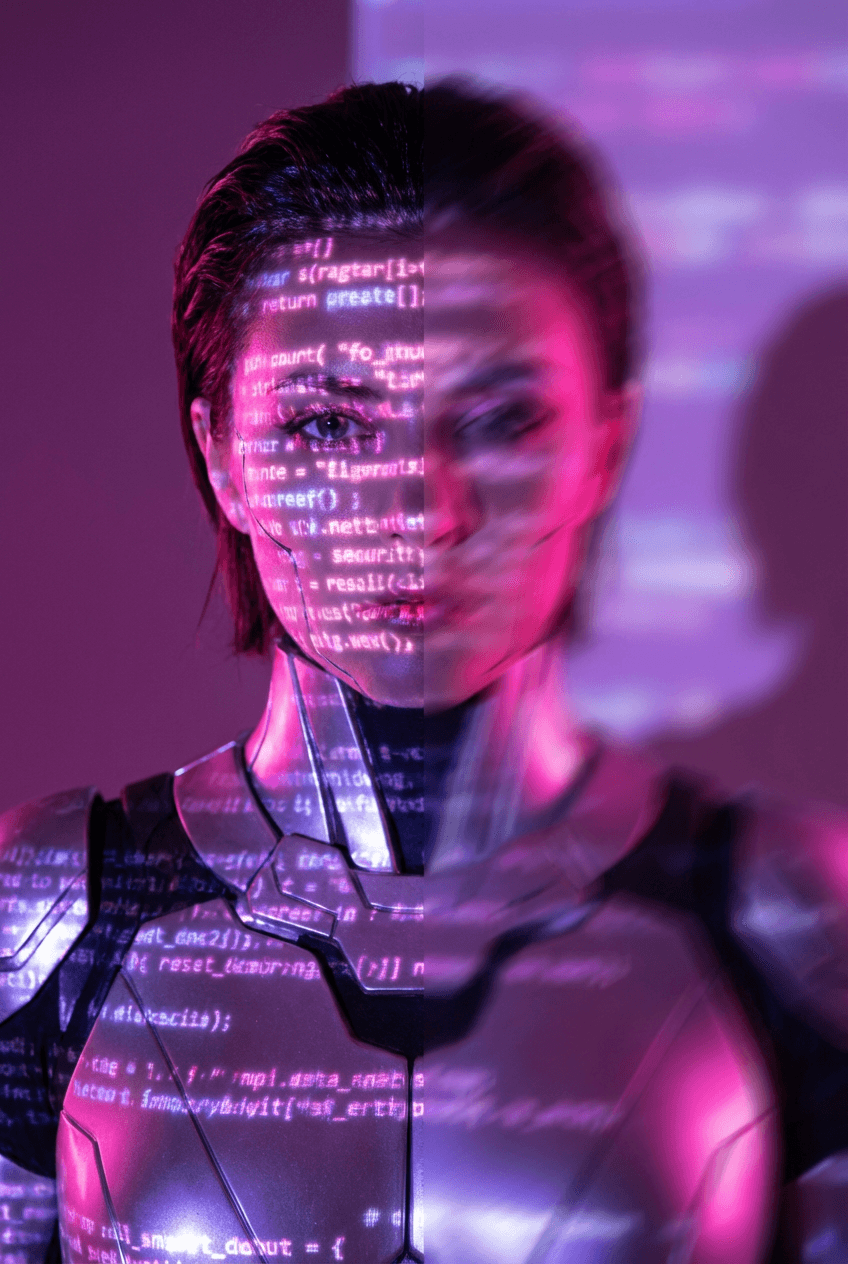
Why Imgica
Turn low quality
into stunning.
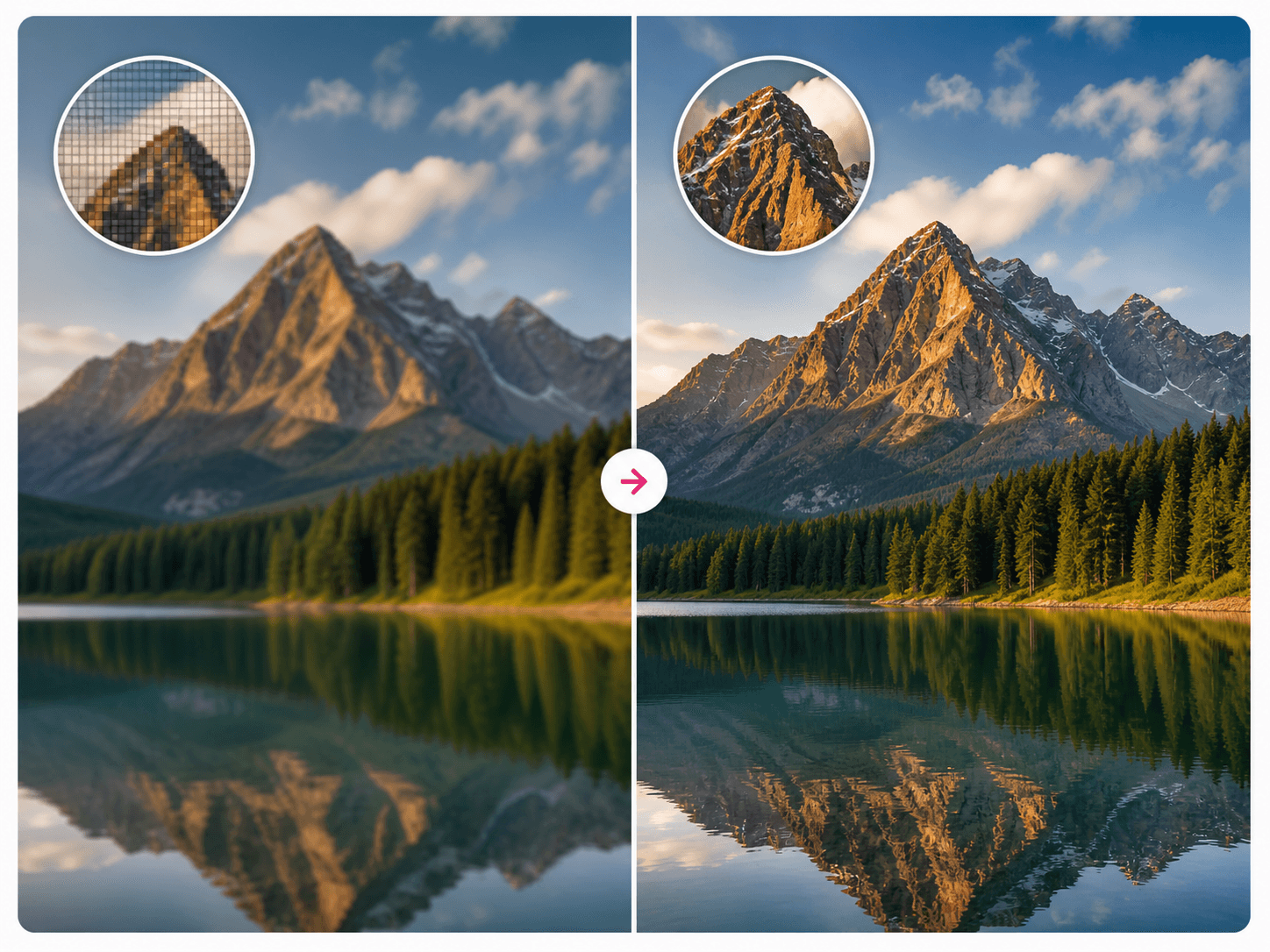
Powered by advanced AI, Imgica analyzes every pixel to recover lost details, improve sharpness, and deliver crystal clear results in seconds.
Whether you are restoring old memories, upgrading content for social media, or preparing images for professional print, Imgica ensures your visuals look sharper, cleaner, and more lifelike without any manual editing.
Memory restoration
Restore your
precious memories.
Breathe new life into old, blurry, or faded photos using AI that intelligently restores clarity, detail, and color.
From repairing imperfections to enhancing sharpness and vibrancy, our AI helps preserve your most treasured moments just the way you remember them.

How it works
Three steps.
That's it.
Try it now Upload your image
Drag and drop or select any photo from your device. JPG, PNG, WEBP all supported.
Choose your scale
Select 2x, 4x, 8x, or 16x upscaling. Pick based on how you plan to use the image.
Download the result
Your enhanced image is ready in seconds. Download in full resolution, no watermark.
Use cases
Perfect for
every need.
Whether you are a photographer, designer, ecommerce seller, or just someone with an old family photo, our upscaler handles it.

Image upscaling FAQ
Questions?
Here are the answers.
Everything you want to know about AI image upscaling.
Image upscaling increases the resolution of your photo, making it sharper and clearer. Our AI analyzes each pixel and intelligently adds detail, so your image looks great at any size.
Traditional methods simply stretch pixels, which blurs the image. AI upscaling predicts and reconstructs missing details, resulting in realistic textures, sharper edges, and far better overall quality.
Yes. AI upscaling is ideal for printing posters, banners, photo books, and marketing materials. Your images stay sharp and detailed even in very large formats.
You can upscale images up to a certain resolution depending on your plan. Larger files may take slightly longer to process but the quality is consistently excellent.
No. Your original file stays untouched. The upscaler creates a new enhanced version so you can compare and download without affecting the original.
Portraits, landscapes, product photos, digital art, and old or compressed images all benefit greatly. It is especially useful for low-resolution or blurry photos.
Yes. Our AI can sharpen details, restore faded colors, and reduce blur, helping bring old or damaged photos back to life with impressive clarity.
Most images are ready in a few seconds. Large files may take slightly longer, but the result is worth the wait.
Also upscale
your videos.
Transform low resolution videos into stunning 4K quality. Enhance old footage, restore memories, and create professional grade content with AI.
4x Upscaling
Transform 480p to 1080p or 1080p to 4K with intelligent detail reconstruction.
Detail Recovery
AI reconstructs fine textures, facial features, and intricate patterns frame by frame.
Noise Reduction
Remove film grain, compression artifacts, and visual noise automatically.
Fast Processing
Cloud infrastructure delivers results in minutes, not hours, without special hardware.
Video pricing
Simple pricing.
Pay per second.
No subscriptions. Pay only for what you upscale. Free credits for new users.
720p HD
$0.40 for 10s
1080p Full HD
$0.60 for 10s
2K QHD
$0.80 for 10s
4K Ultra HD
$1.00 for 10s
Who uses it
Perfect for every
video need.
Content Creators
Upgrade your video library to 4K for better engagement and algorithmic promotion. Repurpose old content for modern platforms.
Family Video Restoration
Preserve precious memories by enhancing old home videos, wedding footage, and family gatherings to modern quality standards.
Filmmakers and Editors
Upscale B-roll footage, match resolution across mixed sources, and prepare content for 4K delivery and cinema displays.
Marketing and Advertising
Ensure brand videos meet quality standards across all platforms. Upscale product demos and promotional content for maximum impact.
Education and Training
Enhance educational videos, training materials, and course content for better clarity and student engagement.
Archivists and Historians
Digitally restore historical footage, documentary material, and archived content for preservation and public access.
Restore old videos
Old footage.
Modern quality.
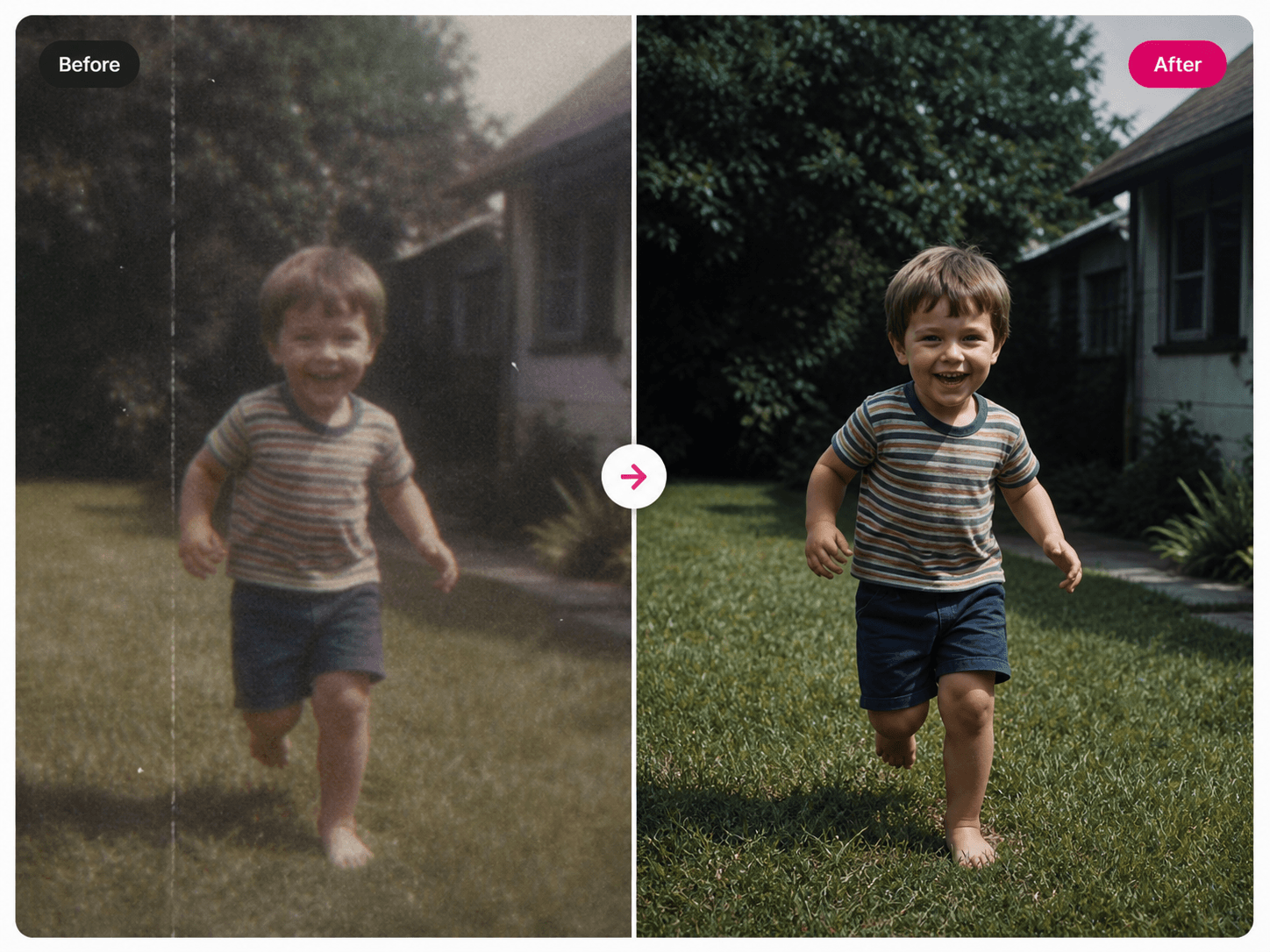
Have precious memories trapped in low resolution formats? Our AI breathes new life into old home movies, vintage clips, and archived footage.
The AI removes film grain, eliminates scratches and noise, enhances color vibrancy, and recovers fine details. Whether family videos from the 90s or historical footage, transform them into crystal clear HD or 4K.
Restore videosContent creators
Go from 1080p
to stunning 4K.
Content creators and filmmakers need every pixel to count. Upscale your 1080p footage to stunning 4K for broadcasting, large screen displays, or cinema projection.
Our AI preserves the artistic integrity of your shots while delivering the resolution demanded by modern viewing standards. Future-proof your content library today.
Higher engagement with HD videos
Longer watch time on quality content
Viewers prefer HD and abandon low quality
Conversion boost from HD product videos
Technical specs
Supported formats
and limits.
Formats and Limits
AI Technology
Video upscaling FAQ
Video questions.
Clear answers.
Everything you want to know about AI video upscaling.
AI video upscaling uses deep learning algorithms to intelligently increase video resolution. Unlike traditional upscaling that simply stretches pixels, our AI analyzes each frame, reconstructs missing details, enhances textures, and sharpens edges to create authentic high resolution footage.
You can upscale videos to 720p, 1080p (Full HD), 2K, and 4K (Ultra HD). The AI works best when upscaling from 480p to 1080p or from 720p to 4K. The maximum upscaling factor is 4x.
Processing time depends on video length and target resolution. A 5 minute video typically takes 5 to 10 minutes to upscale to 1080p and 10 to 15 minutes for 4K. Cloud infrastructure ensures fast processing without requiring powerful hardware on your end.
Yes. AI upscaling is particularly effective for old home videos, vintage footage, and archived content. It removes film grain, reduces noise, enhances color vibrancy, and recovers fine details that were lost in low resolution recordings.
We support all major video formats including MP4, MOV, AVI, WEBM, MKV, and FLV. Videos can be up to 100MB in size and 30 seconds in length.
Pricing is based on video duration and target resolution. 720p costs $0.04 per second, 1080p costs $0.06 per second, 2K costs $0.08 per second, and 4K costs $0.10 per second. New users get free credits to try the service.
Yes. You retain full commercial rights to all upscaled videos. Use them for YouTube, social media, client projects, advertisements, or any commercial purpose.
AI upscaling works best on videos with clear subjects like faces, landscapes, products, and architecture. Videos with extreme motion blur or very low source quality may see limited improvement.
Learn
What is AI upscaling
and how does it work?
What is AI image upscaling?
AI image upscaling is a technology that uses machine learning to intelligently increase the resolution of a photo without making it blurry or pixelated. Traditional upscaling simply stretches existing pixels — the result looks soft and lacks detail. AI upscaling works differently. A deep learning model trained on millions of images analyzes each pixel, understands the context of the scene, and reconstructs realistic detail that the original low resolution image could not capture. The result is a sharper, cleaner, higher resolution image that looks genuinely better — not just bigger.
How is AI upscaling different from traditional upscaling?
Traditional upscaling methods such as bicubic or bilinear interpolation simply calculate the average of surrounding pixels to fill in the gaps when an image is enlarged. This produces a blurry, soft-looking result with no real detail added. AI upscaling uses convolutional neural networks (CNNs) trained on pairs of low and high resolution images. The model learns exactly how to reconstruct fine details — hair strands, fabric textures, facial features, background elements — from a lower resolution source. This produces results that are 3 to 4 times sharper than traditional methods.
When should you upscale an image?
You should upscale an image when you need a higher resolution version for printing, when the original is too small for a display or design, when you want to improve a low quality old photo, or when you need to crop into an image without losing too much detail. Common use cases include printing photos at A3 or larger sizes, preparing images for billboard advertising, restoring old family photographs, and improving product photos for e-commerce listings where zoom functionality requires high resolution.
Does upscaling reduce image quality?
No — AI upscaling improves image quality, not reduces it. Many people confuse upscaling with compression. Compression reduces file size and degrades quality. Upscaling increases resolution and enhances detail. After upscaling with AI, your image will be sharper, more detailed, and cleaner than before. The only caveat is that very heavily blurred or extremely low quality source images (like a 50x50 pixel photo) may still look rough because there is simply not enough information for the AI to work with. Starting with the best available source gives the best result.
What is AI video upscaling?
AI video upscaling applies the same deep learning principles to video content, processing each frame individually to reconstruct detail and increase resolution. Because video must maintain temporal consistency between frames, video upscaling models are more complex than image models — they also ensure that the enhancement does not flicker or shift between frames. The result is smoother, sharper high resolution video that can transform 480p home recordings into 1080p clarity or 720p YouTube videos into stunning 4K content suitable for modern displays.
How to get the best results from AI upscaling?
Start with the highest quality source file you have — even if it is low resolution, avoid re-encoded or heavily compressed versions as they introduce extra artifacts. For images, use original camera files or lossless formats where possible. For video, use the original recording rather than a downloaded or re-exported version. Choose a scale factor that is appropriate for your output: 2x for social media and web use, 4x for printing and professional use, 8x or 16x for very large format outputs. After upscaling, avoid re-compressing the file unnecessarily as this defeats the quality improvement.
Free to start
Images and videos.
Upscaled perfectly.
No design skills. No credit card. Upload and see the result in seconds.