Edit photos
with words.
Remove objects, change backgrounds, fix lighting, apply styles, upscale resolution. Just describe what you want and the AI edits your photo in seconds.
12 AI editing tools
Everything you need
to perfect your photos.
Powerful tools for both beginners and professionals. Edit faster and better with AI.
Magic Eraser
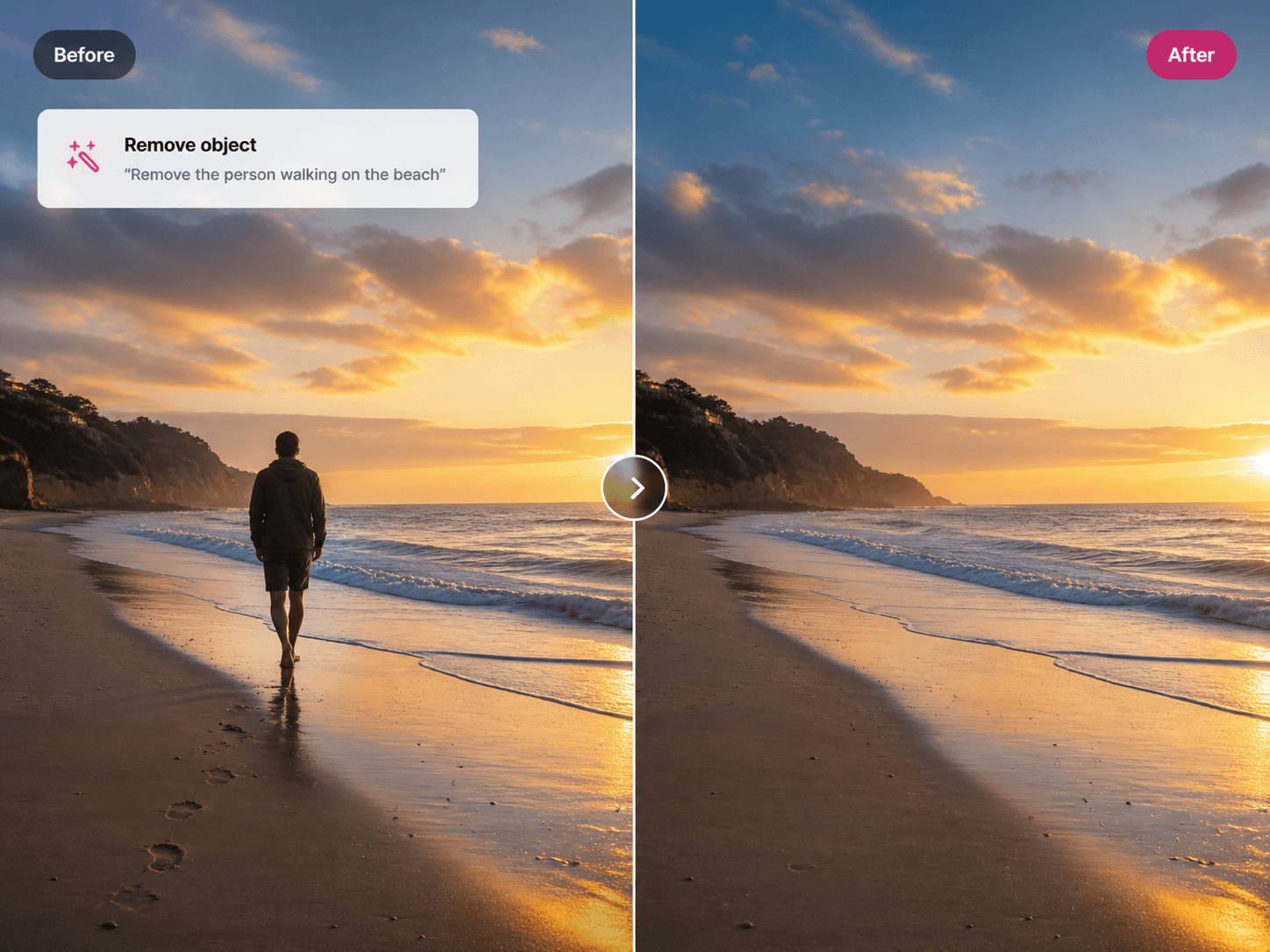
Paint over any object, person, or text and the AI removes it cleanly, filling in the background naturally.
Background Remover
Remove backgrounds in one click and replace with any color, image, or keep it transparent for design work.
AI Upscaler
Increase resolution up to 16x while preserving every detail, texture, and color in the image.
Generative Fill
Select any area and describe what you want there. The AI generates content that blends seamlessly.
Style Transfer
Convert any photo into a painting, sketch, anime, or 3D render with one click using AI styles.
Lighting Adjust
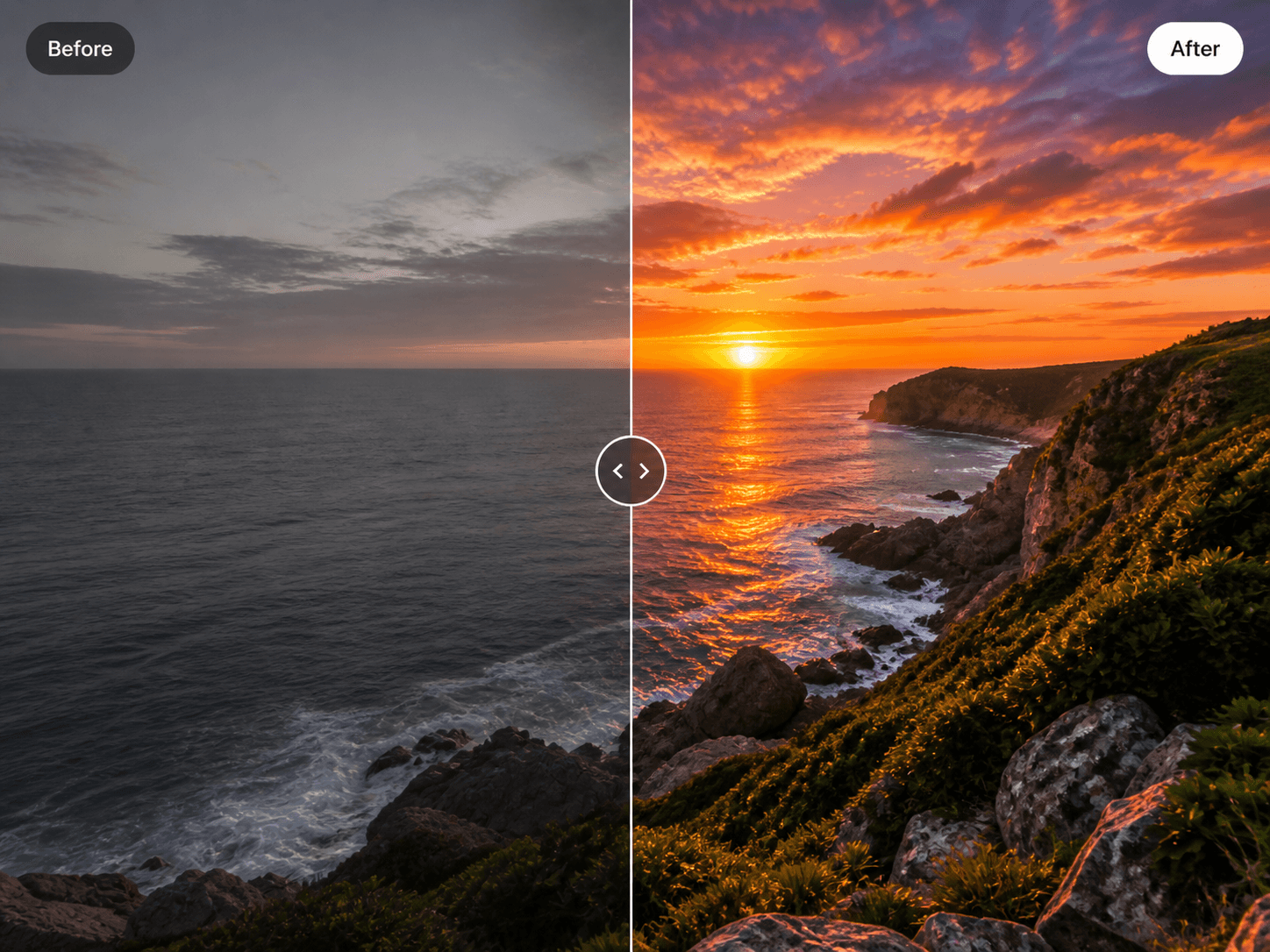
Fix lighting, exposure, and shadows intelligently. The AI understands the scene and enhances naturally.
Object Replacement
Select any object in your image, describe the replacement, and the AI swaps it with realistic results.
Detail Enhancement
Sharpen faces, restore textures, and bring out fine details that were lost in compression or low light.
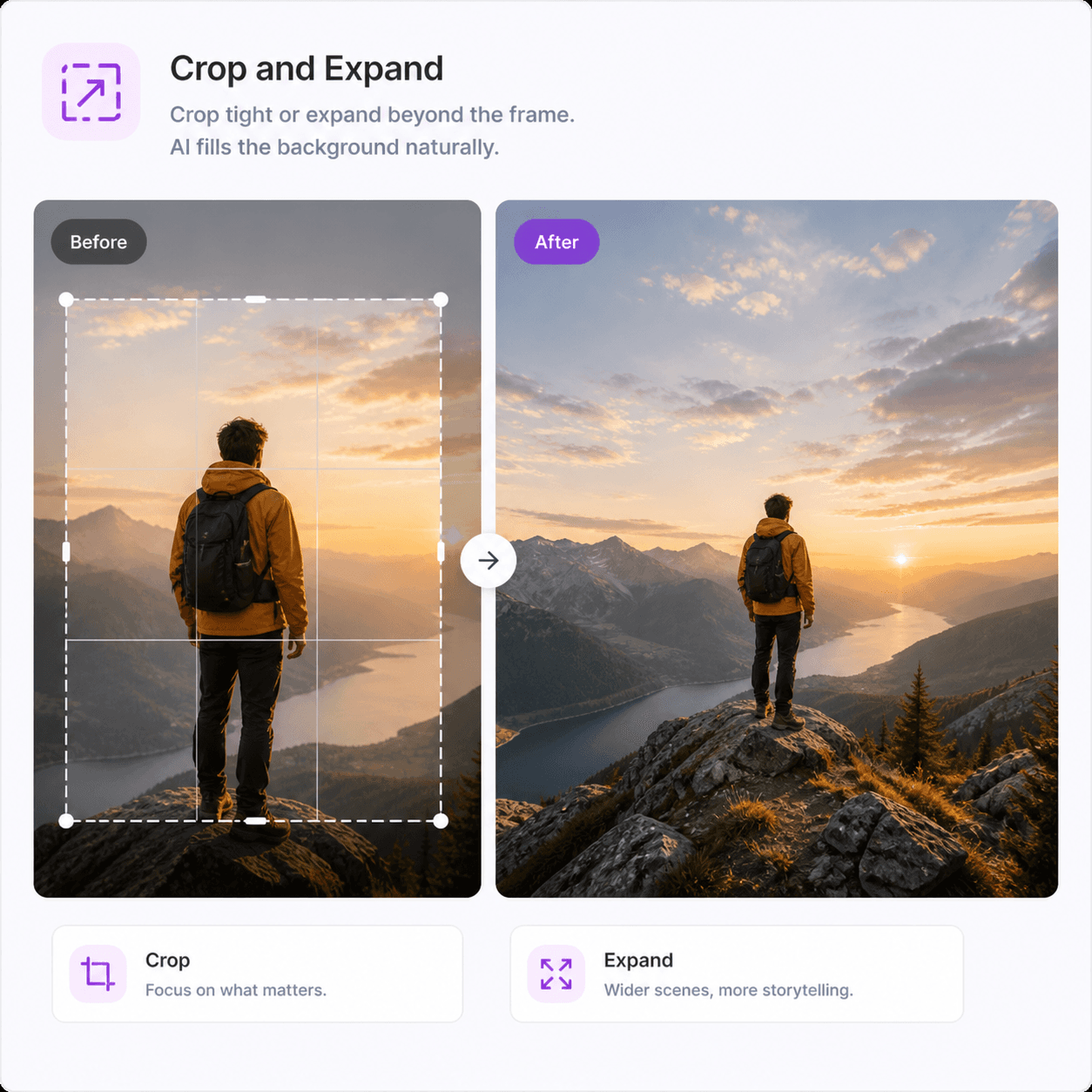
Crop and Expand
Crop to any ratio or expand the canvas outward. The AI fills the new areas with matching content.
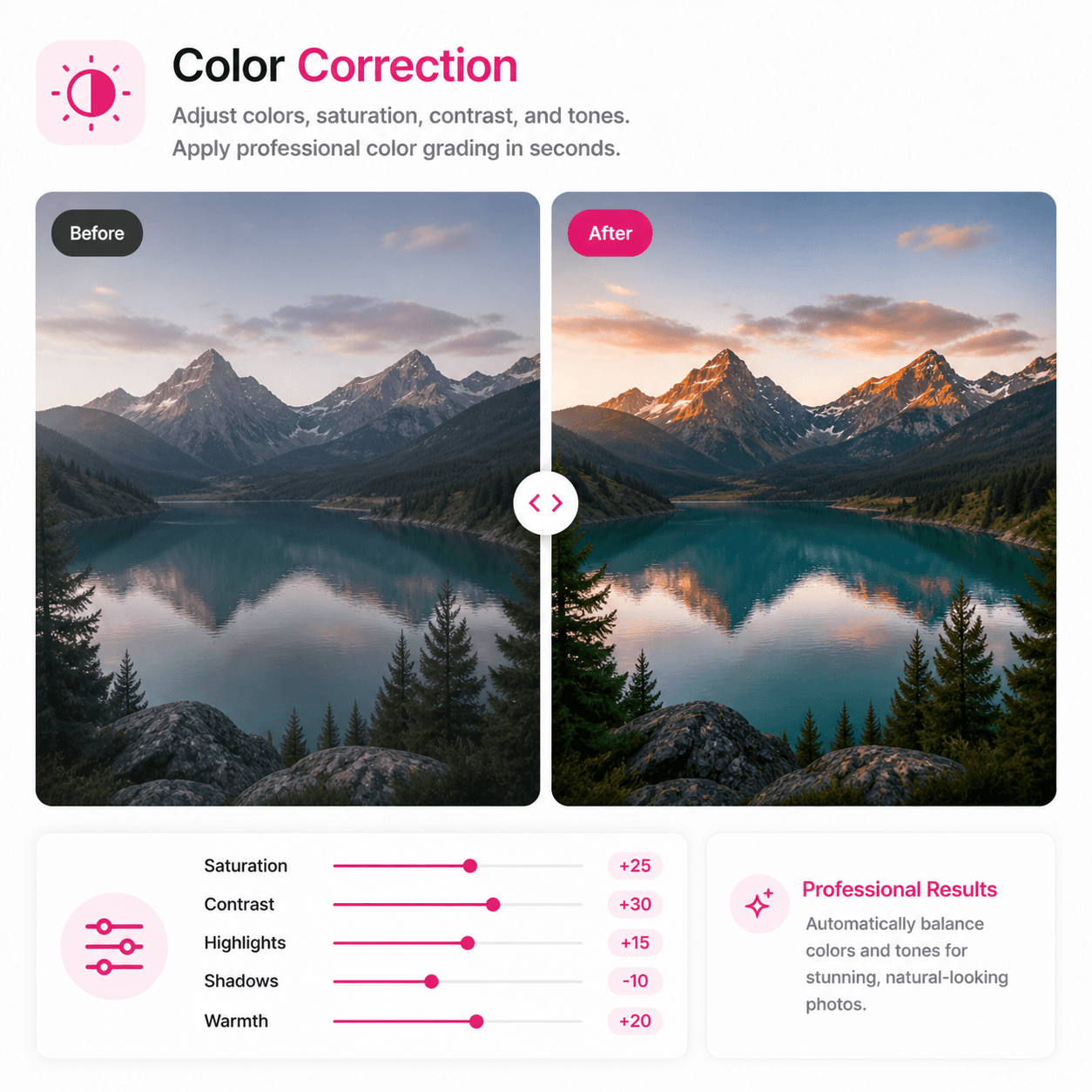
Color Correction
Adjust colors, saturation, contrast, and tones. Apply professional color grading in seconds.
Image Cutout
Cut any element from your image with pixel-perfect edges. Perfect for compositing and design work.
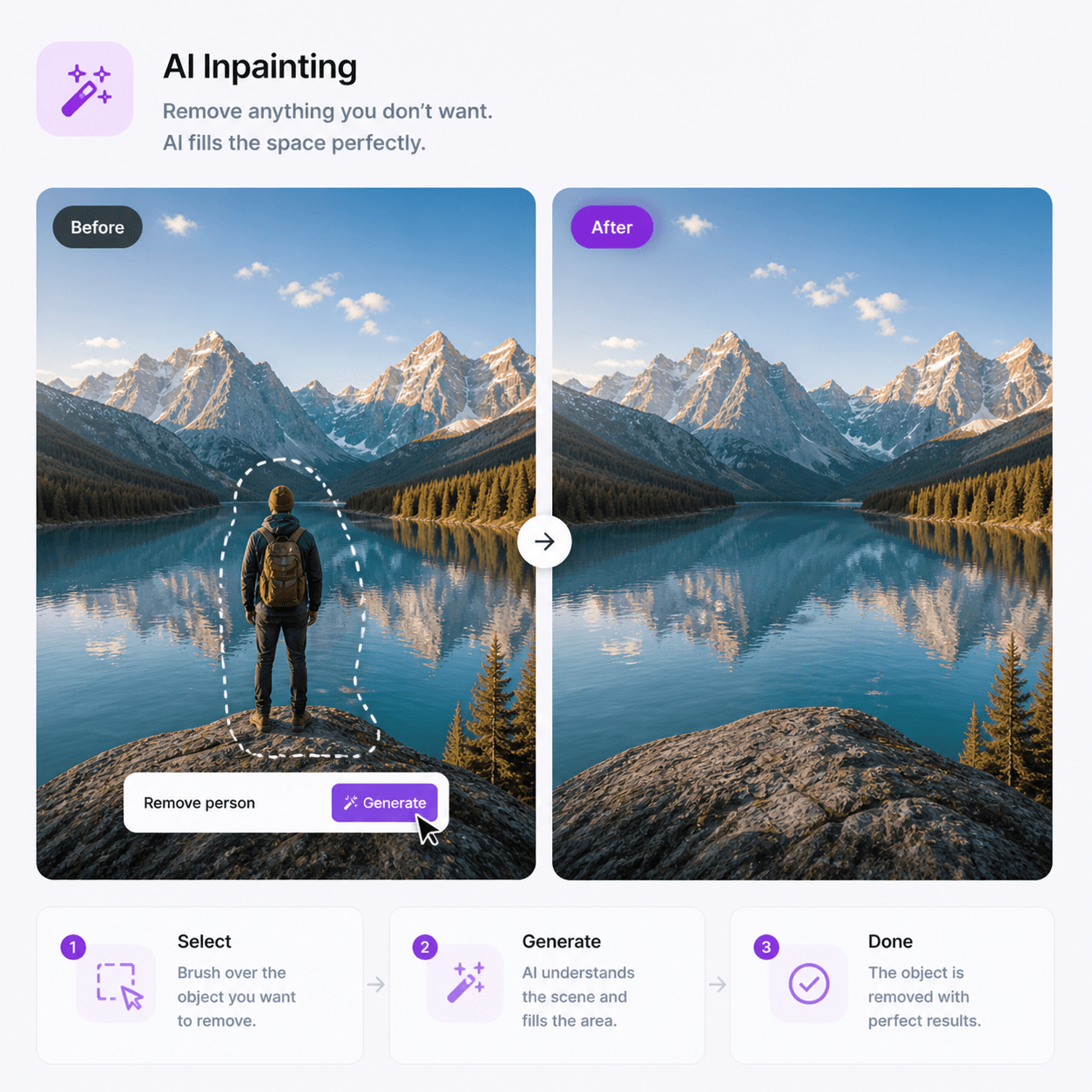
AI Inpainting
Repair damaged areas, fill in missing parts, or redesign any section of an image using text prompts.
How it works
Four steps.
That is it.
Try it now Upload your photo
Drag and drop or select any image from your device. JPG, PNG, WebP all supported at any resolution.
Pick an editing tool
Choose from 12 AI tools. Magic Eraser, Background Remover, Generative Fill, Style Transfer, and more.
Describe the change
Tell the AI what you want in plain language. Select an area or just type what to change.
Download the result
Your edited image is ready in seconds. Download in full resolution with commercial license included.
AI powered editing
Edit anything.
Just describe it.
No Photoshop. No tutorials. No hours of manual work. Just type what you want changed and the AI does it in seconds with professional quality results.
Whether you need to remove a stranger from a photo, change a boring background, fix bad lighting, or completely transform the style of an image — it is all done through simple language.
Professional results
Professional quality.
Zero effort.
Our AI has been trained on millions of images and understands context, lighting, perspective, and composition. The edits it makes look natural because it truly understands your image.
Photographers use it for retouching. E-commerce sellers use it for product photos. Marketers use it for campaign visuals. Designers use it for rapid prototyping.
Photographers
Retouch, restore, and enhance
E-commerce
Perfect product photos fast
Marketers
Campaign visuals in seconds
Designers
Rapid prototyping and concepts
Gallery
Edited with
Imgica AI.
Real results from real edits made on our platform.
Why AI editing
AI editing vs
traditional editing.
Traditional editing (Photoshop etc.)
Imgica AI editing
FAQ
Questions?
Here are the answers.
Everything you want to know about AI image editing.
An AI Image Editor lets you edit and transform photos using text prompts and AI tools. No design skills needed. Just upload your image, describe what you want changed, and the AI handles the rest.
Yes. You can start editing for free with no credit card required. Free credits are available on signup, and additional features are available on paid plans.
The editor supports JPEG, PNG, WebP, and most common image formats. Output is delivered in high resolution PNG format ready for download.
Yes. The Magic Eraser tool lets you paint over any object, person, or text and the AI removes it cleanly, filling in the background naturally without leaving visible traces.
Our AI automatically detects the subject in your image and removes the background in one click. You can then replace it with a new background, color, or keep it transparent for design use.
Generative fill lets you select any area of an image and describe what you want in its place. The AI generates new content that blends seamlessly with the surrounding image.
Yes. All edited images come with full commercial rights. Use them for clients, marketing, products, or publishing without any additional licensing fees.
Most edits complete in under 10 seconds. Complex edits like inpainting or style transfer may take slightly longer, but results are consistently fast.
None at all. Every tool is designed for simplicity. Describe what you want in plain language and the AI understands and executes the edit for you.
Batch editing is available on higher plans. You can queue multiple images and apply the same edits or different transformations to each one.
Free to start
Your next edit is
one sentence away.
No design skills. No credit card. Upload, describe, download.