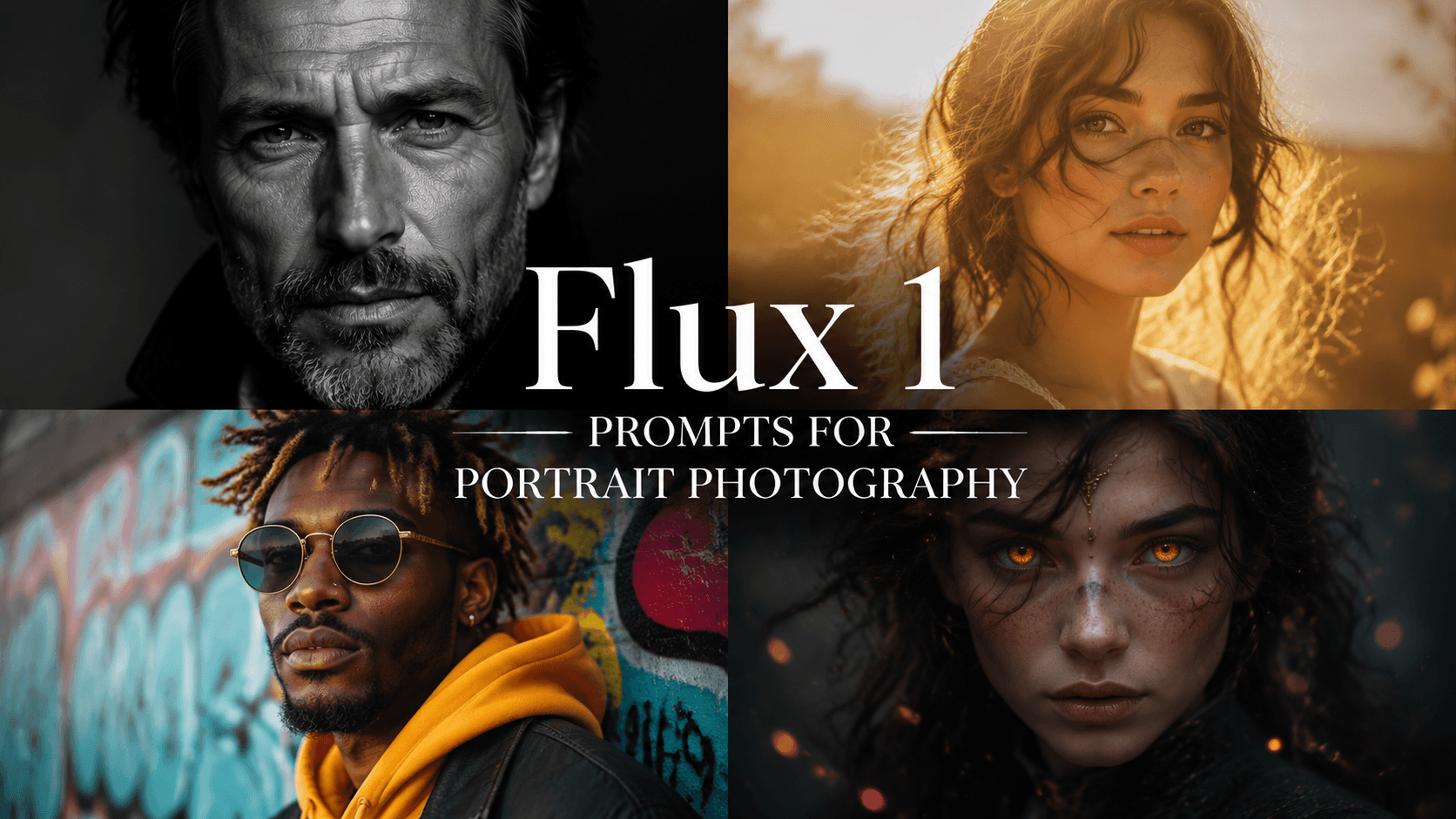
Top 10 Flux 1 Prompts for Portrait Photography 2025
Discover 10 powerful Flux 1 prompts for stunning portrait photography. Create classic, artistic, and cinematic AI portraits on EnhanceAI.art.
Flux 1 Prompts for Portrait Photography
Portrait photography captures the essence, emotions, and unique stories of individuals. With Flux 1 prompts on EnhanceAI.art, you can create powerful and memorable portraits that go beyond ordinary snapshots, featuring unique styles and lifelike detail. Whether you're after a timeless black-and-white look or creative, experimental vibes, these prompts offer diverse options to enhance any portrait project.
EnhanceAI.art Pricing Plans:
- Free Plan: Generate up to 100 images per month, perfect for beginners.
- $5 Plan: 500 images per month, ideal for moderate use.
- $12 Plan: 1,500 images per month, suitable for frequent projects.
- $29 Plan: 6,000 images per month, great for professional needs.
- $45 Plan: Unlimited image generation, best for creative freedom and high-volume projects.
10 Best Flux 1 Prompts for Portrait Photography
1. Classic Black and White Portrait
Highlight timeless elegance with high-contrast black-and-white photography.
Prompt Example: "A high-contrast black-and-white portrait of a mature man with deep facial lines, standing against a dark background; soft light highlighting texture and emotion, minimalist, ultra-realistic, cinematic depth, 4K resolution"
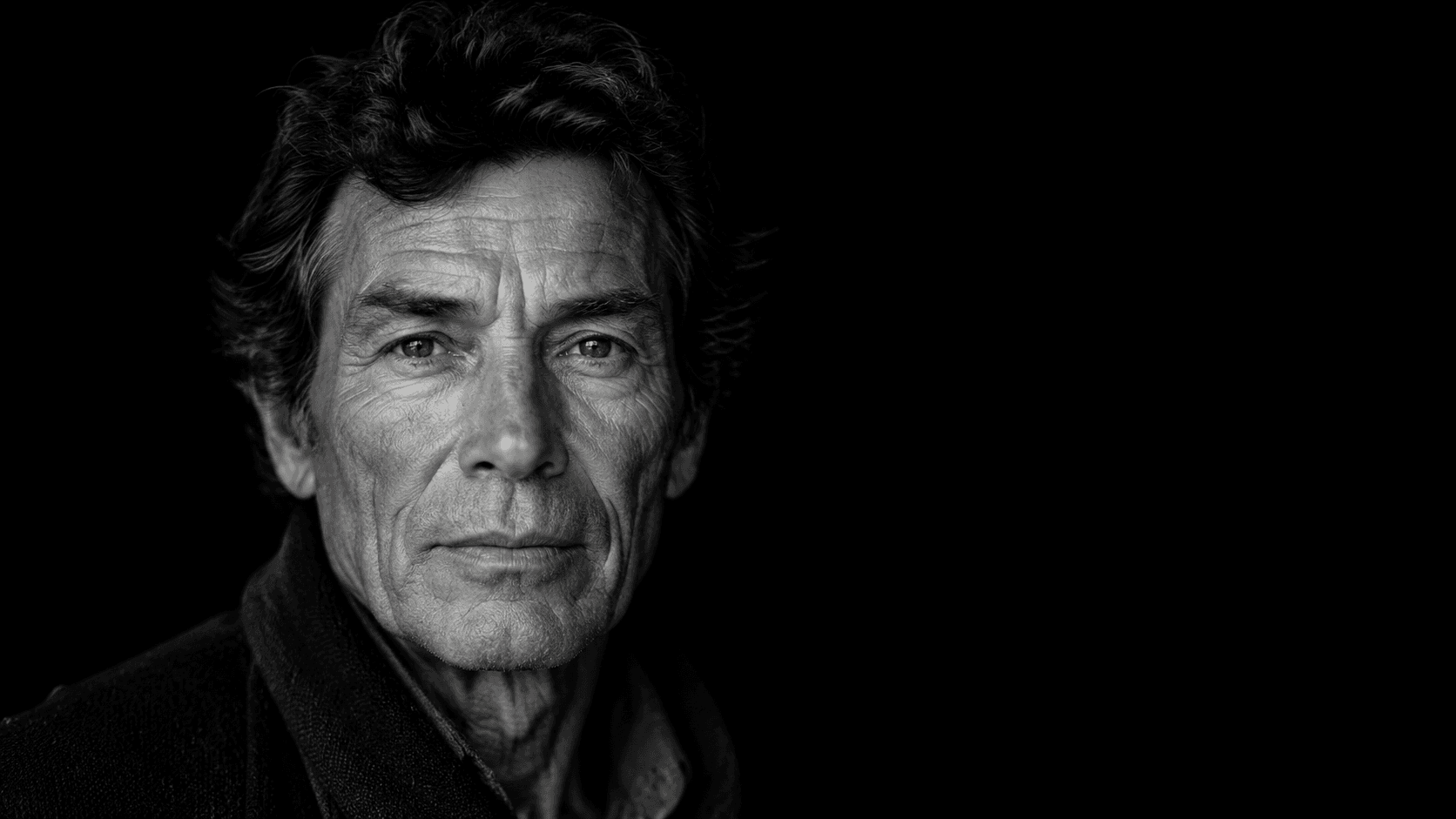
Description: This classic black-and-white style brings out the subject’s character and emotions by focusing on light and shadow, a perfect choice for portraits with a timeless appeal.
2. Soft, Dreamy Portrait in Natural Light
Perfect for capturing a serene and gentle expression with a nature-inspired background.
Prompt Example: "A close-up portrait of a young woman with soft, wavy hair, bathed in warm, natural sunlight; background is softly blurred with wildflowers, the woman’s eyes gently closed, pastel tones, ultra-high detail, serene atmosphere, cinematic depth"
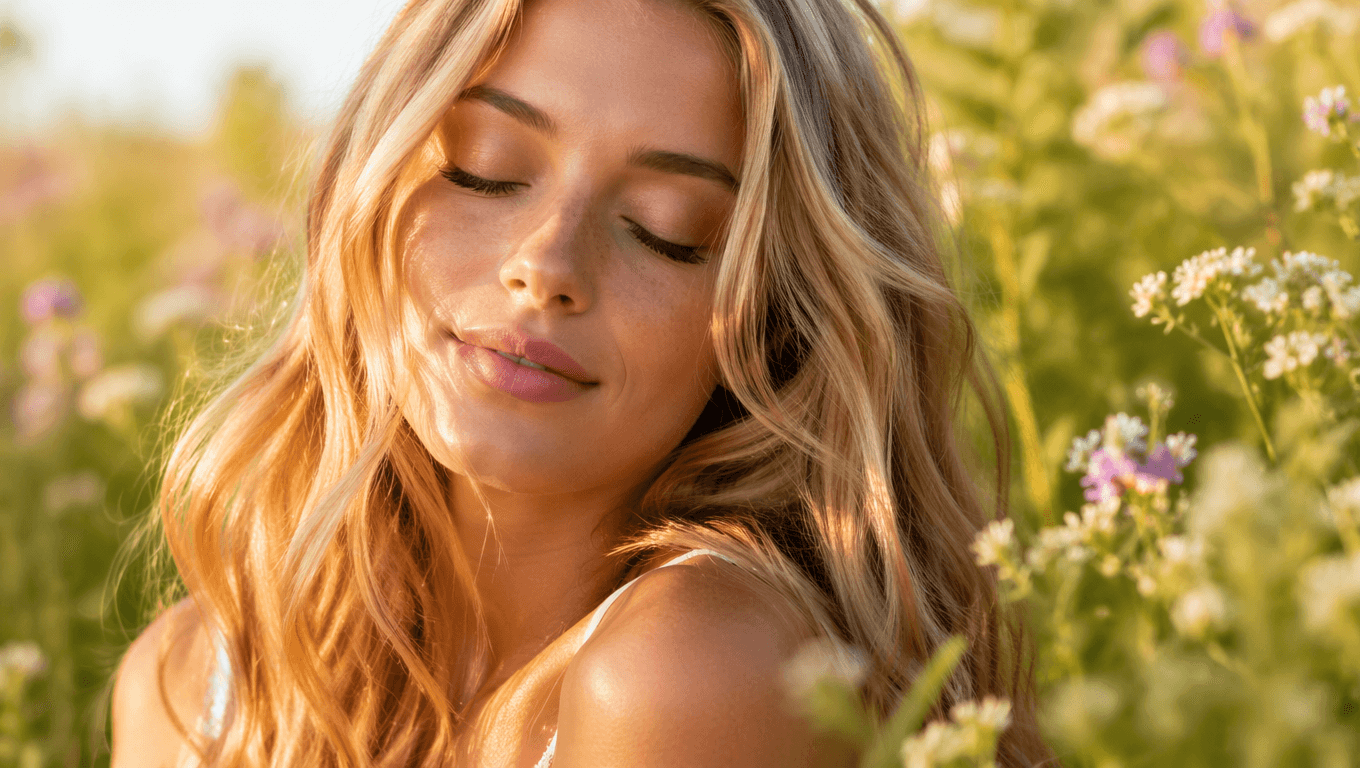
Description: This dreamy style captures the beauty of natural light, creating an intimate and calm atmosphere. The blurred wildflower background adds a soft touch, making it an ideal choice for serene portrait shots.
3. Vibrant Street Style Portrait
Emphasize modern, vibrant urban energy in your portraits.
Prompt Example: "A portrait of a young man in trendy streetwear, posed against a colorful graffiti wall; high energy, vivid color contrasts, ultra-detailed, capturing confidence and urban vibe, shot at golden hour for added warmth, 4K resolution"
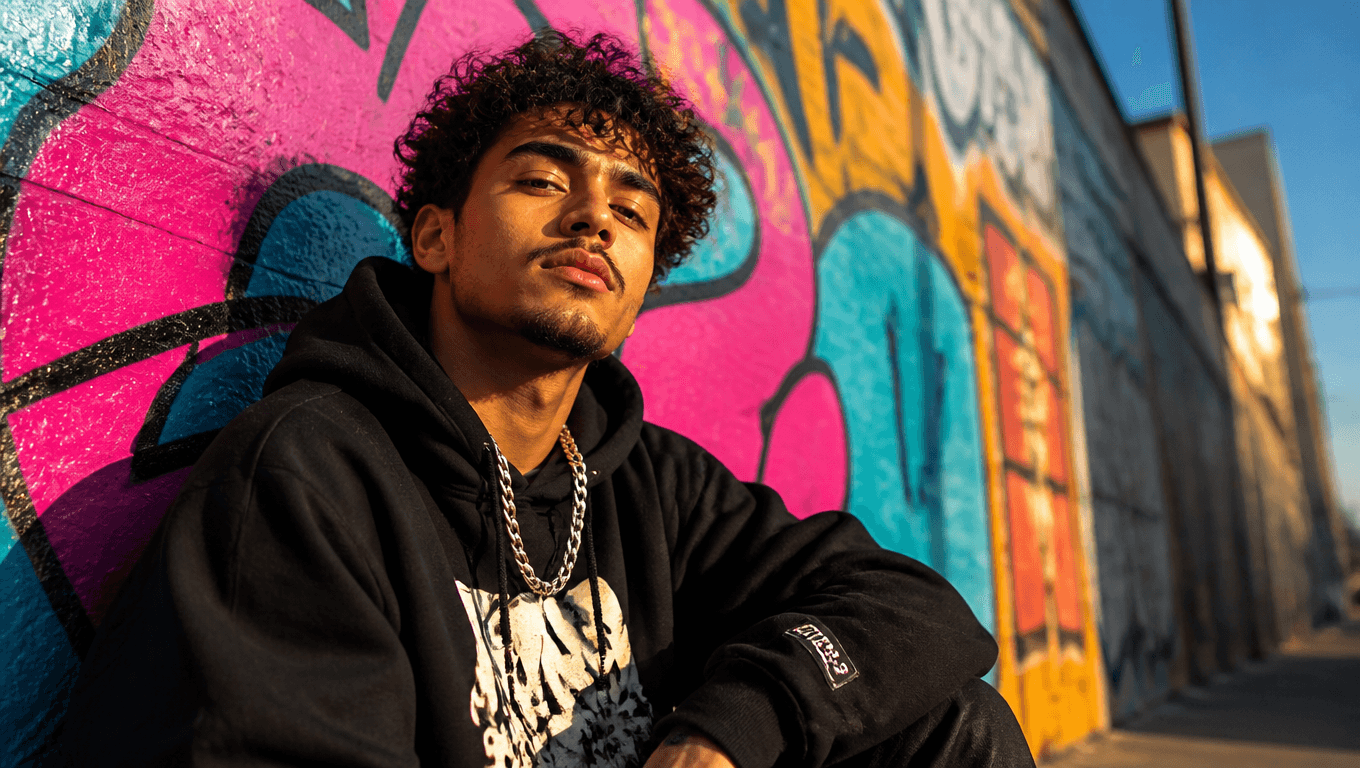
Description: This style adds a contemporary feel to portraits by placing the subject in an urban setting. It’s all about high energy, dynamic colors, and an edgy look, perfect for showcasing individuality.
4. Experimental Double Exposure Portrait
Blend reality with imagination using a creative double exposure technique.
Prompt Example: "A double exposure portrait of a woman’s face combined with a forest landscape, her features blending seamlessly with trees and leaves; ethereal, artistic effect, high resolution, ultra-sharp details, soft contrast between reality and nature, 8K resolution"
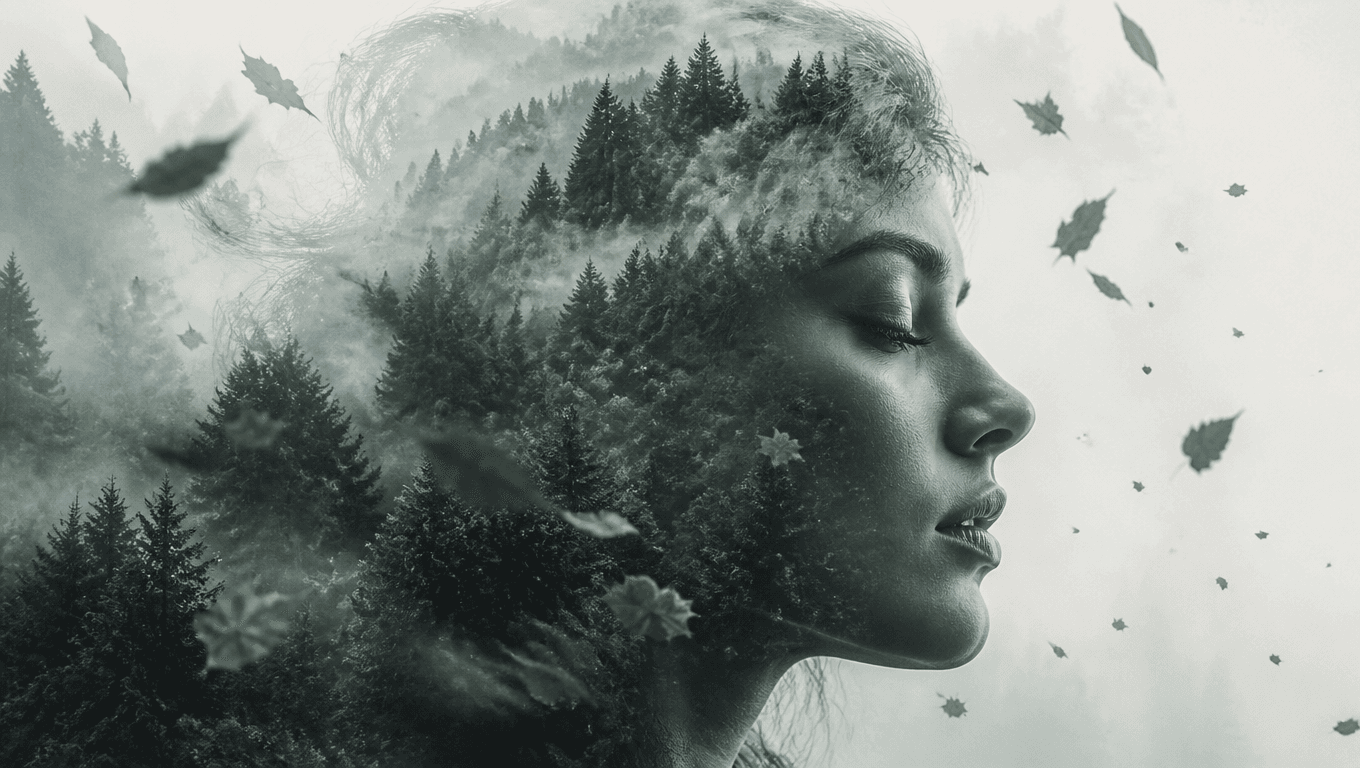
Description: With double exposure, you create a layered, artistic effect that merges the subject with another image, like a landscape. This style is ideal for adding an abstract, dreamy quality to portraits.
5. Vintage-Inspired Portrait with Soft Tones
Achieve a nostalgic look with a subtle color palette and soft lighting.
Prompt Example: "A vintage-style portrait of a woman in retro clothing, standing beside an old building; soft sepia tones, low contrast, textured film grain effect, gentle light and shadows, ultra-high detail, nostalgic atmosphere"
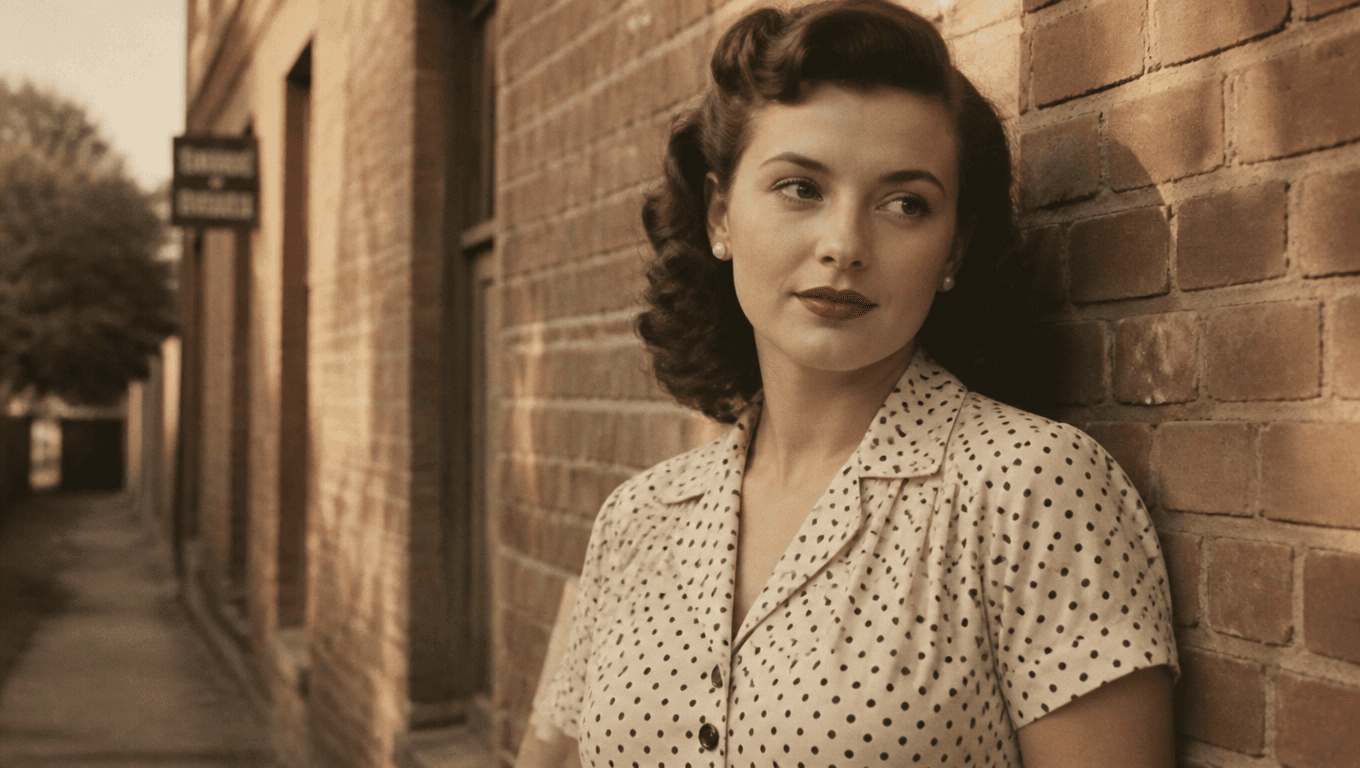
Description: This prompt allows you to create nostalgic, vintage-inspired portraits. The use of sepia tones and low contrast evokes a sense of the past, giving a warm and timeless quality to the image.
6. Dynamic Motion Portrait
Create a sense of movement by capturing subjects in motion, ideal for action-packed scenes.
Prompt Example: "A portrait of a woman in a flowing dress, captured mid-twirl with her hair swaying; motion blur, vivid colors, high resolution, natural outdoor setting"
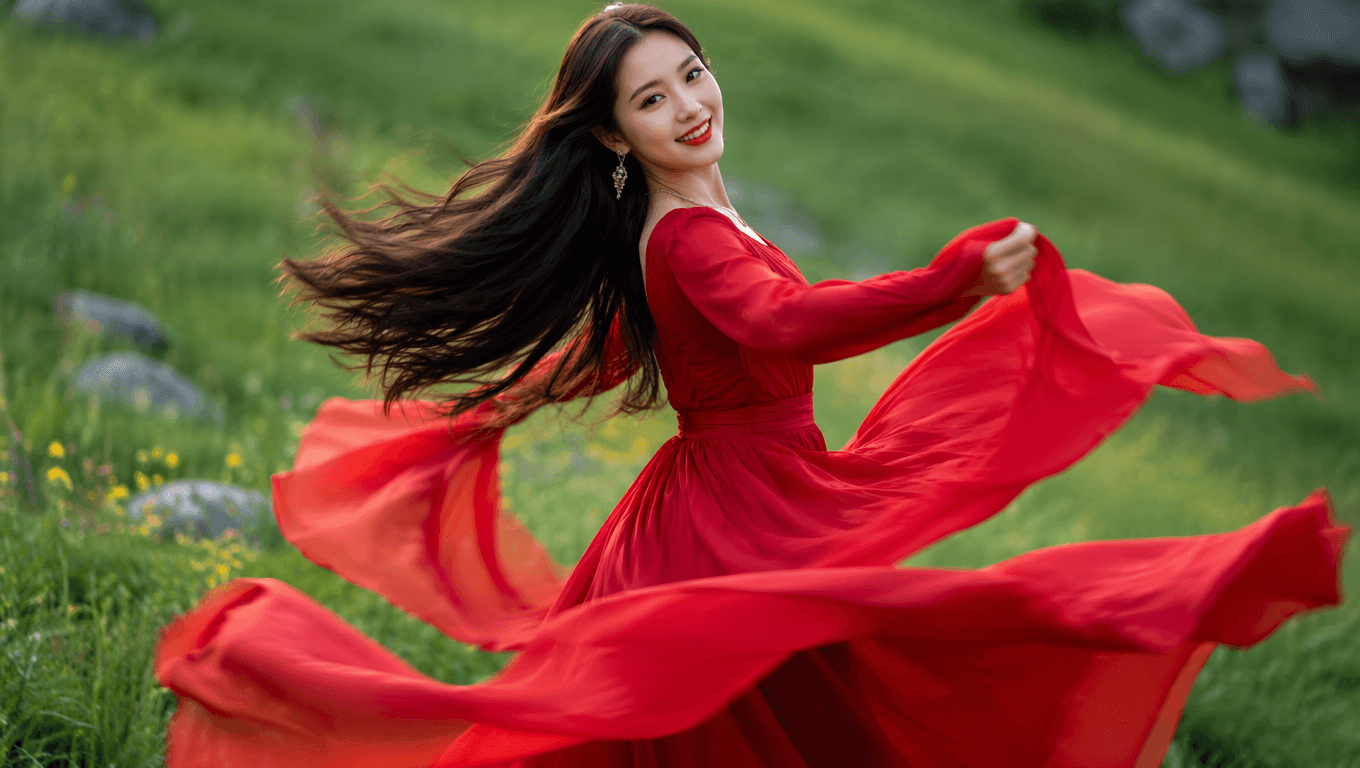
Description: A motion portrait adds energy and fluidity to your image. The focus is on capturing the subject in motion, like hair or clothing moving with the wind, adding a lively, cinematic feel.
7. Close-Up Portrait with Bokeh Background
Bring out facial details while softening the background for focus.
Prompt Example: "A close-up portrait of a young man, with a bokeh background, focusing on facial details; high definition, sharp facial features, gentle background blur, natural lighting"
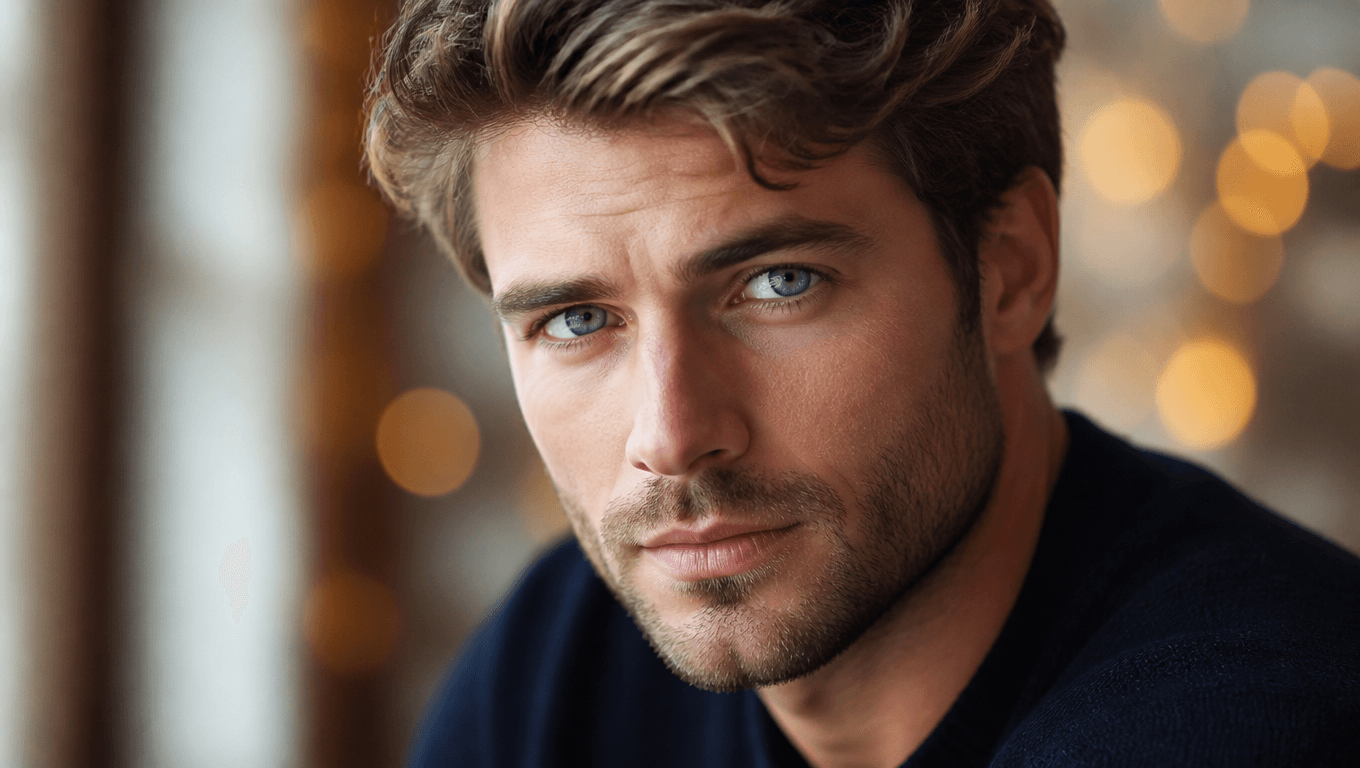
Description: This close-up style is perfect for capturing expressions and details, while the soft bokeh background ensures full attention on the subject’s face, making the image both intimate and visually appealing.
8. Fantasy-Themed Portrait
Step into a magical world by adding mystical elements to the portrait.
Prompt Example: "A fantasy portrait of a woman with glowing eyes, surrounded by ethereal lights and mystical background, vibrant colors, ultra-realistic details"
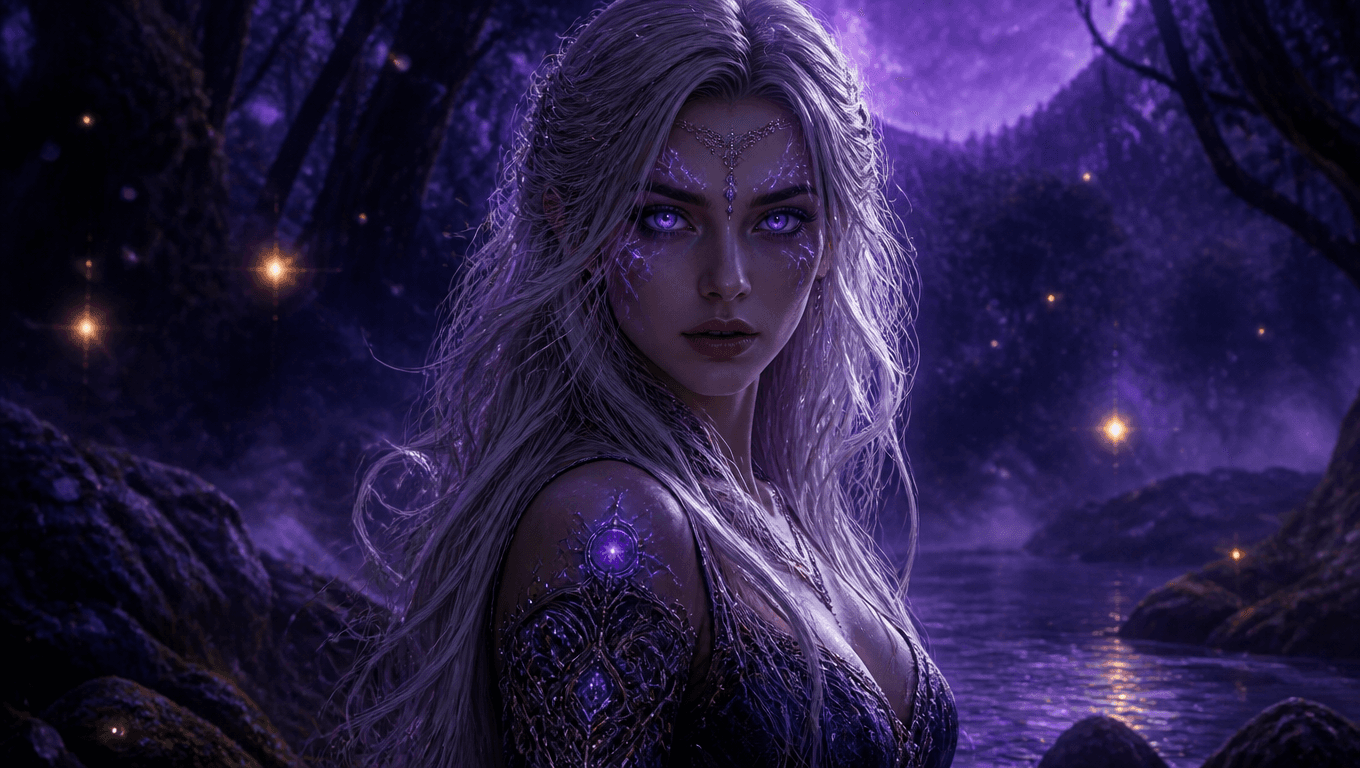
Description: Adding a fantasy element to portraits lets you explore surreal visuals, creating a magical experience in your images. This prompt is ideal for projects needing a unique, fantasy-inspired look.
9. High-Fashion Editorial Portrait
Capture a stylish, polished look ideal for fashion-focused photography.
Prompt Example: "A high-fashion editorial portrait of a model with bold makeup and a dramatic outfit; high contrast, vibrant colors, studio lighting, ultra-detailed"
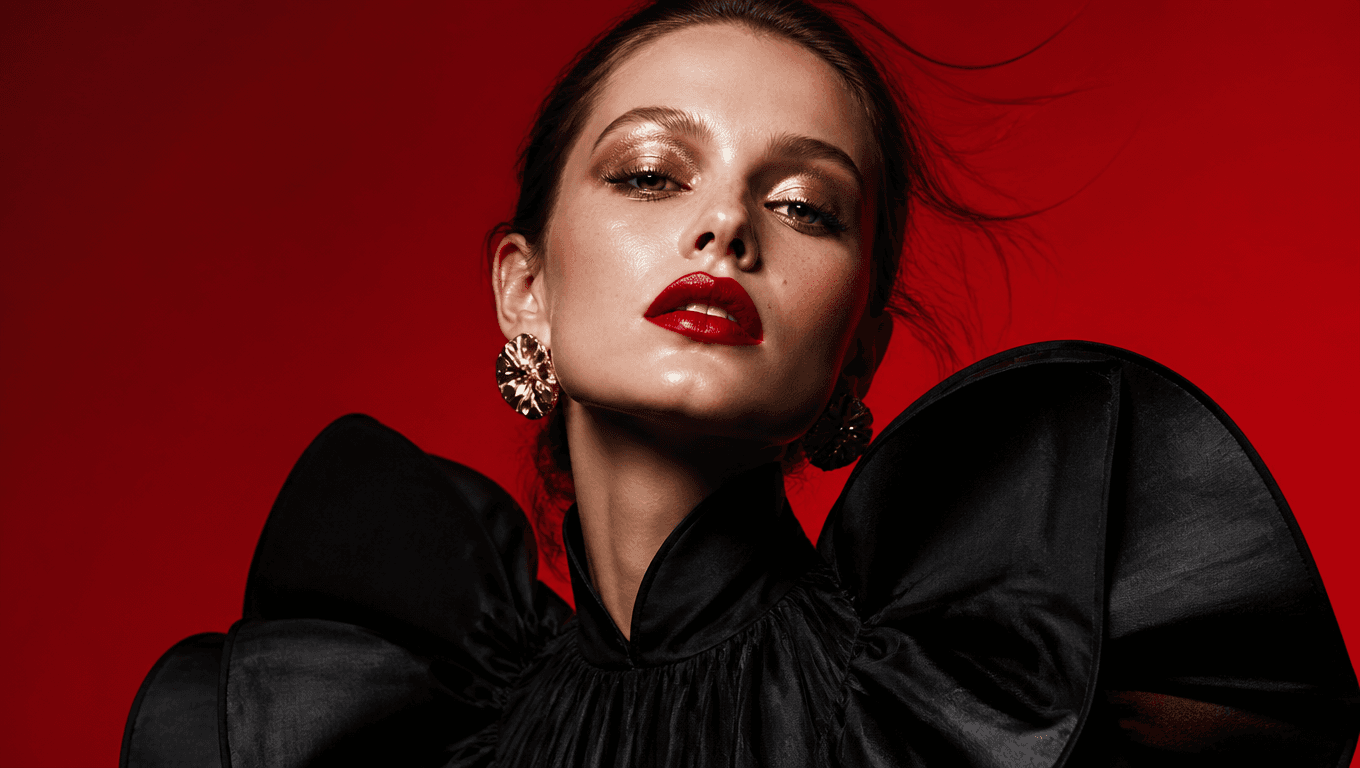
Description: High-fashion editorial portraits focus on stylish, impactful visuals with bold details, perfect for fashion photography that emphasizes style and elegance.
10. Outdoor Portrait with Natural Elements
For nature lovers, capture subjects in scenic outdoor settings with natural lighting.
Prompt Example: "A portrait of a woman in a forest, surrounded by lush greenery and natural light filtering through the trees, warm tones, cinematic depth"
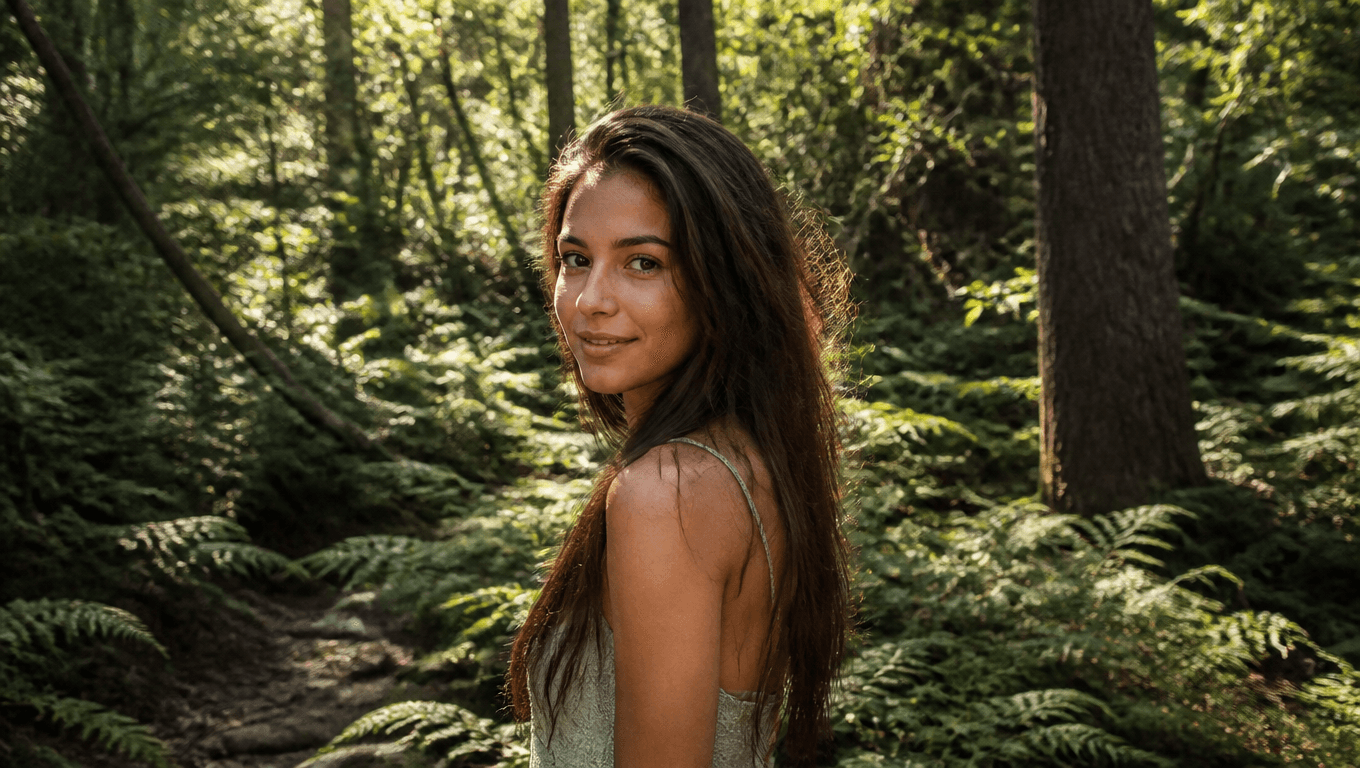
Description: Outdoor portraits that integrate natural elements give an organic, serene feel, creating an image that blends subject and nature beautifully.
FAQs
Q1: How do I get started with Flux 1 prompts for portraits on EnhanceAI.art?
A: Sign up on EnhanceAI.art, select a pricing plan, and start with the prompts provided. Adjust details like lighting and background to customize the look.
Q2: What’s the best plan for regular users?
A: For moderate use, the $5 or $12 plans work well, while the $45 plan provides unlimited images for extensive projects.
Q3: Can I use these prompts for commercial projects?
A: Yes! EnhanceAI.art’s licenses allow commercial use, but it’s best to review their terms for specific details.