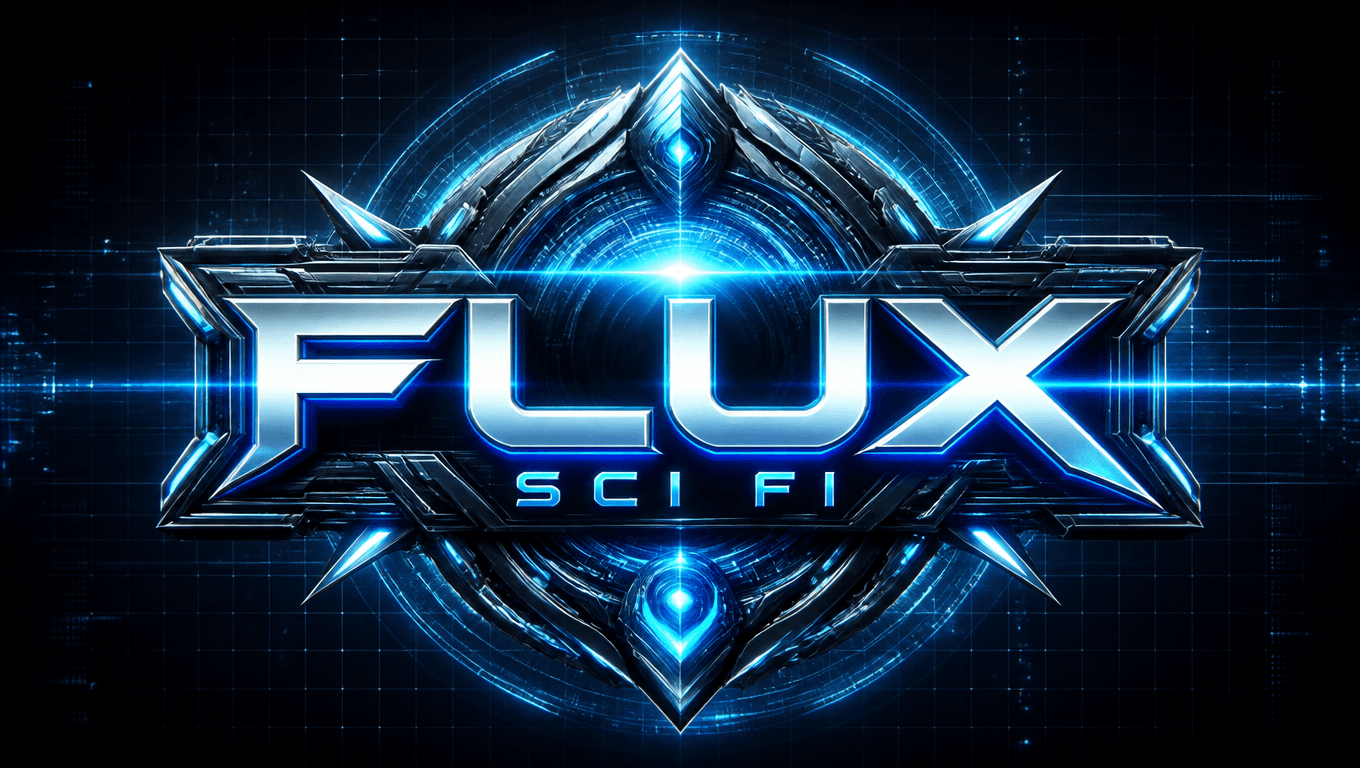
How to Use Flux Prompts for Sci Fi Logo Design 2025
Learn how to create futuristic sci fi logos using Flux 1 prompts with 10 stunning examples and pro tips for AI logo design.
How to Use Flux Prompts for Sci-Fi Logo
Crafting a futuristic sci-fi logo has never been easier, thanks to Flux 1 Prompts. Whether you're designing for a tech brand, a game, or a movie, this guide will help you unlock the full potential of Flux 1 for stunning sci-fi visuals.
Pricing Plans at EnhanceAI.art
- Free Plan – 100 images per month
- $5 Plan – 500 images
- $12 Plan – 1,500 images
- $29 Plan – 6,000 images
- $45 Plan – Unlimited image generation
How to Use EnhanceAI.art
- Sign Up/Login: Go to EnhanceAI.art and create an account.
- Choose a Plan: Start with the free plan or upgrade for more features.
- Navigate to Tools: Access the "Logo Design" tool.
- Input Your Prompt: Use sci-fi-themed prompts to generate your logo.
- Generate & Save: Preview, refine, and download your sci-fi masterpiece.
1. "A glowing neon blue logo with sharp geometric edges, featuring a pulsating energy core at the center. The text is metallic, with a chrome finish, and a digital grid background."
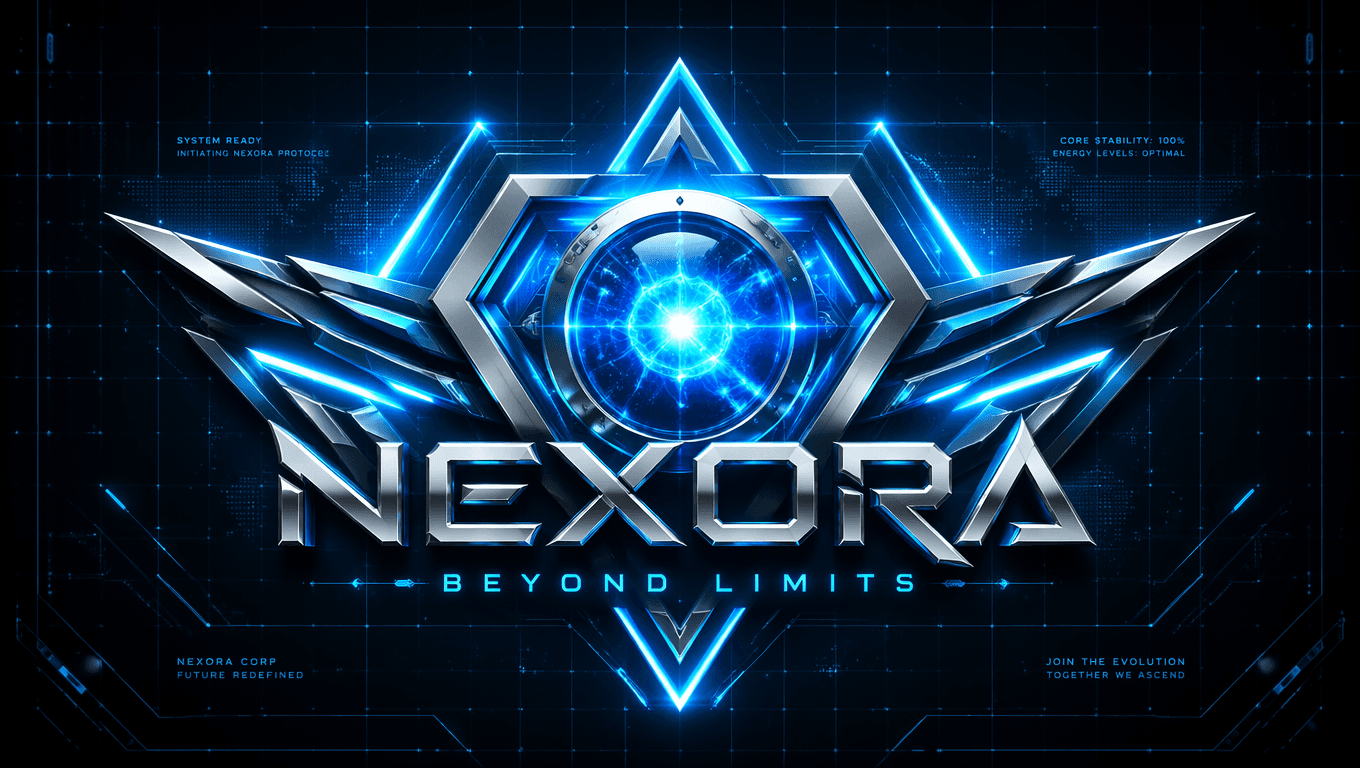
2. "Futuristic emblem with a sleek silver and black color scheme, a glowing red circular centerpiece, and intricate patterns resembling alien technology."
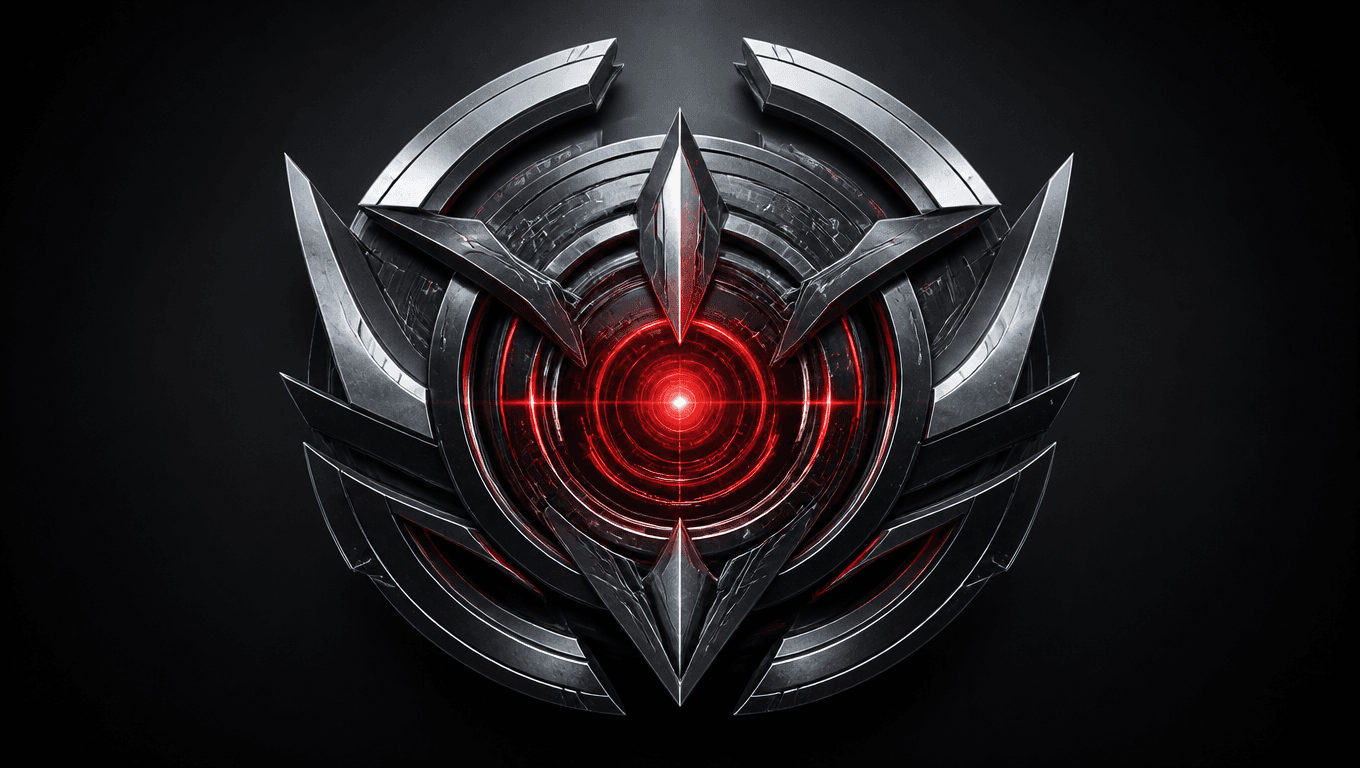
3. "Holographic logo with rotating text, vibrant shades of cyan and magenta, surrounded by a shimmering aura and small orbiting particles."
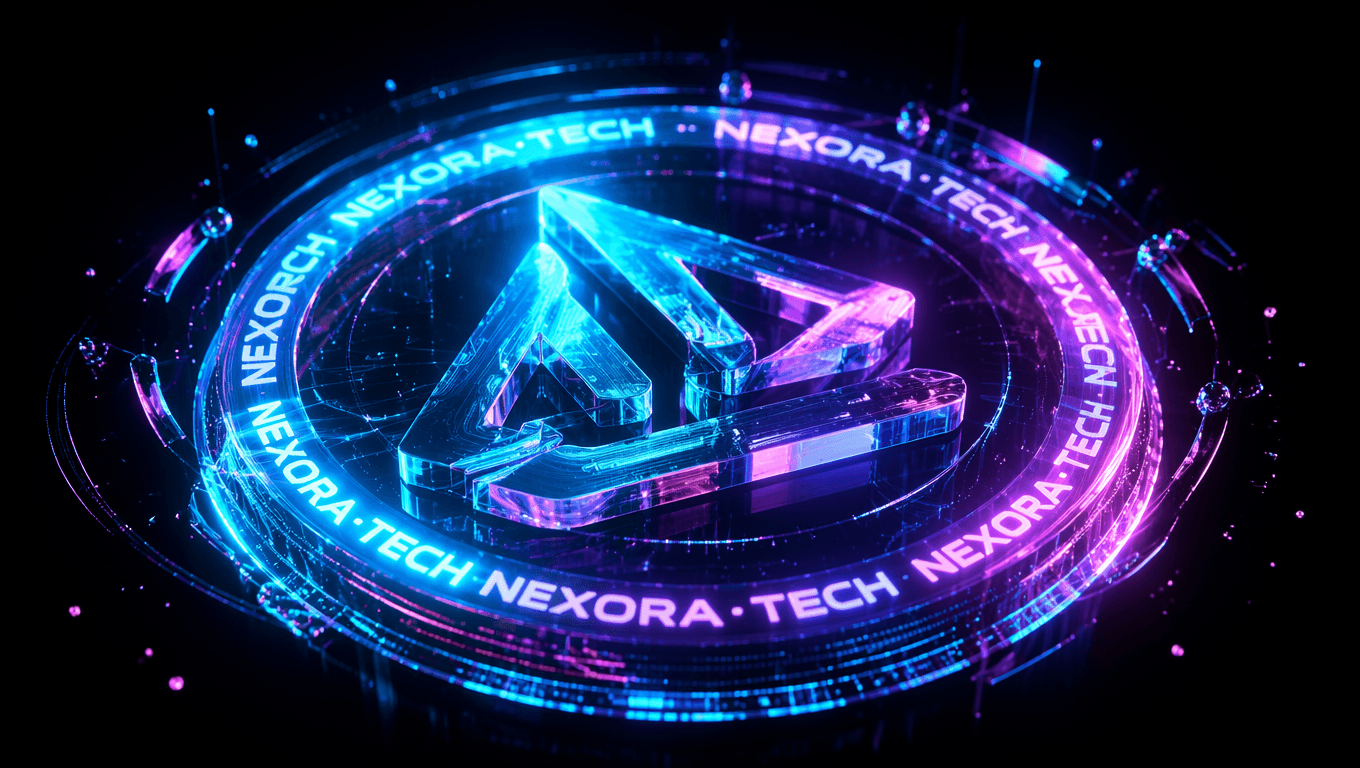
This image was created by EnhanceAI.art
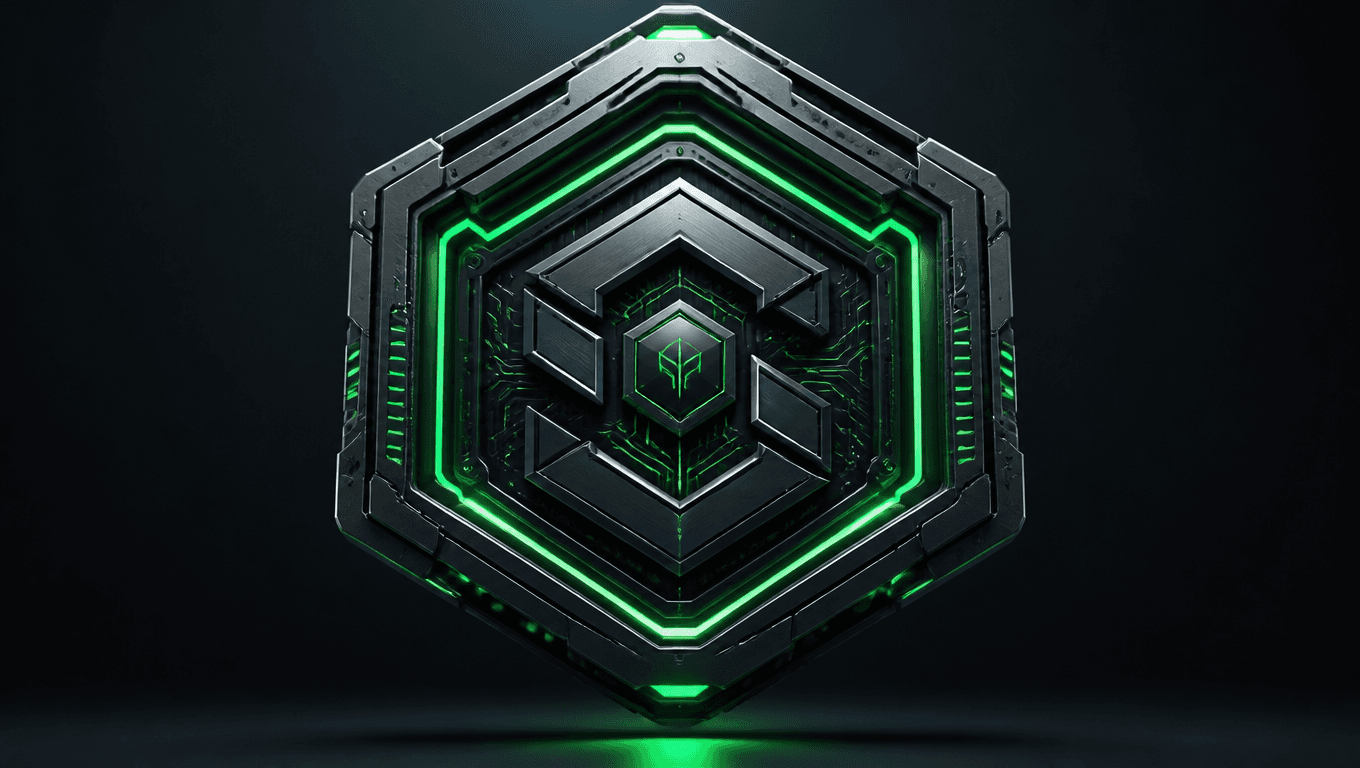
4. "A high-tech logo shaped like a hexagon, with glowing green circuit lines, a dark metallic base, and a 3D effect that gives a floating appearance."
5. "Abstract sci-fi logo with overlapping transparent spheres, glowing with subtle blue hues, and intricate microchip-like patterns etched across them."
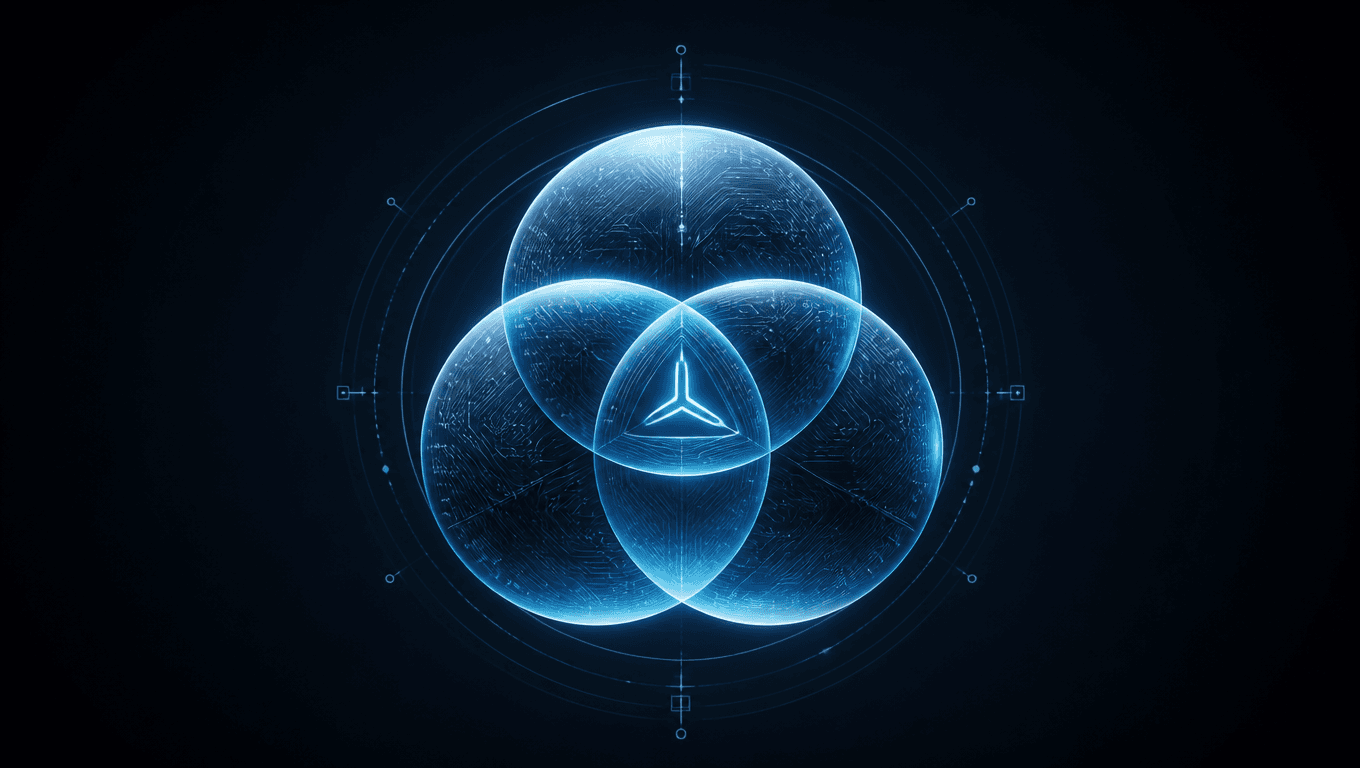
This image was created by EnhanceAI.art
6. "A minimalist sci-fi logo with sleek typography in glowing white, overlaid on a black void with faint star trails and a distant nebula."
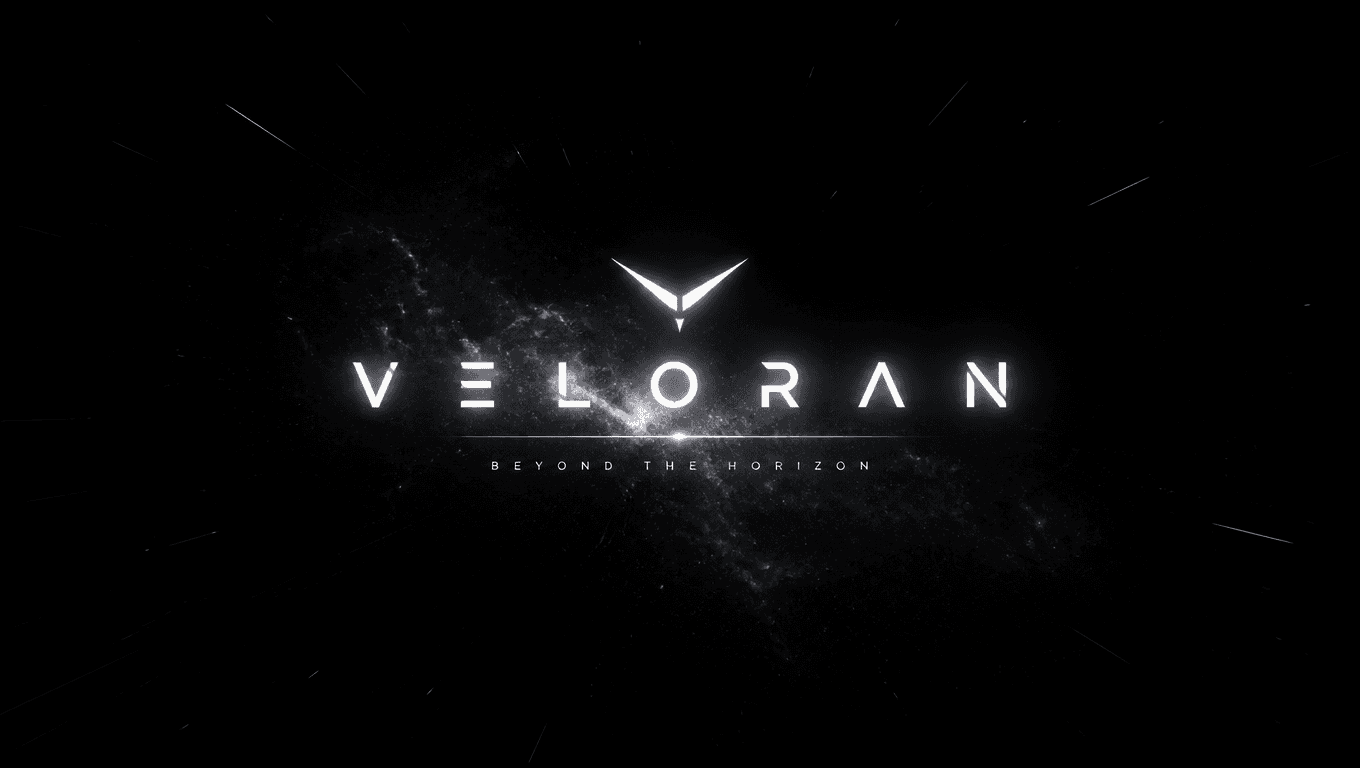
This image was created by EnhanceAI.art
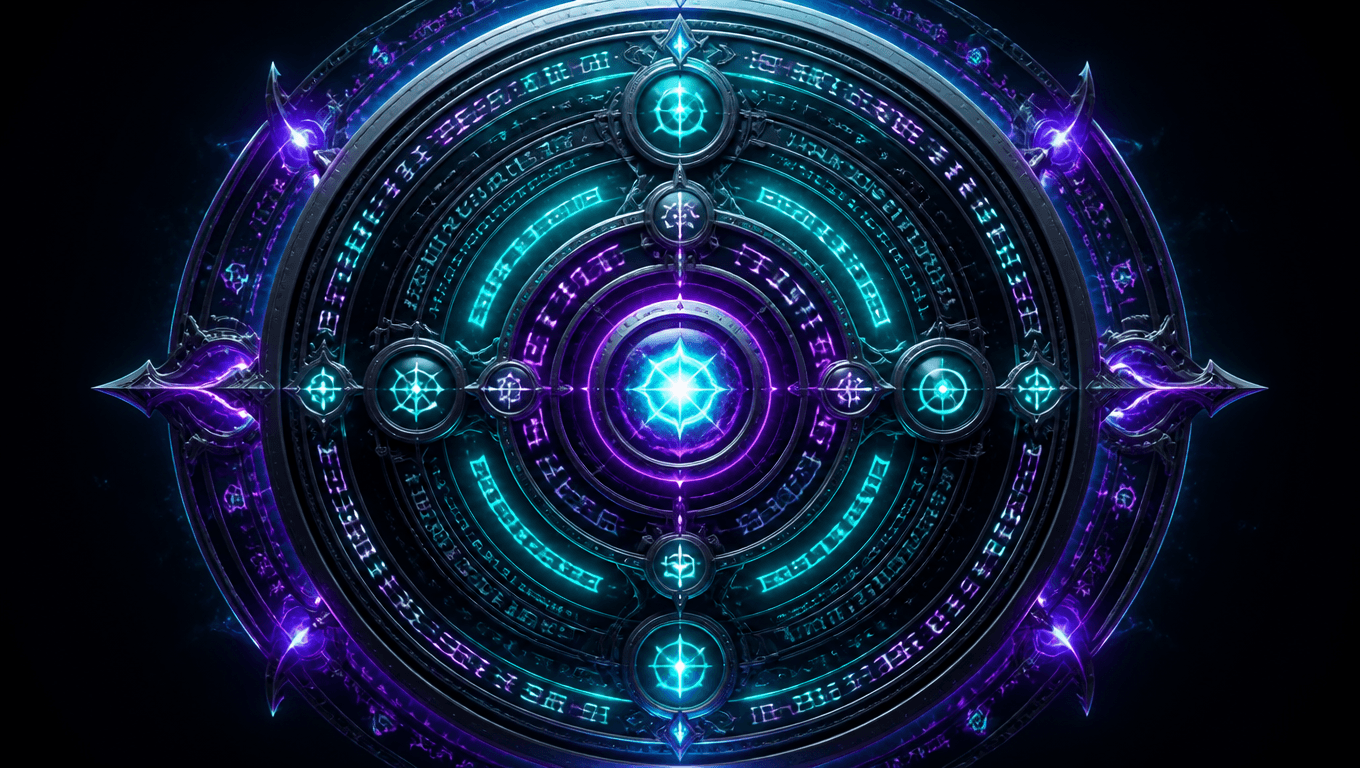
7. "Circular logo with a central glowing core, surrounded by orbiting symbols representing alien languages, in vibrant teal and purple hues."
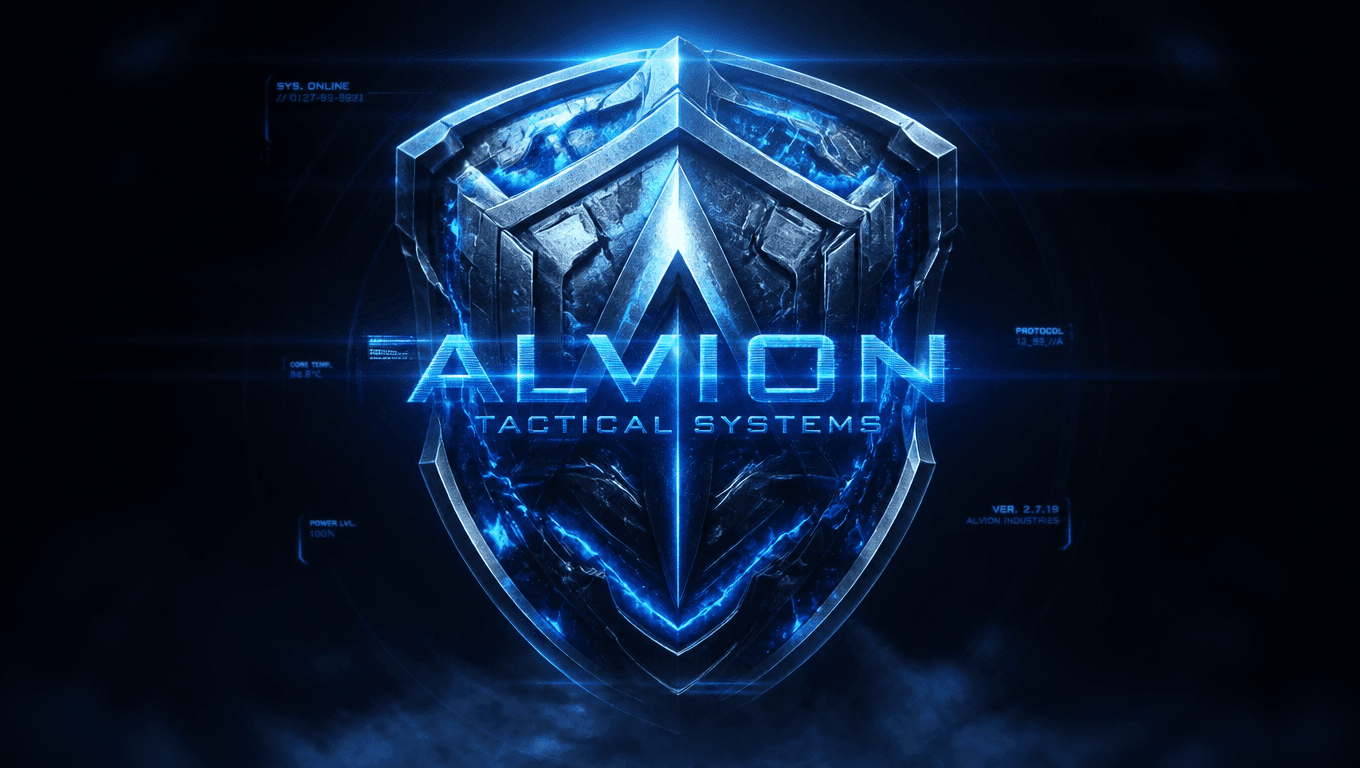
8. "A futuristic shield-shaped logo with glowing blue veins, metallic textures, and a holographic text overlay that flickers with light effects."
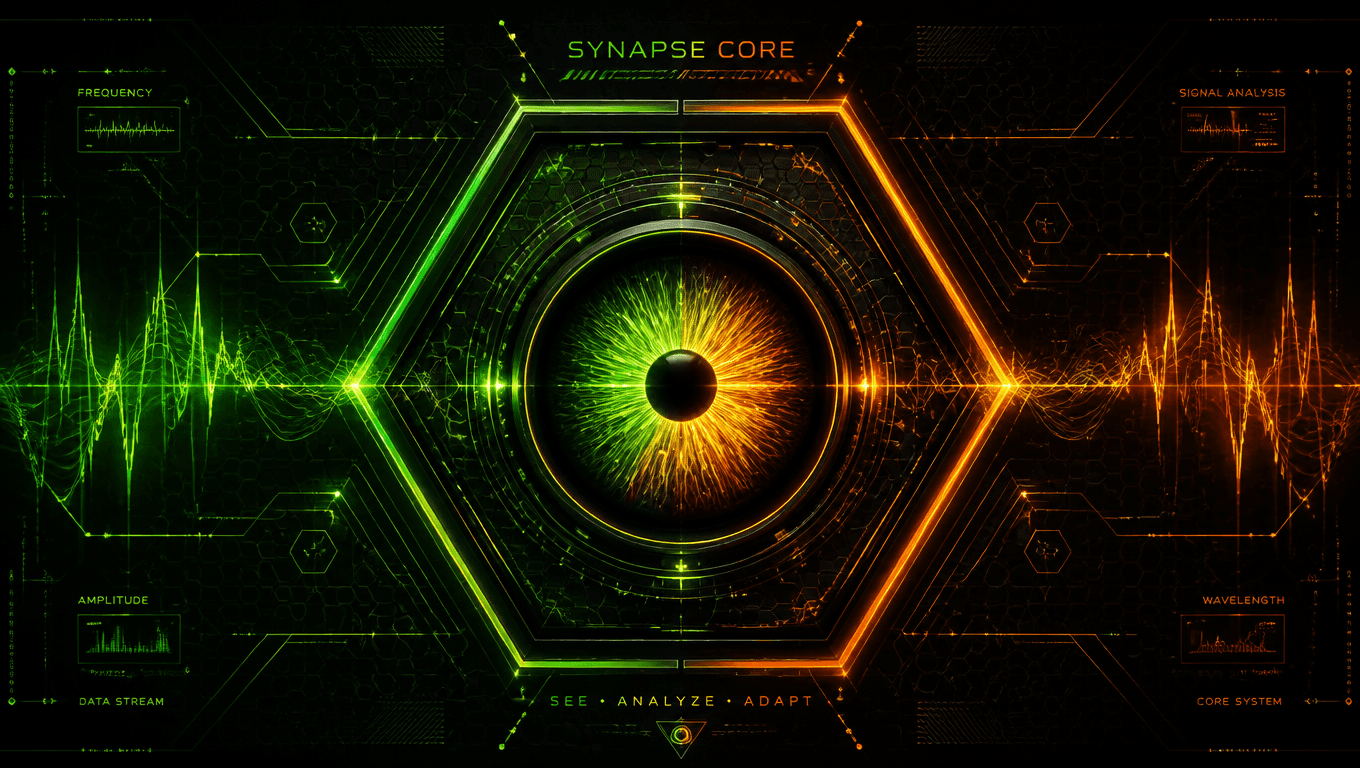
9. "Hexagonal grid-based logo with a central glowing eye, surrounded by digital waveforms, with gradients of neon green and orange."
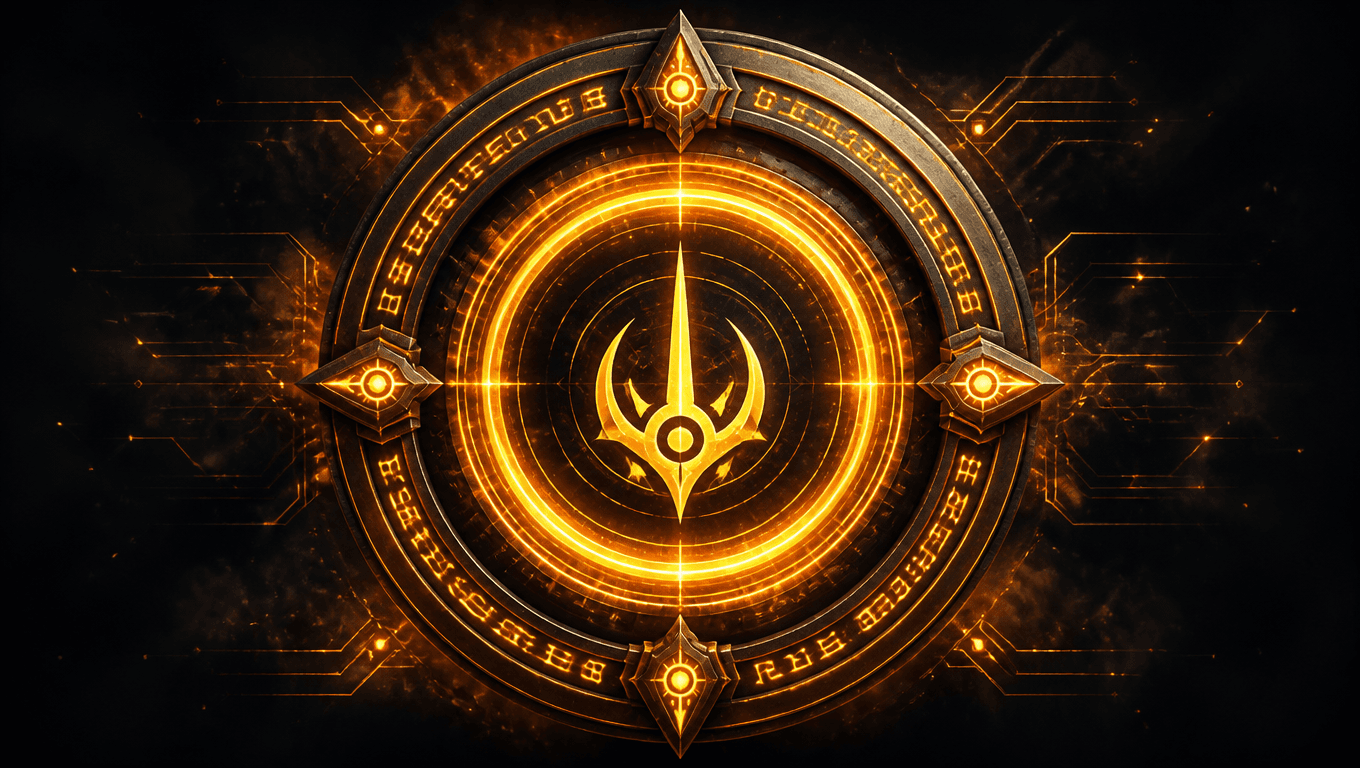
10. "A logo resembling a sci-fi portal, with a glowing circular frame, animated inner rings, and symbols etched in luminous golden light."
Tips for Creating Sci-Fi Logos with Flux 1 Prompts
- Be Specific: Use descriptive terms like “glowing,” “metallic,” and “futuristic” to shape the AI's output.
- Incorporate Shapes: Mention geometric forms such as hexagons, circles, or grids for a sci-fi feel.
- Add Effects: Use keywords like "neon," "holographic," or "3D" to enhance the futuristic vibe.
- Experiment with Colors: Neon shades like blue, green, and purple often work best for sci-fi aesthetics.
FAQs
1. What is Flux 1?
Flux 1 is an advanced AI model optimized for creating detailed and customizable visual content.
2. Can I use these logos commercially?
Yes, logos generated with EnhanceAI.art can be used for personal or commercial projects.
3. How can I refine my logo prompts?
Use specific details about textures, colors, and lighting effects to achieve more tailored results.
4. Are the images high-resolution?
Yes, EnhanceAI.art produces high-quality outputs suitable for professional use.