Imgica AI
Opening ai face swap.0.0s
Imgica AI
Opening ai face swap.0.0s
The face swap tool
Bring the photo with the face and the photo where it belongs. The swap moves one into the other, the entire head if you ask for it, and sets the result beside the original before you keep anything.
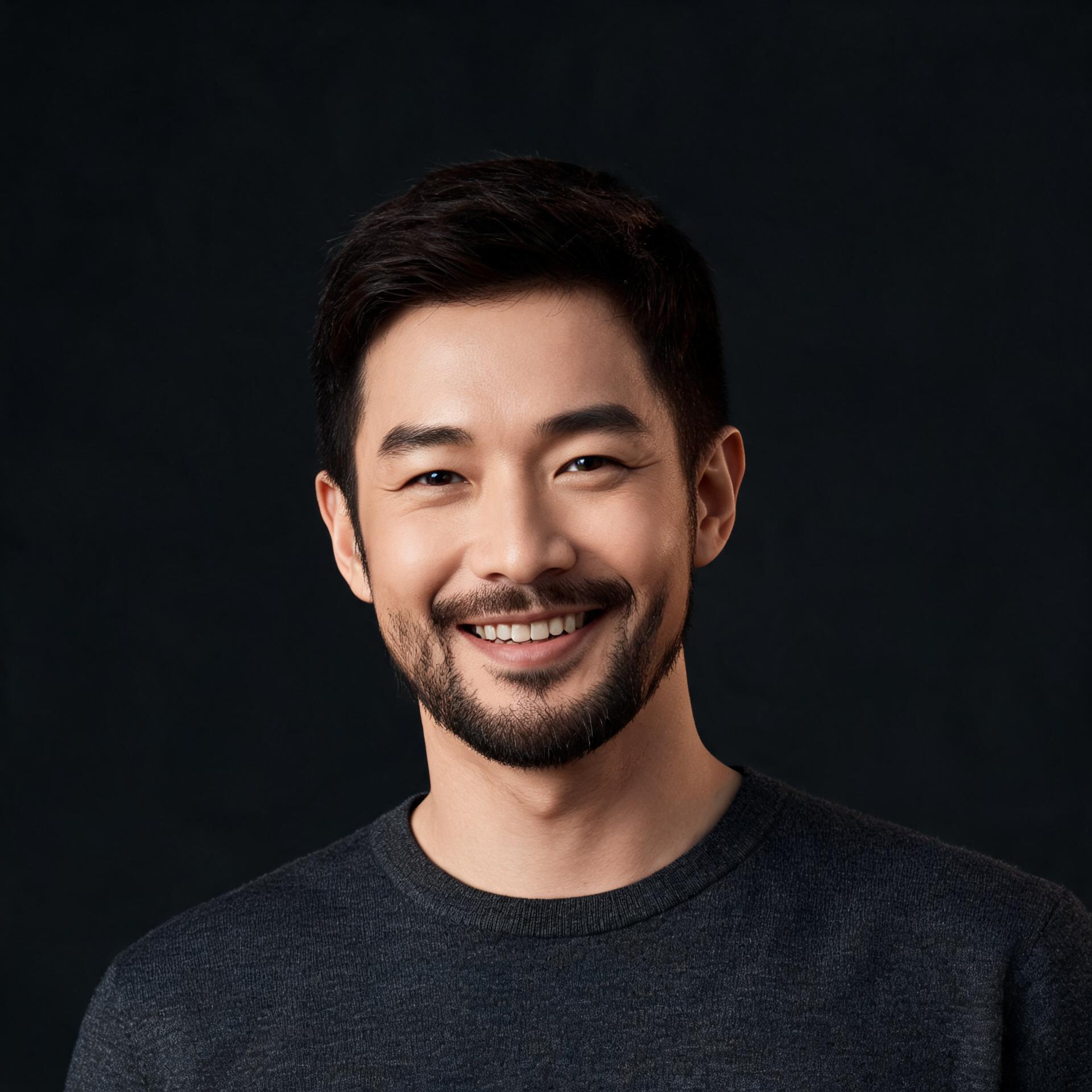
supplies the person

supplies everything else
Two photos, queued for a keystroke
Both input photos were generated on the imgica pipeline, so no real person appears here. The result is not a mockup either: the Pro engine ran this exact pair in the studio, and C shows what it returned.
01 · The register
Pro is the default and the workhorse. The other three exist for the pairs of photos that ask for something specific.
Whichever engine takes the job, it ends at the same desk: a before and after view where you judge the result against the original before anything is kept.
The workhorse, preselected when you arrive. It holds up when the two photos disagree: mismatched lighting, odd angles, hard shadows.
For clean, front-facing pairs where nothing fights you. In, swapped, out.
Moves the entire head from photo A: hair, jawline, all of it. Pick it when the hairstyle is half the likeness.
ByteDance's identity engine, built to keep a person recognizable from a single photo, with no training on them.
The engine register
02 · The second job
Photo B stayed on the desk from the demo above. A new photo A arrived, and this time the hair traveled with the face.
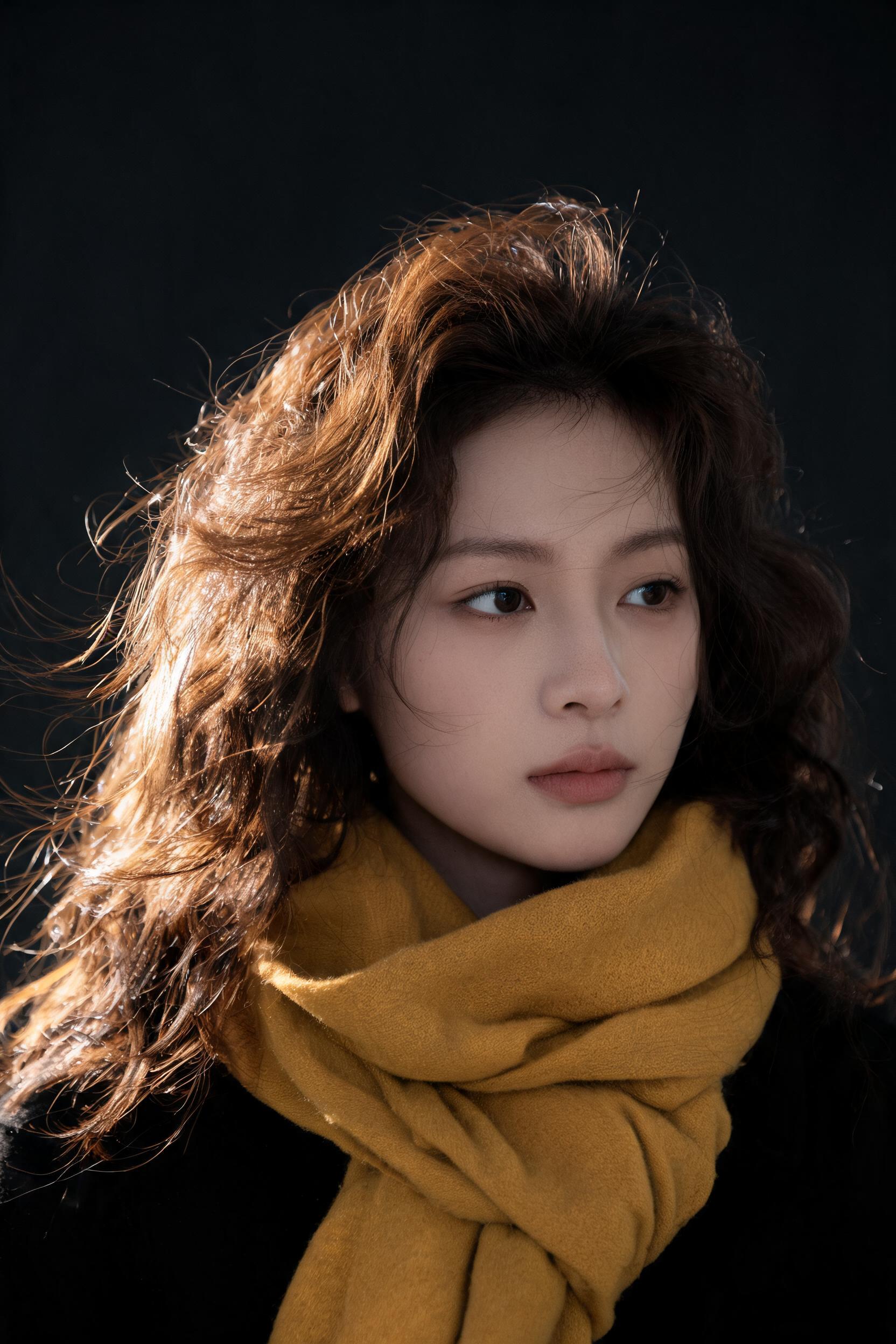
the incoming head, hair included
the same scene the demo used
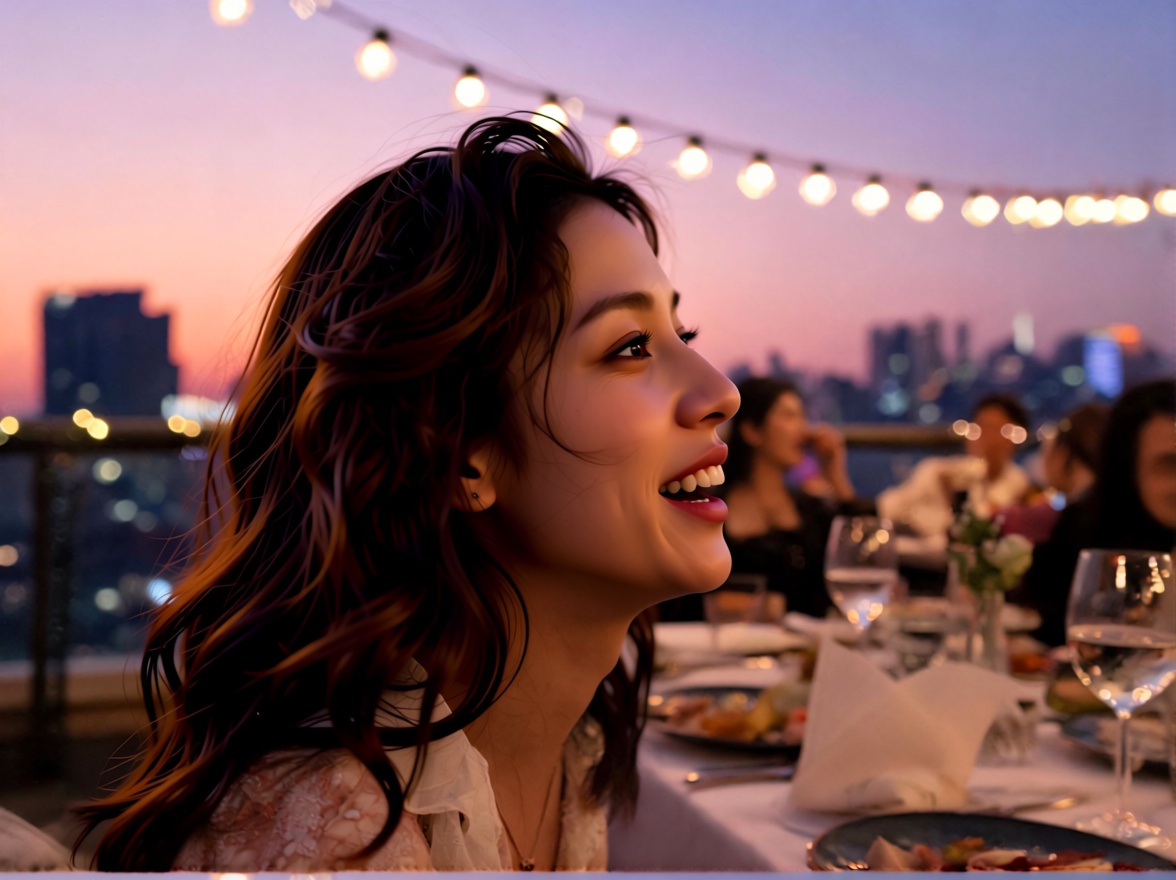
the Head Swap engine's real output, untouched
“Engine: Head Swap. Take the whole head from photo A, hair and all. Photo B keeps everything else.”
the whole setting, as it ran in the studio · nothing retouched after
Job card · as filed
03 · The rule
This is a swap tool, not a face generator. If a photo of the person does not exist, neither does the swap.
Every result begins with a photo you already have. The engine lifts the face from A, settles it into B, and matches the light and grain around it. What it will not do is invent a person. There is no from-scratch face mode and no text box that produces a stranger, and that is a design decision, not a gap.
Swap faces in photos you have the right to use: your own, your project's, the ones where the person said yes. The demo photos on this page were generated on our own pipeline, so nobody real is wearing them.
The whole intake form
04 · Motion
Video Face Swap keeps the recipe and changes one ingredient: the target is a clip instead of a photo.
Photo A stays the face, and a clip takes photo B's chair. The rest of the deal travels with it: the tokens, the commercial license, the absence of watermarks.
Open Video Face SwapUpload two photos: a source photo with the face and a target photo for it to land in. The tool moves the face, or the entire head if you pick Head Swap, onto the target and shows you a before and after comparison before you download.
You get free tokens at signup, no card required, and a swap costs a small slice of them. When they run out, plans are one-time payments rather than subscriptions, and everything you make is yours.
A face swap replaces the face while the target photo keeps its own hair and head shape. The Head Swap engine moves the entire head from your source photo instead: hair, jawline, all of it. Pick it when the hairstyle is half the likeness.
Pro is the default and handles most pairs of photos, including mismatched lighting and angles. Standard is the quick pass for clean, front-facing shots. Head Swap moves the whole head. Infinite You is ByteDance's zero-shot engine, built to preserve a person's identity without any training on them.
No, and that is by design. This is a swap tool: both photos are required, and the face in the result always comes from a real photo you uploaded. It never invents a face.
Yes, with the dedicated Video Face Swap tool. It follows the same idea: a source face and a target clip instead of a target photo.
06 · Begin
Free tokens at signup · no card required · everything you make is yours