Imgica AI
Opening ai image blender.0.0s
Imgica AI
Opening ai image blender.0.0s
Image Reference · Image studio
Load up to fourteen reference frames, write one line of direction, and take away a single image that draws on all of them. A subject from one frame, a surface from another, a palette from a third.
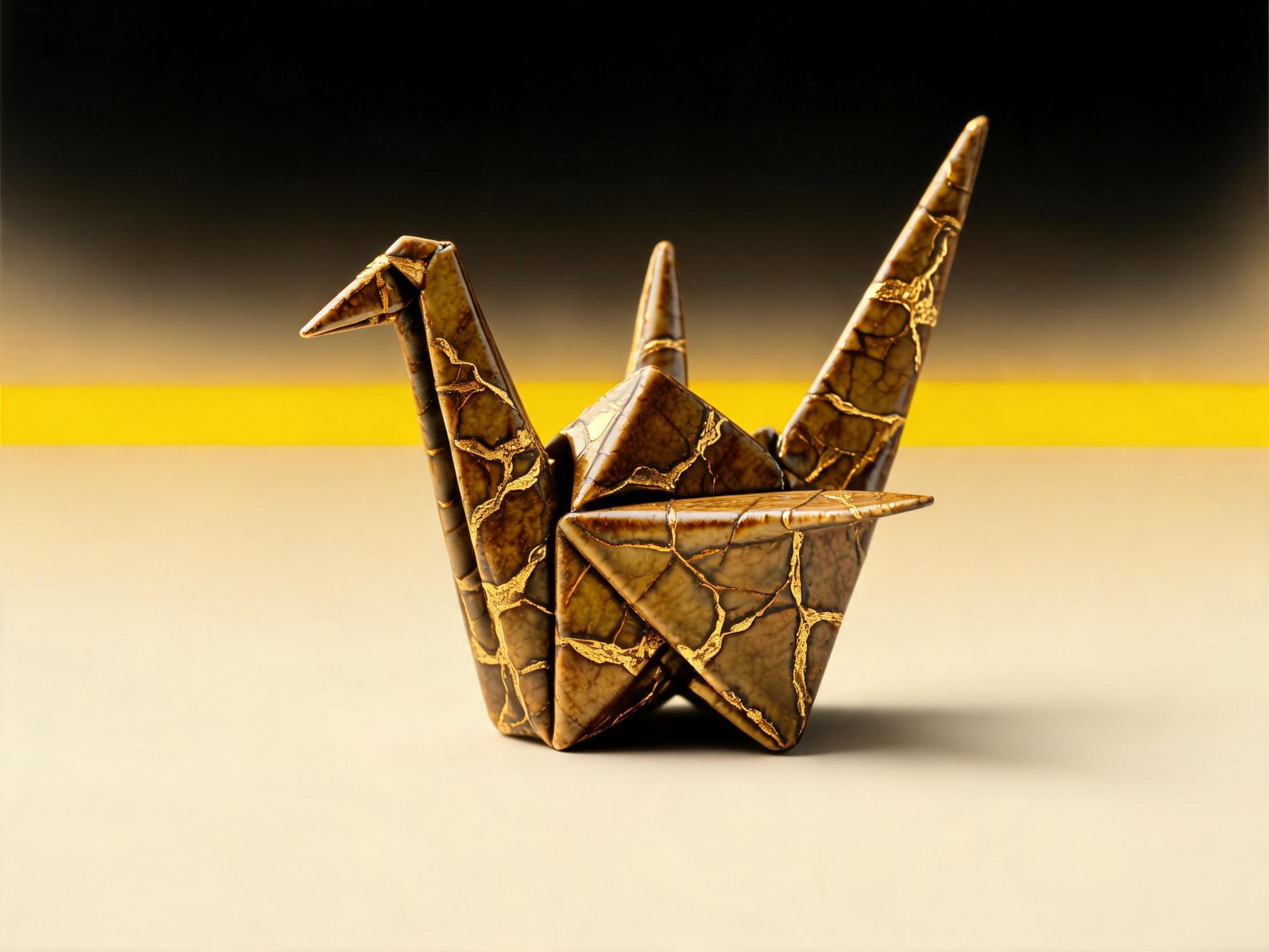
The crane from the first frame, refolded in the gold-cracked glaze, on the yellow horizon
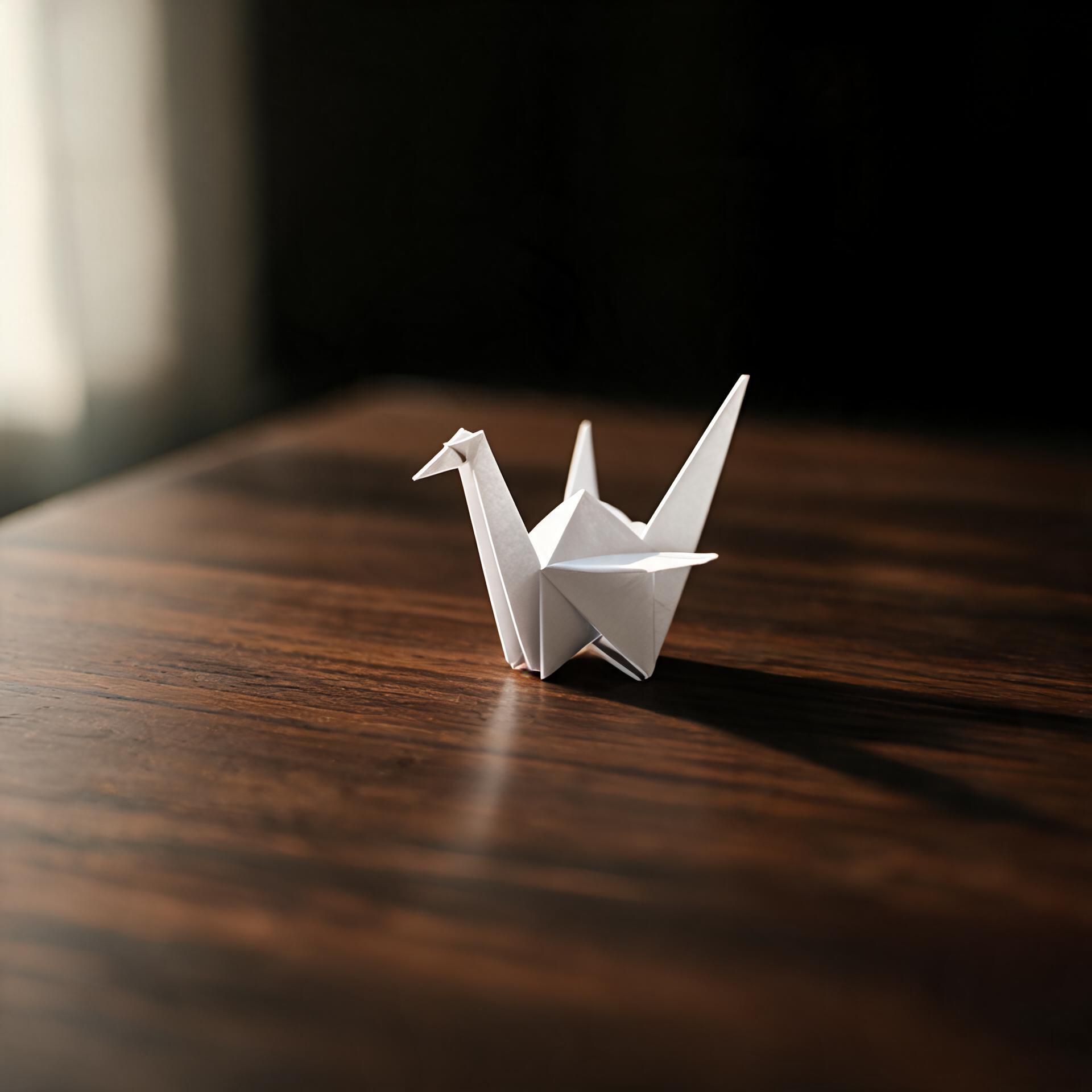 Subject
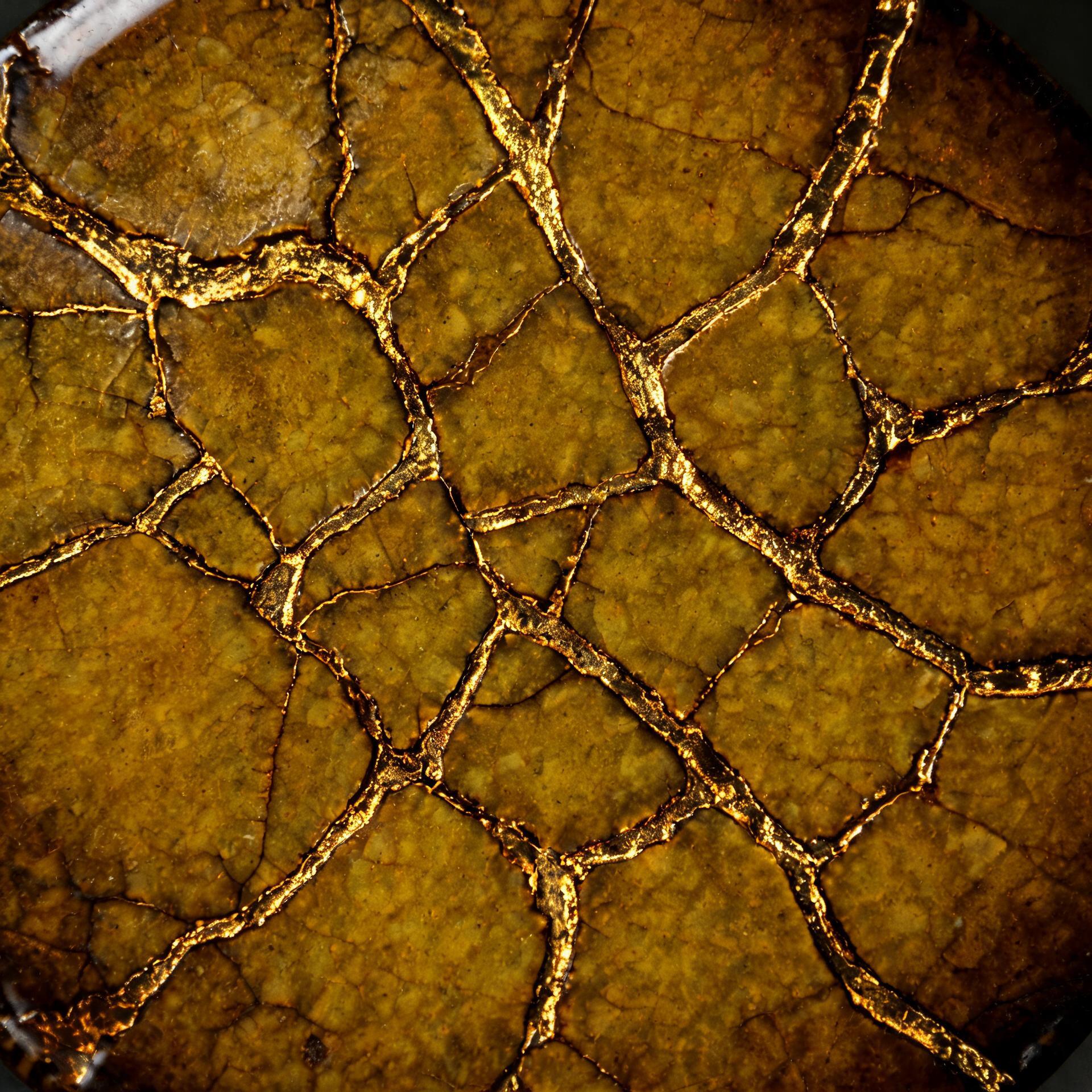 Texture
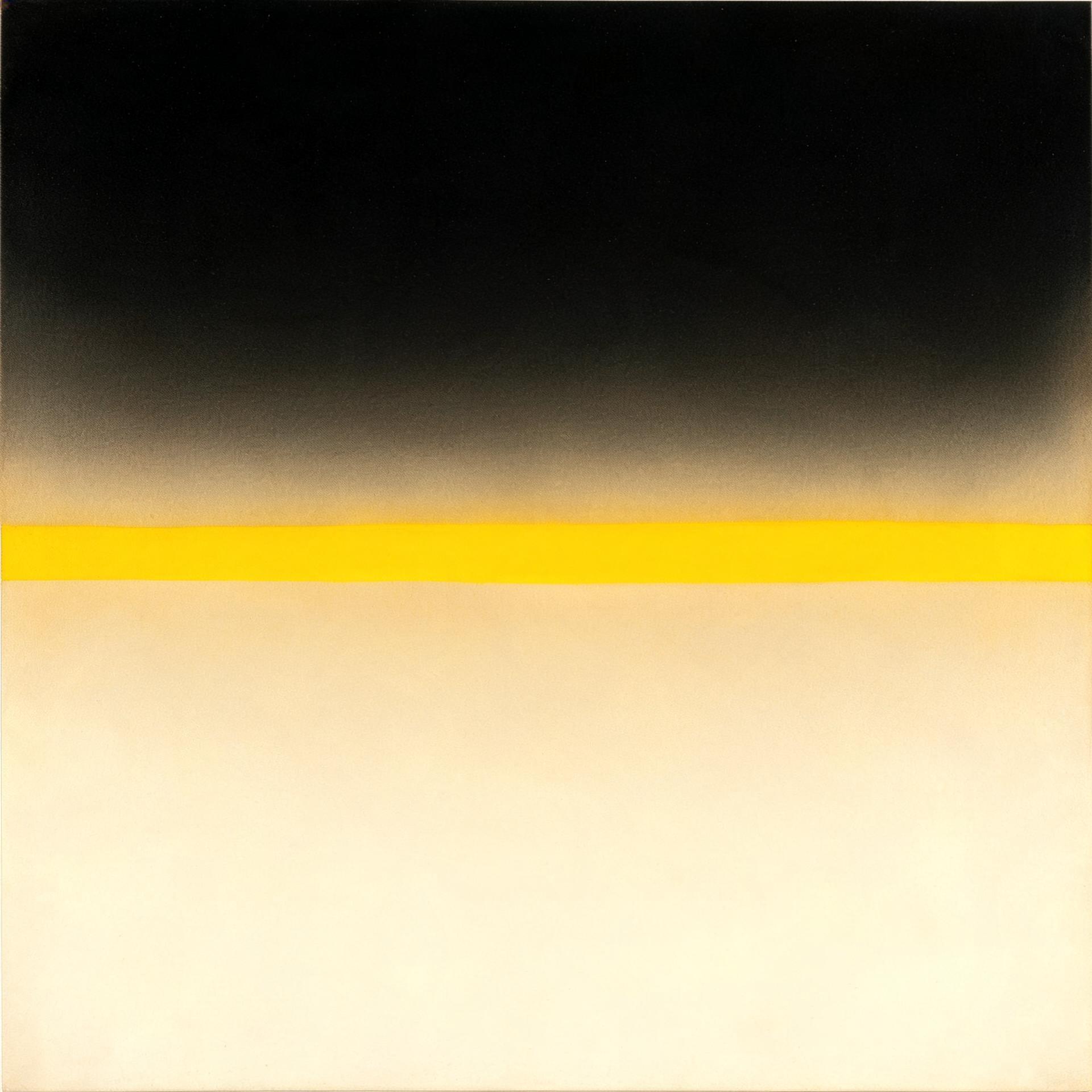 Palette
Three frames on the bench, waiting on one line of direction.
01 · The uses
Blending is not collage. The engine reads your frames and renders one new image, so the seams never existed in the first place.
Keep the subject from one frame and borrow the look of another. A portrait in the linework of a painting, a building in the grain of a woodcut.
Shoot the product once, then stage it anywhere. The bottle from your packshot lands in the set, the light and the season the campaign needs.
Feed the whole board, up to fourteen frames, and ask for the image it keeps hinting at. The render owes something to every pin.
02 · The proof
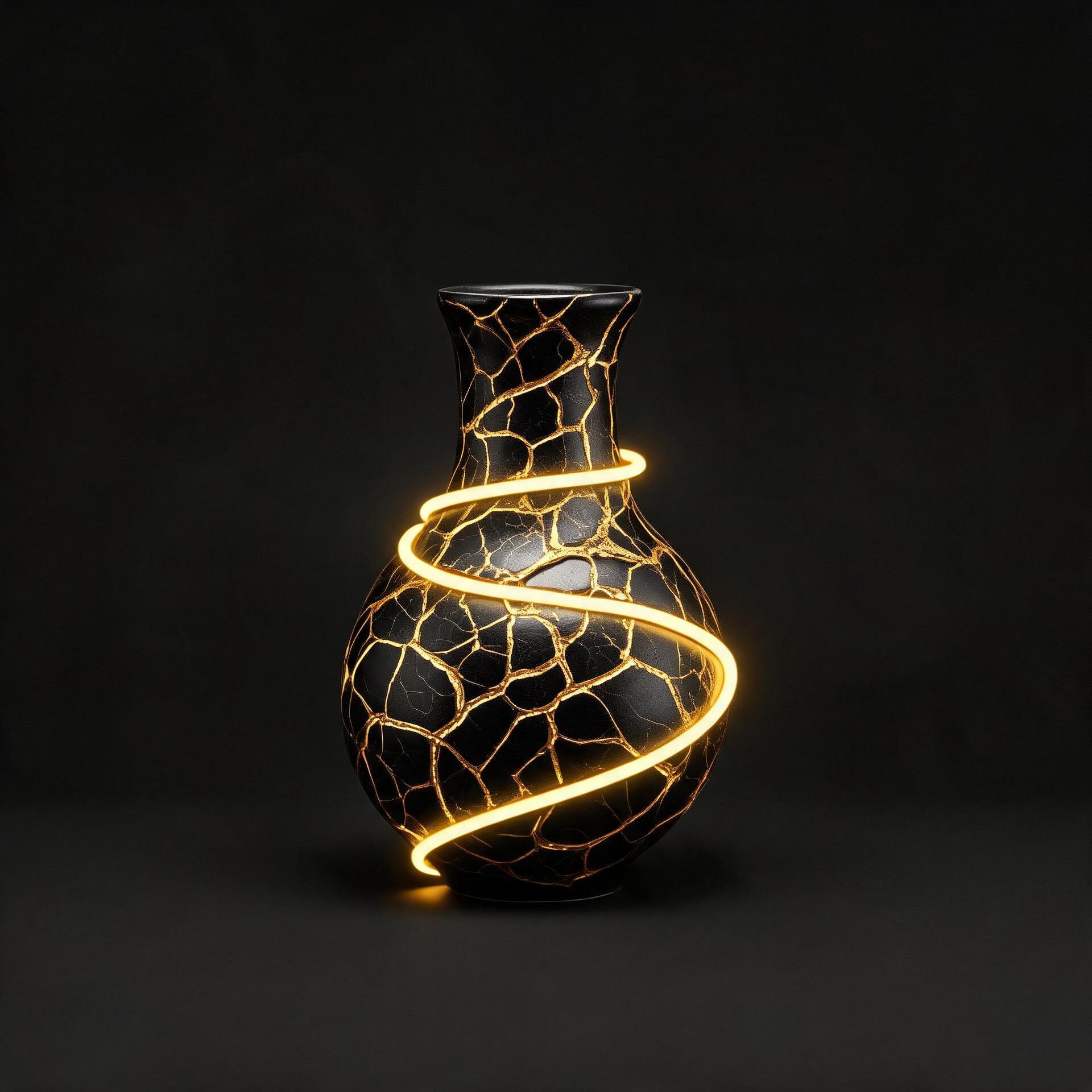
Style meets subject, off the bench. The vessel came from one frame, the glaze from the other, and the engine sent this back.
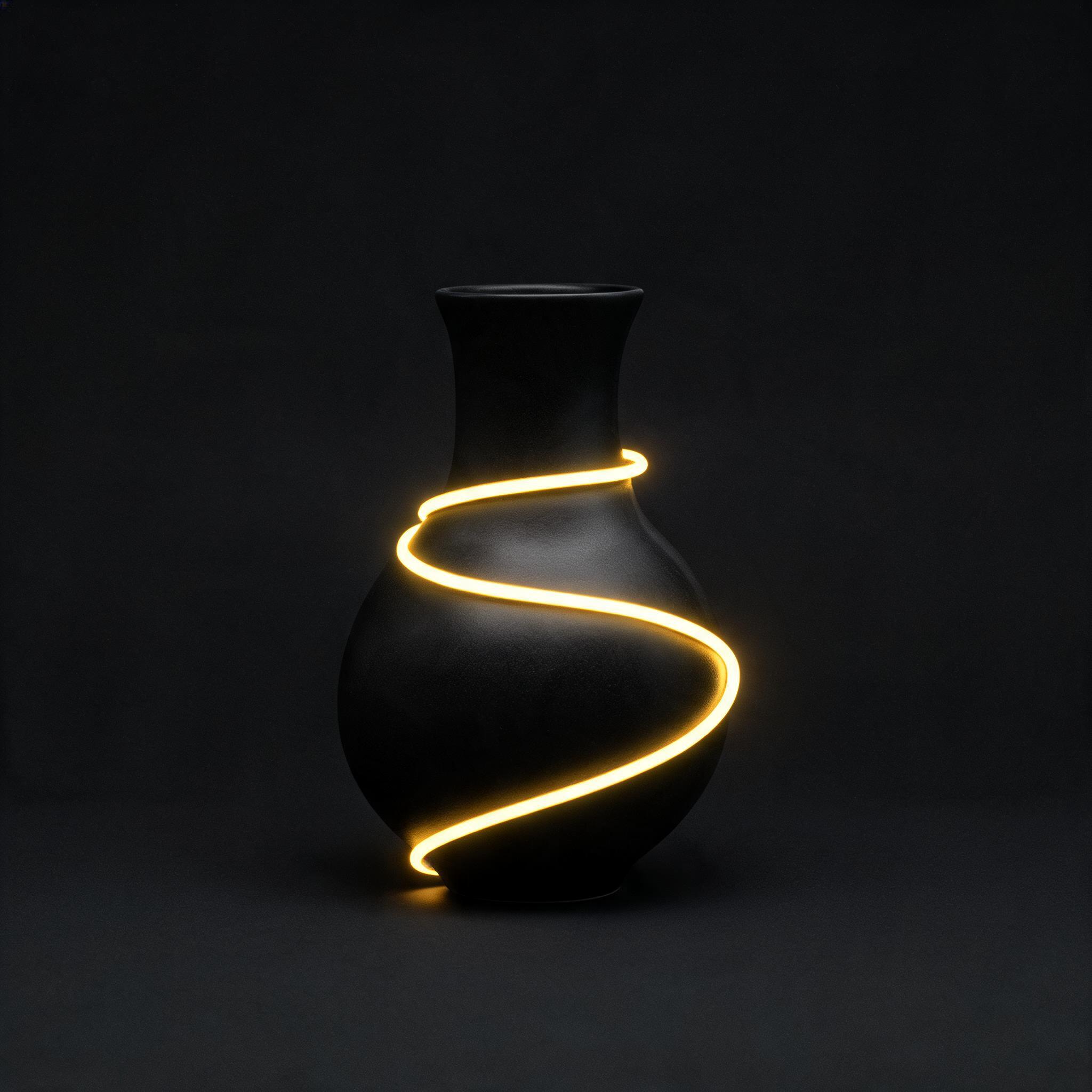 The vesselThe glaze
The direction, as typed
the matte black ceramic vessel now glazed in the cracked gold kintsugi texture from the reference
03 · The engines
Reference blending runs on the same wall of engines as the rest of the image studio. The spec that changes is how many frames each one holds at once, and the receipt prints the real limits wired into the tool, not marketing ranges.
Nano Banana is the default and reads ten. Step up to the Pro bench when the board runs long, or down to the Flux 2 pair for tight two-frame edits.
04 · The method
The whole workflow is one screen in the image studio. Nothing below takes longer to do than to read.
01
Open Image Reference in the image studio and drop in one to fourteen references, depending on the engine. A subject, a surface, a palette, a pose. Every frame is raw material.
02
One line names what each frame contributes. The prompt is the director here: the references supply the material, and your sentence decides what shows through.
03
One new frame comes back at full resolution, no watermark, yours to keep or sell. Run it again with a different line and the same frames answer differently.
05 · Fast answers
A tool that takes several reference images plus a text prompt and produces one new image that draws on all of them. On Imgica the tool is called Image Reference: you load 1 to 14 frames, write one line of direction, and get a single image back.
Up to 14, depending on the engine. Nano Banana Pro and Nano Banana 2 read 14 references. Nano Banana, Seedream V4.5, Seedream V5 Lite and Kling Image O1 read 10. Qwen Image Max takes 6, GLM Image takes 4, and Qwen Image Plus, Flux 2 Pro and Flux 2 Dev take 3.
Upload both as references, then write a prompt that says what each one contributes: the subject from the first, the style or scene from the second. The engine renders one new image from that direction.
The prompt is the director. Name what should carry over: a pose, a palette, a product, a background. The references supply the raw material and your line decides what shows through.
You get free tokens at signup, no card required, so you can run your first blends before paying anything. When you do buy, plans are one time payments rather than subscriptions, and everything you make is yours.
06 · Begin
Your first blends are on the house. Load the frames you have been hoarding and see what one line of direction does with them.
Free tokens at signup · no card required · everything you make is yours